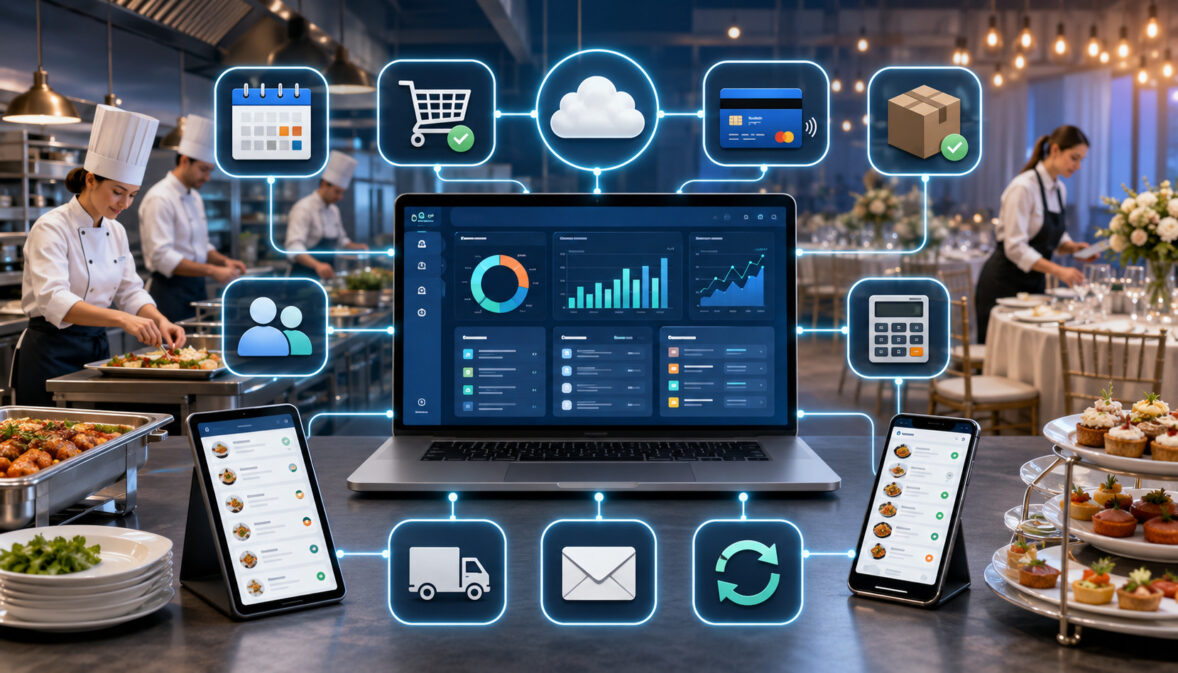
Catering teams rarely manage an event through one system. A customer inquiry may arrive through a website form, the sales team may prepare a proposal in catering software, the customer may pay through a separate payment page, and the finance team may record the transaction in an accounting platform.
Meanwhile, kitchen managers need updated guest counts, delivery coordinators need addresses and arrival windows, and managers need reports showing booked revenue, outstanding balances, staffing requirements, and event performance. When these systems do not communicate, employees often copy information manually from one place to another.
API integrations in catering software help connect these separate workflows. They allow approved systems to exchange information through structured, controlled connections.
An order submitted through a customer portal, for example, may automatically create a catering record, update a shared calendar, generate a payment request, and send relevant details to a reporting dashboard.
This API integration guide for catering software explains how those connections work, which integration types are useful, what can go wrong, and how catering businesses can evaluate their needs before selecting or connecting software.
What Are API Integrations in Catering Software?
An application programming interface, commonly called an API, is a structured method that allows one software system to communicate with another. The API defines what information can be requested, submitted, changed, or retrieved and the rules that connected systems must follow.
API integrations in catering software can connect event orders with payment processing, accounting records, POS systems, delivery platforms, calendars, customer portals, reporting dashboards, and other business tools. Instead of an employee repeatedly copying event information, an API connection can transfer approved fields automatically.
A catering management software API does not necessarily provide unrestricted access to everything stored in the platform. A well-designed connection may permit one system to retrieve event dates while preventing it from accessing payment, employee, or customer information that it does not need.
Teams reviewing how cloud catering software works should pay particular attention to where information originates, which application becomes the main system of record, and how updates move between connected tools. These decisions determine whether an integration actually simplifies work or creates conflicting records.
What an API Means for Everyday Operations
An API can be compared to an agreed set of instructions used by two systems. One system asks for or submits information in a defined format, while the other system checks the request and returns an approved response.
Suppose a customer pays a deposit through a secure payment page. The payment platform can send a message through an API stating that a particular invoice has been paid. The catering platform reads the invoice number, payment amount, transaction status, and date before updating the corresponding event record.
The integration does not require the two applications to have identical screens or internal databases. They only need compatible rules for exchanging the required information. Those rules identify available endpoints, required fields, acceptable formats, authentication methods, and possible error responses.
An API-based catering software workflow can therefore connect specialized tools without forcing the business to replace every application it already uses.
Why APIs Matter for Catering Operations
Catering work changes quickly. Guest counts are adjusted, menu selections are revised, deposits are received, delivery instructions are updated, and event times move. When those changes remain trapped in separate applications, employees may work from outdated information.
Catering software API integrations can reduce duplicate entry by allowing a confirmed change to flow into other relevant systems. They can also improve consistency between customer records, invoices, calendars, production sheets, and reports.
Useful API connections may support:
- Faster movement of website inquiries into the sales pipeline
- Updated deposit and balance information
- Consistent event dates across shared calendars
- Transfer of confirmed menu selections into production planning
- Delivery status updates for coordinators
- More complete operational and financial dashboards
APIs do not correct unclear procedures automatically. If employees use inconsistent customer names, revenue categories, menu codes, or event statuses, the integration may distribute those inconsistencies faster. Reliable results require both sound technology and disciplined workflows.
How Catering Software API Integrations Work
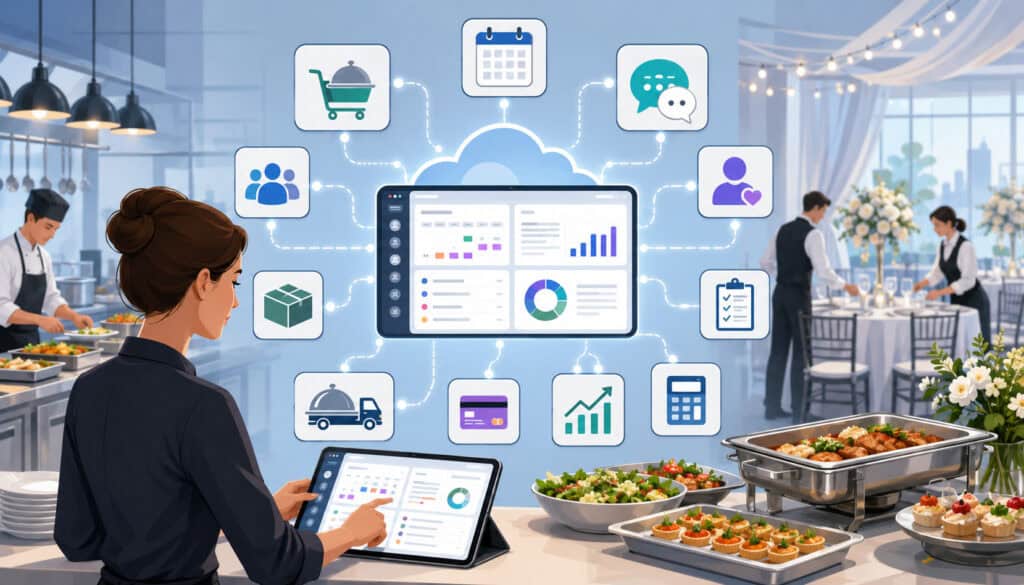
Most catering software integrations follow a similar process. One system sends a request or event notification, the receiving system authenticates the connection, the information is validated, and an approved response is returned.
The connection may use endpoints, which are defined locations for particular actions or types of data. One endpoint might retrieve customer records, while another creates an event order or updates an invoice.
Authentication helps confirm that the request comes from an approved application. Data mapping then connects fields in one system with the correct fields in another. A field labeled “event start” in one application, for example, may need to match “service time” in another.
The integration may update records immediately, at scheduled intervals, or after an employee initiates a sync. Error-handling rules determine what happens when required information is missing, credentials expire, or one of the systems is temporarily unavailable.
API Requests, Responses, and Endpoints
An API request tells a connected application what action is needed. Depending on the available catering software API features, a request may retrieve information, submit a new record, update an existing record, or remove an approved item.
A catering software online ordering API might submit a new quote request containing the customer’s contact details, requested event date, estimated guest count, selected menu, and delivery address. The catering platform may respond with a record identifier confirming that the request was accepted.
Endpoints organize these actions. Developers use the endpoint associated with the exact record or function they need. The API documentation should explain which endpoints are available, which data fields they support, and whether the connection can read, create, or update information.
Responses should also communicate failures. If an event date uses an unsupported format or a required customer email address is missing, the system should return an understandable error instead of silently rejecting the record.
Authentication and Controlled Access
API authentication verifies the identity of the connected system. Common approaches include API keys, access tokens, approved credentials, and authorization processes that let an administrator grant limited access.
Authentication and authorization serve related but different purposes. Authentication confirms who or what is making the request. Authorization determines what that application is permitted to do after its identity has been confirmed.
A calendar integration may need permission to read event dates and create calendar entries. It generally does not need access to accounting categories, payment information, recipe costs, or every customer note.
Access should follow the principle of granting only the minimum permissions required for the connection. The official definition of least privilege describes limiting users or processes to the resources and authorizations needed for assigned functions.
Catering Software API Integrations at a Glance
Not every catering business requires the same integrations. A small operation may prioritize payments, calendars, and accounting exports, while a multi-location organization may require POS, inventory, production, delivery, CRM, and reporting connections.
The following table shows common catering business software integrations and the information they may exchange.
| API Integration Type | What It Connects | What Data May Sync | Why It Matters |
| POS API | Catering orders and sales systems | Menu items, totals, taxes, customer details, order status | Reduces repeated order entry |
| Payment API | Invoices and secure payment workflows | Deposits, balances, refunds, payment status | Improves payment visibility |
| Accounting API | Catering and bookkeeping records | Invoices, payments, customers, revenue categories | Supports review and reconciliation |
| Online ordering API | Website forms and catering records | Contact details, menus, guest counts, order requests | Supports self-service inquiries and ordering |
| Delivery API | Events and routing tools | Addresses, arrival windows, driver notes, status | Improves delivery coordination |
| Calendar API | Events and shared schedules | Dates, deadlines, appointments, reminders | Helps prevent scheduling gaps |
| CRM API | Leads and customer profiles | Contacts, notes, event history, quote status | Supports consistent follow-up |
| Reporting API | Operational tools and dashboards | Sales, events, payments, delivery, performance data | Improves management visibility |
| Inventory API | Menus, recipes, and stock planning | Ingredients, recipe quantities, guest counts, stock levels | Supports purchasing and production |
| Custom API | Specialized or internal applications | Business-specific records and workflow events | Supports advanced requirements |
A list of available connections should not be treated as proof that every integration will fit the business. Teams should evaluate the direction of each sync, available fields, update timing, configuration requirements, security controls, and ongoing support.
How to Use the Comparison Table
Begin by identifying where employees currently re-enter information. Repeated entry often reveals the strongest opportunities for API integration for catering software.
Next, classify each potential connection as essential, useful, or optional. An integration is essential when a missing or delayed update regularly creates operational problems. It may be useful when it saves administrative time but does not affect event execution. Optional connections can be considered after the primary workflow is stable.
Review the table during software demonstrations and ask the provider to show an actual data flow. A logo or integration name on a feature page does not explain which records sync, whether the connection is one-way or two-way, or how errors are handled.
The must-have features in event catering software should be evaluated together with integration capabilities. Strong integrations cannot compensate for weak event management, proposal, production, or reporting features.
Why Every Business Does Not Need Every API
Additional connections create additional dependencies. Every API must be configured, tested, documented, monitored, and adjusted when either connected platform changes.
A small catering team handling a manageable number of events may work effectively with payment links, calendar synchronization, and periodic accounting exports. A custom inventory API may add more expense and maintenance than value if purchasing is simple and menu changes are infrequent.
Larger organizations may gain more from extensive catering management software integrations. Multiple sales representatives, kitchens, delivery teams, or locations create more opportunities for duplicate records and inconsistent updates.
The best API integrations for catering management software are therefore the ones that solve documented workflow problems. The number of connections is less important than their reliability, security, and usefulness.
API Integrations, Built-In Connections, and File Transfers
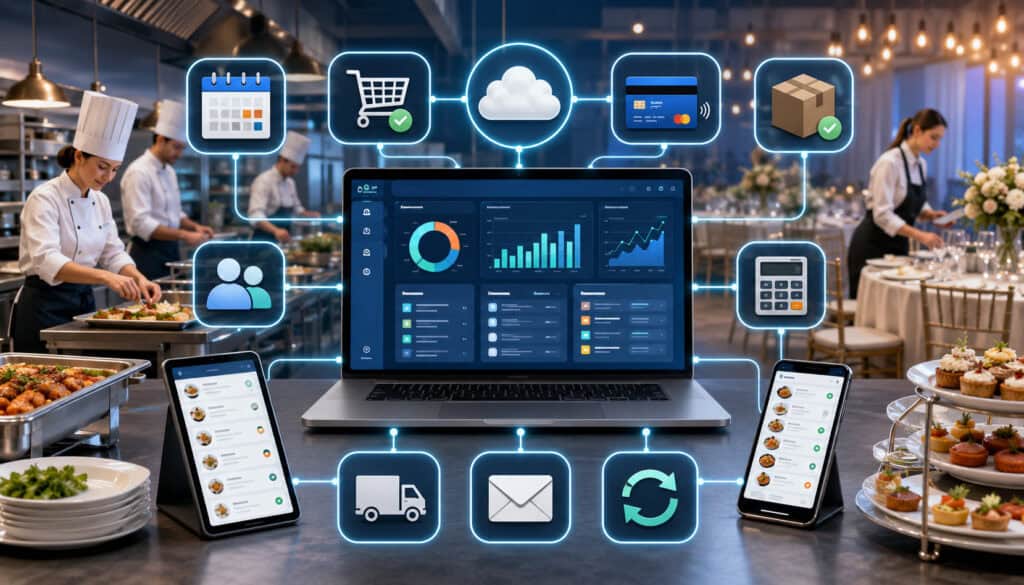
A built-in integration is a connection that has already been developed and packaged for users of the software. Setup may involve selecting the external application, signing in, granting permission, choosing synchronization settings, and mapping a limited number of fields.
A custom catering platform API connection gives developers greater flexibility. It may connect a specialized ordering portal, internal database, venue system, or proprietary reporting tool. That flexibility usually requires more planning, technical expertise, testing, and maintenance.
Import and export tools offer another option. CSV files, spreadsheets, and downloaded reports can move data without a continuous API connection. They may be adequate when information only needs to move occasionally.
Understanding these differences prevents teams from paying for custom development when a built-in connection or scheduled export would meet the same requirement.
Built-In Integrations Versus Custom API Work
Built-in integrations are usually faster to activate because the connection has already been developed for a known workflow. They may include configuration screens, standard field mapping, help documentation, and established support procedures.
Their limitation is that the provider controls which records, fields, and actions are supported. A built-in accounting connection may transfer finalized invoices and payments but exclude detailed production information or custom event fields.
Custom catering software integrations can be designed around specific business requirements. They may connect an unusual venue workflow, specialized customer portal, internal purchasing system, or custom analytics environment.
Before approving custom development, define the expected operational result. Estimate implementation, testing, maintenance, support, and future modification requirements. A connection that saves a few minutes each month may not justify a complex custom build.
APIs Versus Import and Export Tools
Import and export tools are useful when information moves infrequently or requires review before it enters another system. A finance team may prefer a reviewed monthly export rather than an automatic accounting sync during the early stages of implementation.
File transfers may also support one-time migrations, historical backups, periodic customer-list updates, and manual analysis. They provide an accessible alternative when an application does not offer the required endpoint.
API connections are generally more suitable when records must move frequently, promptly, and consistently. Payment confirmations, event changes, online orders, and delivery status updates can lose value when they wait for a manual upload.
The decision should reflect timing and risk. Automatic movement is valuable when speed matters, while a controlled export can be appropriate when human review is more important than immediate synchronization.
POS, Payment, and Accounting API Integrations
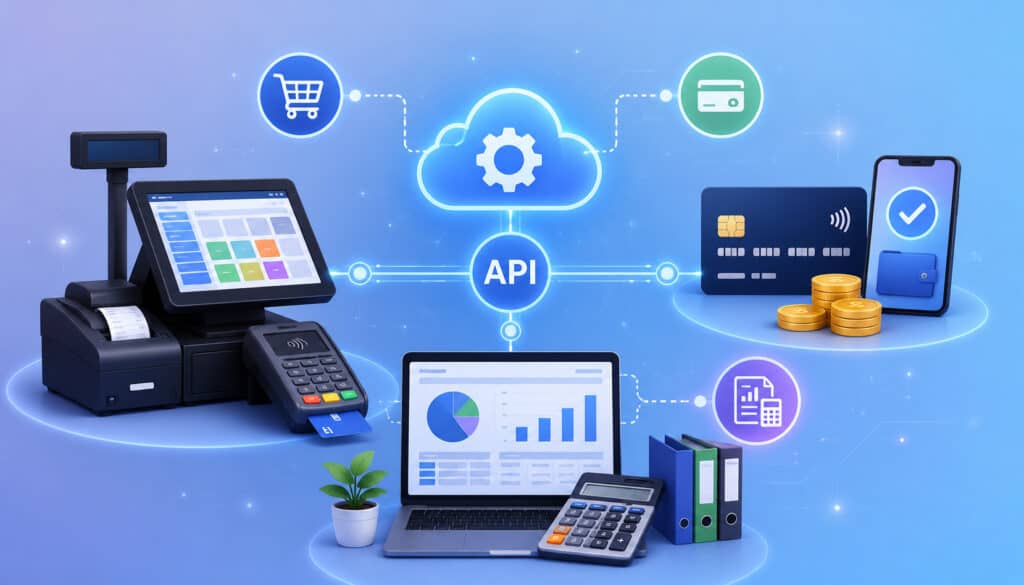
POS, payment, and accounting connections support related but distinct parts of the transaction workflow. A POS API may provide order and sales information, a payment API updates transaction status, and an accounting API transfers reviewed financial records.
These connections require careful mapping because each application may organize taxes, service charges, deposits, refunds, gratuities, discounts, and revenue categories differently. A successful connection must preserve enough detail for the receiving team without creating duplicate transactions.
Businesses exploring catering software integrations within their operating model should document how an inquiry becomes a quote, how the quote becomes an event, how payments are collected, and how completed transactions reach finance records.
Catering Software POS API Integration
A catering software POS API integration may connect menu items, order totals, taxes, modifiers, customer information, and sales activity. It can be particularly helpful when a restaurant or food service operation uses one system for daily transactions and another for larger catering events.
Menu mapping is frequently the most difficult part. Catering packages may not match individual POS items, and modifiers may represent different quantities, prices, or production requirements. Teams must decide whether bundled packages remain bundled or are divided into component items.
Testing should include discounts, service charges, canceled orders, refunds, item substitutions, and changes made after an order is confirmed. Teams must also determine which platform controls pricing and whether changes move in one direction or both.
Without clear ownership rules, a menu update in one application can overwrite a correct value in another or create duplicate item records.
Catering Software Payment API Integration
A catering software payment API integration can connect invoices, deposits, payment links, partial payments, final balances, refunds, card transactions, ACH payments, and supported digital wallets.
When a customer completes a transaction, the payment API may update the event record automatically. Sales and operations teams can then see whether the required deposit has been received without requesting a separate update from finance.
Payment status must be mapped precisely. Pending, authorized, completed, failed, reversed, refunded, and disputed transactions should not all be treated as paid. The integration should also identify how partial refunds and multiple payments affect the remaining balance.
Raw payment credentials should not be copied into event notes, email messages, chat conversations, or general spreadsheets. Official payment-data storage guidance explains that encrypted cardholder data remains cardholder data for applicable assessment criteria and still requires appropriate protection.
Catering Software Accounting API Integration
A catering software accounting API integration may transfer customers, invoices, payment status, deposits, adjustments, refunds, and revenue categories. It can reduce repeated data entry and support more organized reconciliation.
The connection must account for the different purposes of each system. Catering software focuses on the event workflow, while accounting software organizes financial records. A single catering event may include food, equipment, staffing, delivery, and service charges that require separate categories.
Finance teams should test sample invoices before activating automatic transfers. Scenarios should include deposits, partial payments, changes after invoicing, cancellations, refunds, credits, and final balances.
An API can reduce manual work, but it does not remove the need for qualified financial review. Tax treatment, accounting policies, reconciliation procedures, and regulatory questions should be reviewed by appropriate professionals.
Customer, Ordering, Calendar, and Communication APIs
Customer-facing integrations connect the sales and service experience with internal operations. They may capture inquiries, create customer records, schedule appointments, send confirmations, update quote status, and record communication history.
These connections can speed up response times, but they require clear rules. An incomplete website form should not automatically become a confirmed production order, and a tentative date should not block the calendar in the same way as an approved event.
Customer information should also remain consistent. Variations in email addresses, telephone formats, company names, or event labels can produce duplicate CRM records and fragmented histories.
Online Ordering and CRM API Connections
A catering software online ordering API can connect website forms, customer portals, menu pages, group orders, and quote requests with the catering platform. Depending on the workflow, a submission may create a lead, draft event, pending order, or confirmed booking.
The connection should capture enough information for useful follow-up without asking customers for unnecessary details. Common fields include contact information, event date, guest count, service type, delivery address, menu selections, dietary requests, and requested timing.
A catering CRM API integration can then move the inquiry into a sales pipeline. It may synchronize customer profiles, event history, quote status, notes, communication records, and follow-up tasks.
Duplicate prevention is important. Matching rules may use email addresses, telephone numbers, customer identifiers, or a combination of fields. Employees also need a process for reviewing possible matches rather than automatically merging unrelated records.
Calendar, Email, and Messaging Connections
Calendar APIs can synchronize event dates, tastings, client meetings, kitchen deadlines, delivery windows, and internal reminders. Shared visibility helps sales, operations, kitchen, and delivery teams coordinate around the same schedule.
The integration should distinguish between inquiries, tentative holds, confirmed events, and canceled bookings. Otherwise, unqualified leads may make the calendar appear fully booked or canceled events may continue generating reminders.
Email, SMS, and messaging APIs can send proposal follow-ups, payment notices, order confirmations, deadline reminders, event updates, and post-event messages. Triggers may be based on event status, payment status, or a scheduled milestone.
Automation should remain controlled. Messages must reflect the latest event information, provide useful instructions, and stop when they are no longer appropriate. Excessive or conflicting notifications can make the customer experience less clear rather than more convenient.
Delivery, Inventory, Production, and Scheduling APIs
Operational catering software data integration connects booked events with the people and materials needed to execute them. These connections may turn addresses into delivery routes, menu selections into ingredient requirements, and guest counts into production quantities.
Operational integrations can save substantial coordination time, but inaccurate data can have direct event-day consequences. A missing address detail, outdated menu, or incorrect guest count can affect purchasing, preparation, packing, staffing, and arrival times.
For that reason, teams should define approval points. A draft menu may remain in sales planning, while only an approved version is released to production or inventory systems.
Delivery and Route API Integrations
A catering software delivery API integration may transfer delivery addresses, contact names, telephone numbers, access instructions, setup requirements, arrival windows, driver notes, and delivery status.
Routing tools can use this information to organize multiple deliveries and estimate travel sequences. Updates may then return to the catering platform so coordinators can see whether an order is assigned, in transit, delayed, delivered, or completed.
Address validation deserves special attention. Venue names, loading entrances, suite numbers, parking instructions, and service-elevator details may be as important as the street address.
Event-day visibility helps managers respond to customer questions, but automated status messages should not make promises that the underlying delivery system cannot support. Teams should also define what happens when a driver loses connectivity or a route is reassigned manually.
Inventory, Recipe, and Kitchen Production Connections
Inventory APIs may connect menu items, recipes, ingredients, guest counts, stock levels, and purchasing requirements. A confirmed order for a particular menu can create estimated ingredient demand based on its recipe quantities.
Recipe and menu identifiers must remain consistent. If the same dish has several names or outdated recipes remain active, the integration may calculate incorrect requirements.
Kitchen production connections can transform approved event information into banquet event orders, production sheets, prep lists, batch recipes, packing lists, station assignments, and event timelines. When guest counts or menus change, approved updates may flow into the corresponding production records.
Version control is critical. Employees should know whether printed sheets remain valid after an electronic update and how urgent changes are communicated to kitchen and packing teams. APIs reduce copying, but they do not replace an agreed change-management procedure.
Staff Scheduling and Labor Visibility
Staff scheduling APIs can connect event requirements with kitchen shifts, service teams, setup crews, delivery drivers, and task assignments. The connection may use event type, guest count, service style, location, timing, and delivery complexity to estimate staffing needs.
Managers may then view open assignments, availability, or scheduling conflicts without rebuilding the event details in another system. Status updates can show whether required roles have been assigned.
The integration should not automatically treat an estimate as an approved schedule. Managers need a clear review step for staffing requirements, changes, and exceptions.
Scheduling, payroll, employment, and labor-related rules can vary by situation. Software connections should be treated as operational tools, while specific employment or payroll questions should be reviewed with qualified professionals.
Reporting APIs, Webhooks, and Sync Timing
A catering reporting API integration can bring information from sales, events, payments, delivery, and other systems into a centralized dashboard. Common measures include inquiry volume, quote conversion, booked revenue, deposits, outstanding balances, event counts, delivery performance, and customer activity.
Dashboards are only as dependable as the underlying records. Inconsistent statuses, duplicate customers, missing categories, or failed syncs can produce misleading results.
Update timing also affects interpretation. A real-time operations dashboard and a nightly finance report may show different figures because they serve different purposes and refresh at different intervals.
Webhooks and Event-Based Updates
A webhook is an automatic notification sent when a defined event occurs. Rather than repeatedly asking whether anything has changed, the receiving application waits for the source system to announce the change.
Catering webhook examples may include:
- A new order was created
- A deposit was completed
- An invoice was updated
- A guest count changed
- An event was canceled
- A delivery status changed
- A customer record was revised
Webhooks can support prompt updates, but the receiving application must validate and process them correctly. It should also handle repeated notifications without creating duplicate records.
Teams should ask whether failed webhook deliveries are retried, where failures appear, and whether notifications can be replayed after an outage.
Real-Time Sync Versus Scheduled Sync
Real-time or near-real-time synchronization is useful when delays affect customers or active operations. Payment completion, delivery status, order confirmation, and important event changes may require quick updates.
Scheduled synchronization runs at defined intervals. It can be suitable for nightly accounting transfers, periodic customer updates, inventory summaries, or reports that do not require immediate information.
Faster is not always better. Frequent requests may increase system load, encounter rate limits, or spread incomplete changes before an employee finishes editing the record.
The sync schedule should reflect the operational need. Teams should document how fresh each report or record is expected to be so employees do not assume a scheduled update is immediate.
Data Mapping, Testing, and Error Handling
Data mapping connects a field in one application with the corresponding field in another. Examples include customer name, event date, guest count, menu item, invoice number, payment status, revenue category, and delivery address.
Some matches are straightforward. Others require translation rules because systems use different labels, formats, categories, or status values.
A successful catering management software API implementation must also define validation and error handling. The system should explain why a record failed and give the responsible employee enough information to correct it.
Why Careful Data Mapping Matters
Poor mapping can create duplicate customers, incorrect invoices, missing deposits, wrong menu quantities, incomplete addresses, and unreliable reports. A seemingly minor mismatch can affect several downstream systems.
Status mapping is a common problem. One platform may use “booked,” another “confirmed,” and a third “approved.” Teams must determine whether those labels represent the same operational state.
Dates and times require similar attention. The connection should account for time zones, all-day records, setup times, service times, delivery windows, and events that cross midnight.
Before configuration begins, create a field-mapping document. List the source field, destination field, format, owner, transformation rule, and action taken when the value is missing.
Testing With Realistic Catering Scenarios
Testing should reflect actual catering work rather than ideal sample records. Use a range of event types, payment situations, menu changes, delivery details, and customer updates.
A useful test set may include:
- A new inquiry that becomes a confirmed event
- A guest-count increase after a deposit
- A menu substitution
- A partial payment followed by a final balance
- A refund or cancellation
- A corrected delivery address
- A duplicate customer submission
- A failed sync caused by a missing field
- An event moved to another date
Employees from sales, operations, kitchen, delivery, and finance should review the results relevant to their responsibilities. Technical success alone does not prove that the business workflow is correct.
API Security, Documentation, and Support
APIs may connect customer details, event records, invoices, operational notes, and payment status. Security should therefore be considered during selection, setup, testing, and ongoing maintenance.
Useful controls include protected credentials, encrypted connections, limited permissions, activity logs, role-based access, version inventories, and procedures for revoking unused connections.
The official API protection guidance from NIST emphasizes identifying API risks throughout development and operation and applying appropriate protection controls. The OWASP API security guidance also highlights risks involving authentication, authorization, configuration, resource consumption, and third-party API use.
Protecting Credentials and Limiting Permissions
API keys and access tokens should not be placed in email threads, spreadsheets, general chat messages, shared event notes, or unsecured documents. They should be stored through an approved credential-management process and made available only to authorized systems or personnel.
Use separate credentials for development, testing, and live operations where supported. This reduces the likelihood that a test connection will affect actual event or customer records.
Permissions should be limited to the required data and actions. A reporting connection may only need read access, while an online ordering connection may need permission to create leads but not modify completed invoices.
Review connected applications regularly. Revoke access when a system is retired, a developer’s responsibility ends, or a connection is no longer used.
Documentation and Developer Support
Useful API documentation should explain authentication, endpoints, available fields, required formats, sample requests, sample responses, webhooks, rate limits, error codes, testing environments, and version changes.
Documentation should also clarify whether an endpoint can read, create, update, or delete records. Ambiguous documentation increases development time and the likelihood of incorrect assumptions.
Developer support matters when a custom cloud catering software API is involved. Teams may need help interpreting errors, understanding field behavior, testing updates, or preparing for a version change.
Before committing to custom work, identify who will maintain the connection. Responsibility may belong to internal technical staff, an implementation partner, or another qualified developer. The arrangement should cover monitoring, incident response, updates, and documentation.
Common Mistakes and an API Integration Checklist
Many API projects struggle because teams begin with software configuration instead of workflow planning. They connect applications before deciding what information should move, who owns it, and how failures will be handled.
Other common mistakes include connecting too many systems at once, skipping data cleanup, mapping fields informally, sharing credentials insecurely, testing only perfect records, and ignoring error logs after launch.
The following checklist can support demonstrations, implementation planning, testing, and periodic reviews.
| Checklist Area | What to Review | Why It Matters | Priority |
| Workflow need | What information should move and why | Prevents unnecessary connections | High |
| System ownership | Which application controls each field | Avoids conflicting updates | High |
| API access | Documentation, endpoints, and credentials | Confirms setup feasibility | High |
| Authentication | Keys, tokens, and authorization | Protects access | High |
| Data mapping | Fields, formats, statuses, and categories | Improves accuracy | High |
| Testing | Realistic catering scenarios | Finds problems before launch | High |
| Payment workflow | Secure collection and status handling | Protects sensitive processes | High |
| Accounting workflow | Invoices, deposits, refunds, and categories | Supports review | High |
| Webhooks | Available event notifications and retries | Supports timely updates | Medium/High |
| Error logs | Failed-sync visibility and alerts | Speeds troubleshooting | High |
| Support | Technical and implementation resources | Reduces unresolved issues | Medium/High |
| Maintenance | Ownership, reviews, and version changes | Keeps the connection reliable | High |
Planning Before Connecting Systems
Start by mapping the current workflow. Record how inquiries, quotes, approvals, menus, deposits, production details, deliveries, and final invoices move through the business.
For each proposed connection, answer four questions:
- What information needs to move?
- Which system owns that information?
- When should it move?
- Who reviews failures or exceptions?
Data cleanup should happen before synchronization. Review customer records, menu names, event statuses, invoice categories, delivery fields, and duplicate entries.
The implementation guidance in best practices for catering management software also recommends adding integrations carefully and testing real finance and operational scenarios rather than assuming information will transfer correctly.
Monitoring Errors After Launch
An integration is not finished when it passes its initial test. Credentials expire, fields change, software versions are updated, and employees begin entering combinations of information that were not included in the original test plan.
Monitor failed requests, duplicate records, missing fields, delayed updates, unexpected overwrites, and unusual changes in record volume. Assign a responsible person or team to review alerts.
Keep a troubleshooting log showing the date, affected systems, error message, business impact, correction, and preventive action. Repeated failures often reveal a mapping or workflow problem that should be corrected at its source.
Maintain a manual fallback for critical processes. Employees should know how to confirm payments, retrieve event details, or communicate delivery updates if a connection becomes temporarily unavailable.
Best Practices for API Integrations in Catering Software
A strong API program begins with a business problem, not a long feature list. Teams should prioritize connections that reduce meaningful duplicate work, improve event execution, or provide information employees cannot obtain reliably through the current process.
Recommended practices include:
- Define the workflow before selecting the API
- Choose a clear system of record
- Clean existing data before synchronization
- Map fields and statuses formally
- Start with high-value integrations
- Test realistic and difficult scenarios
- Protect API credentials
- Limit access to necessary information
- Document automatic and manual steps
- Monitor errors and delayed updates
- Train employees on what does and does not sync
- Retain appropriate export options
- Review connections after workflow changes
- Avoid custom development without a justified need
Specific legal, tax, accounting, payroll, employment, food safety, privacy, cybersecurity, and compliance questions should be reviewed with qualified professionals.
Creating a Practical Integration Plan
Create an inventory of every application used for sales, events, payments, accounting, online ordering, delivery, calendars, communication, production, inventory, scheduling, and reporting.
Draw the desired data flow between those systems. Use arrows to show direction and label whether each update is immediate, scheduled, or manually initiated.
Assign an owner to each connection. The owner does not need to write code, but should understand the business purpose, review errors, coordinate testing, and approve workflow changes.
Define success in measurable operational terms. Examples include fewer duplicate customer records, faster payment-status updates, reduced order entry, more accurate production sheets, or shorter reporting preparation time.
Maintaining Connections Over Time
Review API connections whenever menus, prices, payment methods, user roles, event statuses, accounting categories, or business procedures change.
Software updates may introduce new fields, alter authentication requirements, change rate limits, or retire older endpoints. Providers should communicate major changes, but the business still needs a process for evaluating their effect.
Repeat key test scenarios after significant updates. Confirm that new records still map correctly and that existing automations do not send inappropriate messages or overwrite approved information.
Also review whether each integration remains worthwhile. A connection that once served an important workflow may become unnecessary after systems are consolidated or procedures change.
How to Choose Catering Software With Strong API Capabilities
Choosing software based only on the number of advertised integrations can be misleading. A shorter list of dependable connections may be more valuable than a large catalog of limited or poorly documented options.
Evaluate the complete workflow, including built-in features, API access, webhooks, import and export tools, authentication, permissions, documentation, testing support, implementation assistance, maintenance responsibilities, and total cost.
The most suitable catering management software API is one that supports the business’s actual data flows without creating unnecessary complexity.
Questions to Ask During Evaluation
Ask practical questions during demonstrations and technical reviews:
- Which integrations are built in, and which require custom development?
- Is API access included or priced separately?
- Which records and fields are supported?
- Is synchronization one-way or two-way?
- Which system wins when the same field changes in both places?
- Are webhooks available?
- How are duplicate records identified?
- What authentication methods are supported?
- Can permissions be limited?
- Is a separate testing environment available?
- What rate limits apply?
- How are failed requests reported and retried?
- How are API changes communicated?
- What support is available during setup and after launch?
- Can all important records be exported?
Request a demonstration using a realistic event rather than a generic contact record. Include a quote, guest-count change, deposit, menu revision, delivery update, and final invoice.
Compare Workflow Fit Instead of API Count
The best integration capabilities for catering software improve the flow of information across sales, operations, kitchen, delivery, and finance. They should make important records easier to trust and maintain.
Consider employee usability alongside technical capability. A sophisticated integration offers limited value if employees cannot understand which application to update or how to resolve an exception.
Also compare security controls, support quality, documentation, setup requirements, and maintenance costs. Custom connections may require ongoing developer involvement that is not obvious in the initial software price.
Choose practical, well-tested connections that align with existing responsibilities. Avoid building a complicated network of APIs simply because the endpoints are available.
Frequently Asked Questions
What are API integrations in catering software?
API integrations are structured connections that allow catering software to exchange approved information with other applications.
They may connect event orders, payments, accounting records, POS systems, online ordering forms, calendars, delivery tools, CRM records, inventory planning, and reports. The connection follows defined rules concerning available fields, permissions, authentication, and update timing.
How do catering software API integrations work?
One system sends a request or notification through an approved endpoint. The receiving system authenticates the connection, validates the information, performs the permitted action, and returns a response.
Data mapping determines where each value belongs, while error handling identifies missing fields, invalid formats, or unavailable systems.
What is the difference between API and built-in integrations?
A built-in integration has already been developed for a supported application and is usually configured through the software interface. A custom API integration is created for a specific requirement and may offer greater flexibility.
Custom work generally requires more planning, development, testing, documentation, and ongoing maintenance.
What are the best API integrations for catering management software?
The best integrations depend on the business workflow. Payment, accounting, calendar, online ordering, and POS connections are common priorities. Delivery, CRM, inventory, production, staffing, and reporting APIs may become more valuable as event volume, team size, or operational complexity increases.
Why is payment API integration important?
A payment API can update an event when a deposit, partial payment, refund, or final balance is processed. This gives authorized employees clearer payment visibility and reduces repeated status checks. The connection should distinguish completed transactions from pending, failed, reversed, or disputed activity.
How can accounting API integration help catering businesses?
An accounting API may transfer approved customers, invoices, payments, deposits, refunds, and revenue categories. It can reduce repetitive entry and support reconciliation.
Finance teams should still review mappings, exceptions, and completed records, particularly when events contain multiple revenue or adjustment categories.
What mistakes should businesses avoid with API integrations?
Common mistakes include connecting systems without mapping the workflow, failing to identify the system of record, skipping data cleanup, using excessive permissions, sharing credentials insecurely, testing only ideal records, and ignoring sync errors after launch. Adding too many integrations at once can also make troubleshooting difficult.
Conclusion
API integrations in catering software can connect event orders, customer records, payments, accounting systems, POS activity, online ordering, calendars, delivery tools, production planning, inventory, staffing, communication, and reporting.
Their greatest value comes from reducing repeated entry and helping authorized teams work from more consistent information. However, an API connection is only as dependable as its data mapping, permissions, testing, documentation, and underlying workflow.
Catering businesses should begin with clearly defined operational problems, prioritize high-value connections, and identify which system controls each record. They should also protect credentials, limit access, test realistic event scenarios, monitor failures, and maintain fallback procedures.
The goal is not to create the longest possible list of catering software integrations. It is to build a practical, secure, and maintainable flow of information that supports accurate decisions and reliable event execution.