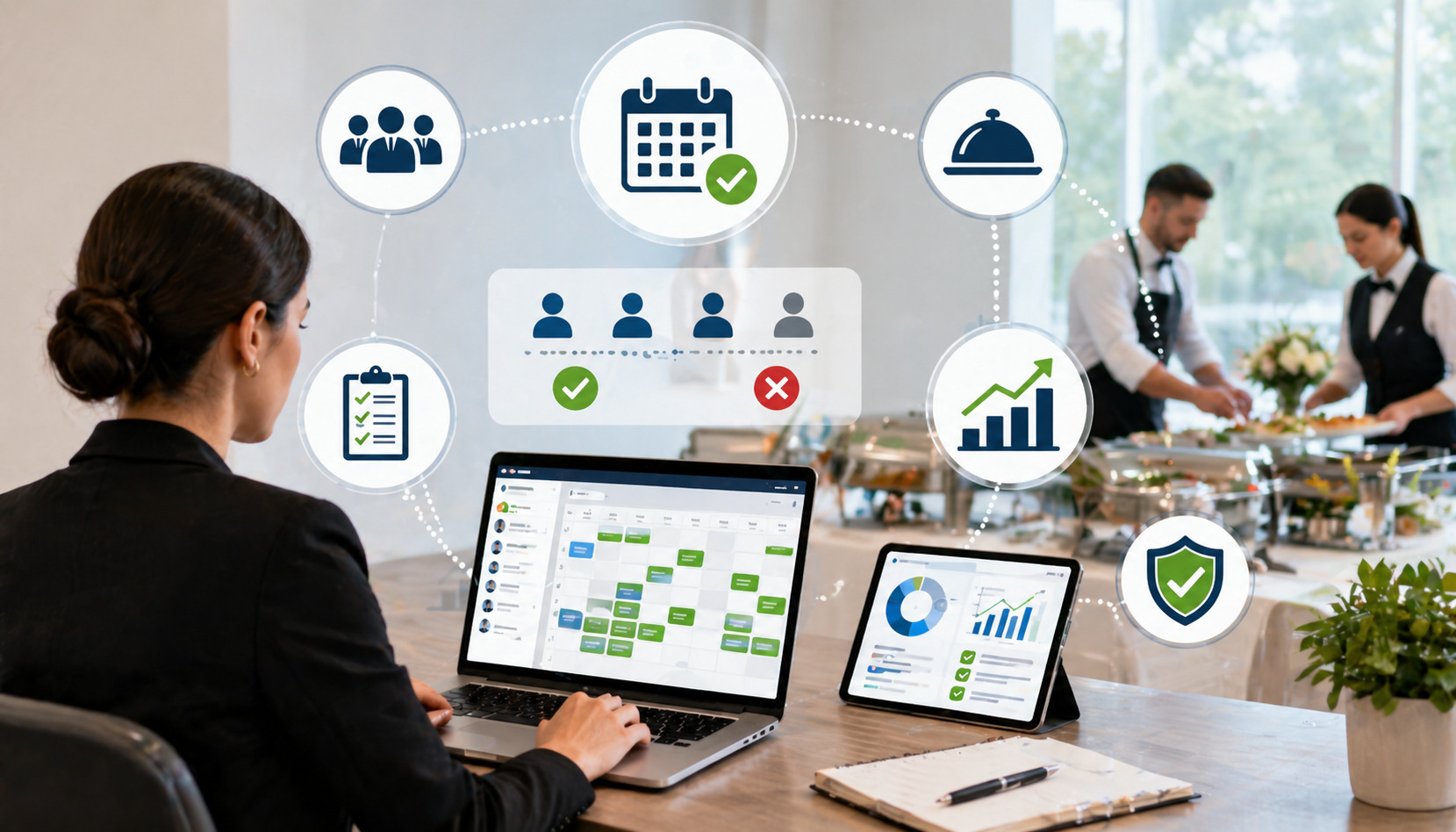
Overbooking can damage a catering business faster than almost any other operational mistake. One double-booked Saturday, one missed corporate lunch, or one event accepted without checking staff capacity can lead to rushed prep, unhappy clients, refund requests, stressed employees, and long-term reputation problems.
For catering teams, overbooking rarely happens because one person does not care. It usually happens because the booking process depends on too many disconnected pieces: a paper calendar, a spreadsheet, email threads, text messages, verbal promises, staff availability notes, kitchen prep lists, delivery schedules, and payment reminders.
That is why many catering businesses now use catering software to prevent overbooking. The right system helps teams see availability, manage inquiries, confirm events, track deposits, assign tasks, and control capacity before saying yes to another order.
To Avoid Overbooking With Catering Software, catering businesses need more than a digital calendar. They need a complete booking workflow that connects sales, kitchen production, staffing , delivery, payments, and client communication in one reliable process.
Why Overbooking Happens in Catering Businesses
Overbooking usually starts with poor visibility. A catering manager may accept a new inquiry without realizing that the same kitchen is already committed to three events, two delivery routes, and a last-minute tasting. A salesperson may think an event is only tentative, while the client believes it is confirmed. A chef may not see an updated headcount until production is already underway.
Manual scheduling makes these issues worse. Spreadsheets, wall calendars, notebooks, and message threads can work when a business is small, but they become risky as order volume grows. The more events, menus, staff members, vehicles, venues, and lead sources involved, the easier it becomes to miss an important detail.
Common causes of overbooking include:
- Accepting bookings through phone, email, website forms, social media, and walk-ins without one central system
- Treating tentative inquiries and confirmed events the same way
- Forgetting to update cancelled, postponed, or changed events
- Not checking kitchen production capacity before confirming large orders
- Failing to account for prep time, packing time, travel time, setup time, and breakdown time
- Not tracking staff availability in real time
- Relying on verbal confirmations instead of deposits and written approvals
- Using separate tools for bookings, payments, staffing, and delivery
Overbooking can also happen when a team focuses only on the event date. In catering, the event date is just one part of capacity. A wedding on Saturday may require prep on Thursday and Friday, rental pickup on Friday, staffing all day Saturday, and equipment returns afterward.
Without full timeline visibility, a business may look available on the calendar but already be operationally full.
How Catering Software Helps Prevent Double Booking
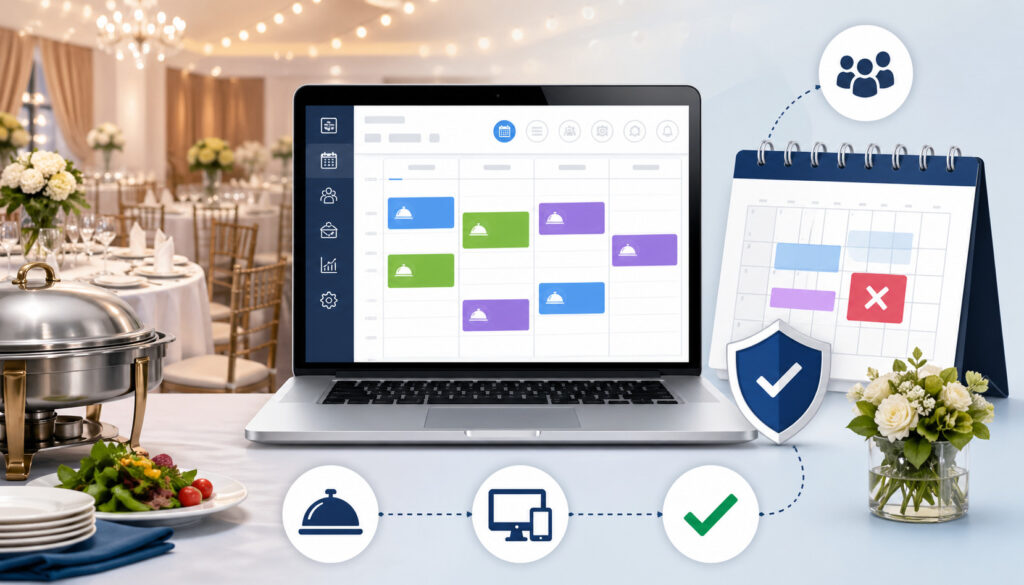
Catering booking management software helps prevent double booking by centralizing the entire event lifecycle. Instead of scattering details across calendars, inboxes, texts, and spreadsheets, the software keeps reservations, proposals, menus, guest counts, deposits, staff schedules, delivery notes, venue instructions, and production tasks in one place.
This matters because catering overbooking is rarely just a calendar issue. It is a workflow issue. A team may have the date open but not enough chefs. It may have staff available but not enough delivery vehicles.
It may have kitchen capacity but not enough rental equipment. A good catering event management software setup helps identify these conflicts before the booking is finalized.
For example, an online catering booking system can collect inquiries and place them into a booking pipeline. Managers can then review the event date, expected guest count, menu complexity, service style, venue location, delivery needs, and payment status before moving the booking to confirm. This creates a controlled process instead of a rushed yes-or-no decision.
Catering order management software also gives each department access to the same updated information. Sales can see whether a date is filling up. The kitchen can see upcoming production needs. Delivery teams can view route timing. Managers can monitor deposits, signed agreements, and pending approvals.
For a deeper look at how scheduling systems connect bookings, menus, staffing, and production, this guide on online catering scheduling software is a useful supporting resource.
Real-Time Calendar Visibility
Real-time calendar visibility is one of the most important ways catering scheduling software reduces overbooking. A shared digital calendar allows everyone involved in the booking process to see confirmed events, tentative inquiries, tastings, prep deadlines, delivery windows, staffing commitments, and venue schedules before accepting another order.
This is especially useful when multiple people handle inquiries. If one manager takes phone calls, another handles website leads, and another manages repeat clients, a shared calendar prevents each person from working with different information. Everyone can see what is already booked and what is still pending.
A strong catering calendar management setup should show more than event titles. It should include guest count, event type, service style, booking status, kitchen prep dates, delivery time, setup time, assigned staff, and internal notes. These details help managers understand the true workload behind each event.
Real-time visibility also helps with last-minute changes. If a client increases the guest count, moves the delivery time, or changes the menu, the update should appear immediately for sales, kitchen, staffing, and delivery teams.
Automated Booking Rules and Capacity Limits
Automated booking rules help catering businesses avoid accepting more work than they can realistically handle. Instead of relying on memory, managers can set rules around kitchen capacity, staffing, equipment, delivery zones, order size, preparation time, and booking deadlines.
For example, catering reservations software may allow teams to limit the number of large events per day, block certain dates, require approval for orders above a certain guest count, or prevent bookings that fall inside a minimum notice period. These controls reduce the risk of accidental overcommitment.
Capacity limits should reflect real operations. A team may be able to produce five boxed lunch orders in one morning but only one full-service plated event. A kitchen may handle multiple simple menus but struggle with several customized menus at once. A delivery team may cover nearby drop-offs easily but need extra time for distant venues.
Automation does not replace judgment. It supports better judgment by flagging risks early. If a new inquiry conflicts with an existing event, exceeds kitchen capacity, or requires unavailable staff, the system can alert the manager before the client receives a confirmation.
Key Features to Look for in Catering Software to Prevent Overbooking
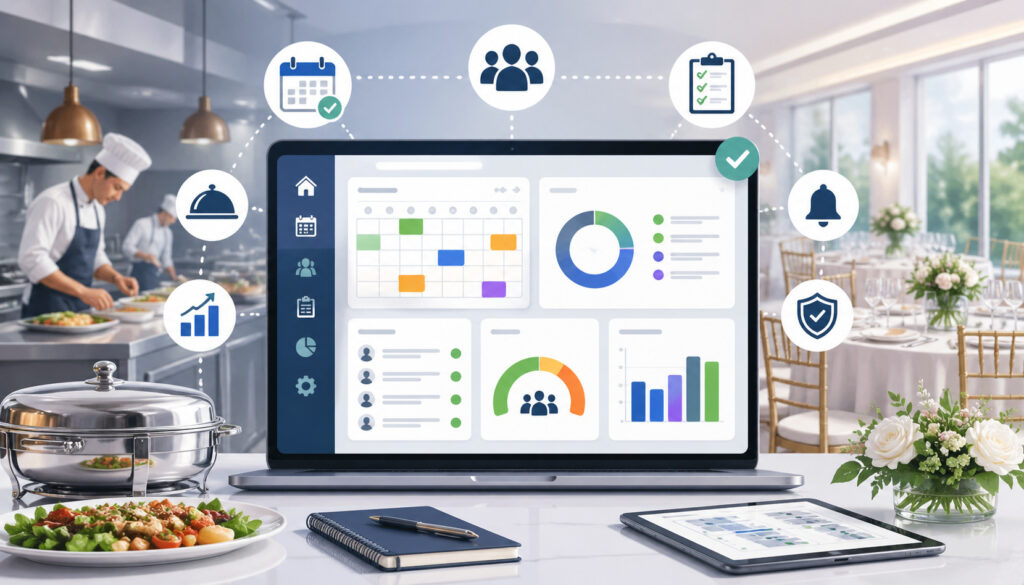
Choosing the right catering software to prevent overbooking means looking beyond basic calendar features. A simple calendar may show event dates, but it may not show whether the kitchen, staff, vehicles, menus, and payment workflow are ready.
The best catering booking management software should help teams control the full booking process from inquiry to completion. It should make it easy to see what is confirmed, what is tentative, what needs follow-up, what has been paid, what is in production, and what still needs approval.
A useful system should also reduce manual work. Automated reminders, quote follow-ups, deposit tracking, production sheets, and delivery planning can prevent small delays from turning into scheduling mistakes. When every task depends on someone remembering to update a spreadsheet, overbooking becomes much more likely.
Here is a practical comparison of features to look for:
| Feature | How It Helps Prevent Overbooking | Why It Matters |
| Centralized calendar | Shows events, inquiries, prep dates, and delivery windows in one place | Prevents teams from booking without full schedule visibility |
| Event pipeline | Separates inquiries, tentative bookings, confirmed events, and completed jobs | Reduces confusion between possible and locked-in events |
| Availability checks | Reviews date, time, staffing, kitchen, and delivery capacity | Helps managers confirm only what the business can handle |
| Quote-to-booking workflow | Turns approved quotes into confirmed bookings with clear status changes | Prevents lost or duplicated inquiries |
| Deposit tracking | Shows which clients have paid and which are still pending | Helps distinguish tentative interest from confirmed commitment |
| Automated reminders | Sends alerts for follow-ups, approvals, payments, and internal tasks | Reduces missed confirmations and late updates |
| Staff scheduling | Connects bookings with employee availability and assignments | Prevents accepting events without enough labor |
| Production sheets | Turns event details into kitchen prep lists and timelines | Helps kitchen teams understand real workload |
| Delivery planning | Tracks delivery times, routes, setup needs, and vehicle use | Prevents overlapping delivery commitments |
| Change history | Records edits to guest count, menu, timing, and venue notes | Keeps teams aligned when clients make updates |
A helpful catering event management software platform should also support reporting. Booking trends, peak days, cancelled events, inquiry sources, and capacity bottlenecks can reveal where overbooking risks are most likely to happen.
For more context on event-focused tools, see this overview of event catering software.
Step-by-Step Guide to Avoid Overbooking With Catering Software
To Avoid Overbooking With Catering Software, do not simply move your existing messy process into a digital tool. Use the software as an opportunity to clean up your booking workflow, define rules, assign responsibilities, and create a single source of truth.
Start by auditing your current booking problems. Review recent conflicts, missed orders, late updates, rushed prep days, and client communication issues. Identify whether the root cause was unclear status, poor calendar visibility, missing staff information, weak payment tracking, or lack of production planning.
Next, set up the system around how your catering operation actually works. Include event types, lead sources, booking statuses, menu categories, staff roles, kitchen departments, delivery zones, equipment needs, and approval rules. The more accurately the software reflects your workflow, the more useful it becomes.
A practical implementation process may look like this:
- Audit recent overbooking and scheduling problems
- Create standard booking statuses
- Add all confirmed and tentative events to the system
- Set kitchen, staffing, equipment, and delivery capacity rules
- Sync relevant calendars
- Assign one owner for each booking
- Require deposits or written confirmations before locking events
- Automate reminders for follow-ups and deadlines
- Train staff on how and when to update event details
- Review upcoming bookings daily or weekly
This guide to catering event calendar management expands on how central calendars support better coordination across teams.
Set Clear Booking Statuses
Clear booking statuses are essential because many double bookings happen when teams do not know whether an event is only an inquiry or already confirmed. Every catering business should define what each status means and what action is required before moving to the next stage.
Useful statuses include:
- Inquiry: A client has asked for information, but no proposal has been accepted.
- Tentative: The client is interested, but the event is not guaranteed.
- Proposal sent: Pricing and event details have been shared.
- Confirmed: The client has approved the event based on your confirmation rules.
- Paid or deposit received: Required payment has been received.
- In production: Kitchen prep, staffing, and logistics are underway.
- Completed: The event has been served or delivered.
- Cancelled: The event is no longer active.
These statuses help prevent assumptions. A salesperson may think a tentative client is not serious, while the client may believe the date is being held. With clear rules, everyone knows what the status means and what happens next.
Use Deposits and Confirmations to Lock Events
Deposits and written confirmations help prevent confusion between interest and commitment. Without a clear confirmation process, a catering business may hold dates for clients who never finalize, or it may accept another event because no one realized the first client had already approved.
Catering order management software can track proposals, signed agreements, deposits, payment deadlines, and confirmation emails. This gives the team a reliable way to know which events are real commitments and which still need action.
A strong confirmation workflow should answer these questions:
- Has the client approved the quote?
- Has the client signed the agreement, if required?
- Has the deposit or required payment been received?
- Has the final guest count deadline been set?
- Has the event been moved to confirmed status?
- Have kitchen, staffing, and delivery teams been notified?
When deposits are connected to booking status, teams are less likely to reserve capacity based on uncertain conversations. They can also follow up faster when a client has not completed the required steps.
Review Capacity Before Accepting Large Events
Large events require a deeper capacity review than small drop-off orders. Before confirming a major event, catering managers should check staff availability, kitchen production, delivery timing, equipment, rentals, menu complexity, prep timeline, and setup requirements.
For example, a 300-guest buffet may require multiple prep days, extra refrigeration, delivery staff, serving staff, chafing dishes, vehicles, and a detailed setup plan. Even if the event date is open, the days leading up to the event may already be full.
Catering workflow automation can help by flagging high-risk bookings. A system can require manager approval for events above a certain guest count, outside normal delivery zones, or within a short notice period. This prevents staff from confirming complex jobs too quickly.
Capacity review should involve the right people. Sales may understand the client request, but kitchen and operations teams understand production limits. Large events should not be confirmed until all key departments agree that the business can deliver well.
Common Mistakes That Still Cause Overbooking
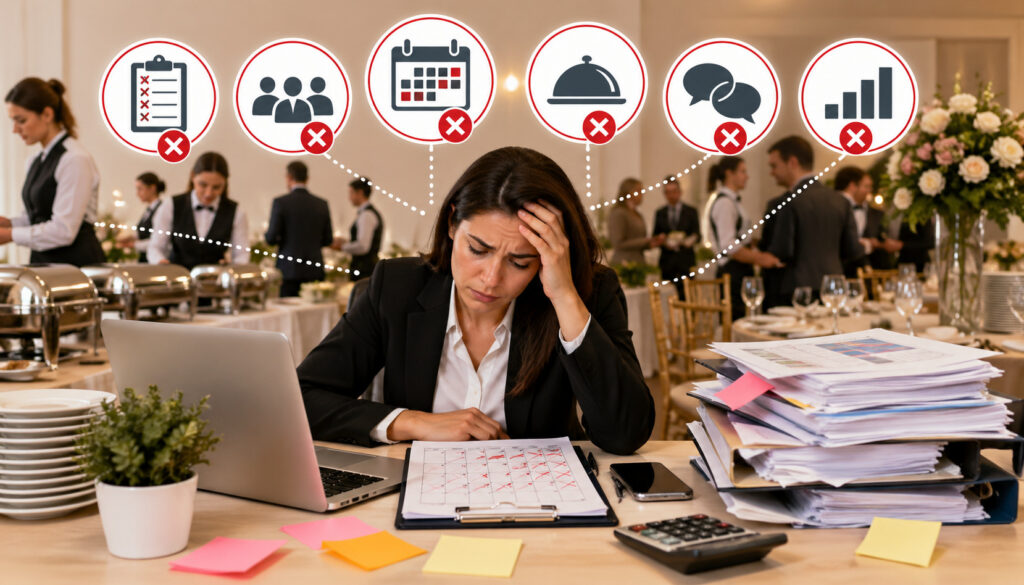
Even with catering scheduling software, overbooking can still happen if the system is not used correctly. Software helps prevent errors, but it cannot fix unclear rules, incomplete data, or inconsistent staff behavior.
One common mistake is allowing bookings through too many channels without routing them into one system. If some inquiries are captured through the website, others through email, others through social media, and others through phone calls, the calendar will not be accurate unless every inquiry is entered immediately.
Another mistake is failing to update cancelled or postponed events. A cancelled event that remains on the calendar can make the team think capacity is blocked. A postponed event that is not moved correctly can create conflicts on the new date.
Other common mistakes include:
- Accepting verbal confirmations without updating booking status
- Letting staff keep separate calendars
- Forgetting to block prep days for large events
- Not syncing staff availability
- Ignoring delivery travel time
- Failing to update guest count changes
- Treating all events as equal workload
- Not setting approval rules for large or complex bookings
- Using software only as a calendar instead of a full workflow system
The most dangerous mistake is assuming that software automatically prevents overbooking on its own. It only works when the team enters accurate information, follows the workflow, and respects capacity rules.
Best Practices for Catering Calendar and Booking Management
Strong catering calendar management depends on consistency. Every inquiry, tentative hold, confirmed event, tasting, prep deadline, delivery window, and internal task should be entered into the same system. If the calendar is incomplete, the team cannot trust it.
Use color-coded statuses to make the calendar easy to scan. For example, inquiries, tentative holds, confirmed events, paid events, production tasks, deliveries, and cancelled events can each have a different visual status. This helps managers quickly understand the state of the schedule.
Assign one booking owner for each event. This person is responsible for keeping the event record accurate, updating client changes, checking payment status, and making sure the right departments are notified. Without ownership, everyone assumes someone else handled the update.
Best practices include:
- Enter every inquiry immediately
- Use standard event statuses
- Color-code calendar entries by booking stage
- Add prep days and delivery windows, not just event times
- Keep all client changes inside the event record
- Require approval for large or complex bookings
- Review upcoming events at the start of each day
- Review the next two to four weeks at least once a week
- Archive completed and cancelled events properly
- Keep staff availability connected to the booking calendar
Documentation is especially important. If a client changes the menu, delivery address, headcount, or service time, the change should be recorded in the software instead of buried in a text thread. This protects the business and keeps the team aligned.
How Automation Reduces Scheduling Errors
Catering workflow automation reduces scheduling errors by removing the need for staff to remember every follow-up, deadline, payment reminder, and internal handoff. In a busy catering operation, human memory is not a reliable booking system.
Automated reminders can alert sales staff when a proposal needs follow-up, notify managers when a tentative hold is about to expire, remind clients about deposits, and alert kitchen teams when an event is moving into production. These reminders reduce the chance that a booking gets stuck in the wrong status.
Automation can also improve communication between departments. When a booking is confirmed, the system can notify the kitchen, create production tasks, update the calendar, trigger staff scheduling, and prepare delivery planning. This prevents the common problem of sales confirming an event while operations remain unaware.
Examples of useful automation include:
- Proposal follow-up reminders
- Deposit due notifications
- Final guest count reminders
- Menu approval alerts
- Staff assignment notifications
- Kitchen production task creation
- Packing list generation
- Delivery schedule updates
- Invoice reminders
- Post-event completion tasks
Automation is especially valuable for last-minute changes. If a client updates guest count or delivery time, the right people should be alerted immediately. This helps prevent outdated production sheets, incorrect staffing, and missed delivery adjustments.
For teams evaluating broader cloud-based workflows, this resource on how cloud catering software works explains how lead capture, quotes, deposits, prep, delivery, invoicing, and reporting can stay connected.
When Catering Businesses Should Upgrade From Manual Scheduling
Manual scheduling may feel manageable in the early stages of a catering business, but it becomes risky as order volume and event complexity increase. Spreadsheets and paper calendars can show dates, but they do not automatically check capacity, track deposits, alert staff, update production, or manage delivery conflicts.
A business should consider upgrading to catering scheduling software when scheduling problems start affecting client experience or staff confidence. If the team regularly asks, “Which version is correct?” or “Did anyone update the calendar?” the current process is no longer reliable.
Signs it may be time to upgrade include:
- Frequent double-booking scares
- Missed follow-ups with leads
- Confusion between tentative and confirmed events
- Staff not knowing where they are assigned
- Kitchen teams receiving late or incomplete information
- Delivery routes overlapping
- Growing order volume
- More complex menus and service styles
- Multiple managers handling bookings
- Multiple locations or production teams
- More recurring corporate orders
- Increased last-minute changes
- Payment and deposit confusion
Upgrading is not only about preventing mistakes. It is also about protecting growth. A catering business cannot scale confidently if every new booking adds more confusion. Event booking software for caterers gives teams the structure needed to accept more work without losing control.
The right time to upgrade is before overbooking becomes a pattern. Once a business is already dealing with repeated service failures, the cost of waiting is often higher than the cost of implementing a better system.
FAQs
How does catering software prevent double booking?
Catering software prevents double booking by keeping inquiries, tentative holds, confirmed events, staff schedules, prep timelines, delivery windows, and payment status in one shared system. It also uses booking statuses, capacity limits, reminders, and approval workflows to help teams confirm events only when resources are available.
Can catering software manage multiple events on the same day?
Yes. Catering software can manage multiple events on the same day by separating each event’s timeline, menu, guest count, staffing needs, production tasks, and delivery schedule. This helps managers see whether kitchen prep, staff, vehicles, and setup times overlap before accepting more bookings.
What is the best way to avoid overbooking in a catering business?
The best way to avoid overbooking is to use one central booking system, define clear booking statuses, track deposits and confirmations, and review capacity before accepting events. Catering software supports this process with real-time calendars, reminders, staff scheduling, production planning, and delivery management.
Can catering software track staff and kitchen capacity?
Yes. Many catering software systems help track staff availability, assigned roles, kitchen workload, production timelines, and event requirements. This allows managers to check whether the team has enough labor, kitchen time, equipment, and delivery resources before confirming a new event.
Does online booking increase the risk of overbooking?
Online booking can increase risk if clients are allowed to reserve dates without approval rules or capacity checks. However, a properly configured online catering booking system can reduce overbooking by collecting event details, requiring deposits, showing availability, and routing complex orders through manager review.
How should tentative catering bookings be handled?
Tentative bookings should have a clear status, expiration date, and confirmation requirement. If a client does not approve the proposal, sign the agreement, or pay the required deposit by the deadline, the booking should be released or moved back to inquiry status.
Can catering software help with last-minute changes?
Yes. Catering software helps with last-minute changes by updating event records, notifying team members, adjusting production sheets, revising invoices, and changing delivery or staffing details. The key is to record every update in the system immediately so all departments work from the latest information.
Is a calendar enough to prevent catering overbooking?
A calendar is helpful, but it is usually not enough. Catering businesses also need booking statuses, capacity checks, deposit tracking, staff scheduling, production planning, delivery coordination, and internal communication tools to prevent overbooking effectively.
Conclusion
Overbooking is not just a scheduling problem. It is an operational problem that affects sales, kitchen production, staffing, delivery, client communication, and reputation.
To Avoid Overbooking With Catering Software, catering businesses need real-time visibility, clear booking statuses, capacity controls, reliable confirmations, automated reminders, and consistent team communication. The right software helps turn scattered details into a structured workflow that everyone can trust.
Catering software should not be treated as only a calendar. It should work as an operational control center that helps managers decide what the business can realistically accept, when it can accept it, and what needs to happen before an event is confirmed.
When catering teams use booking systems this way, they reduce double bookings, protect staff from unnecessary stress, improve client experience, and create a more dependable path for growth.