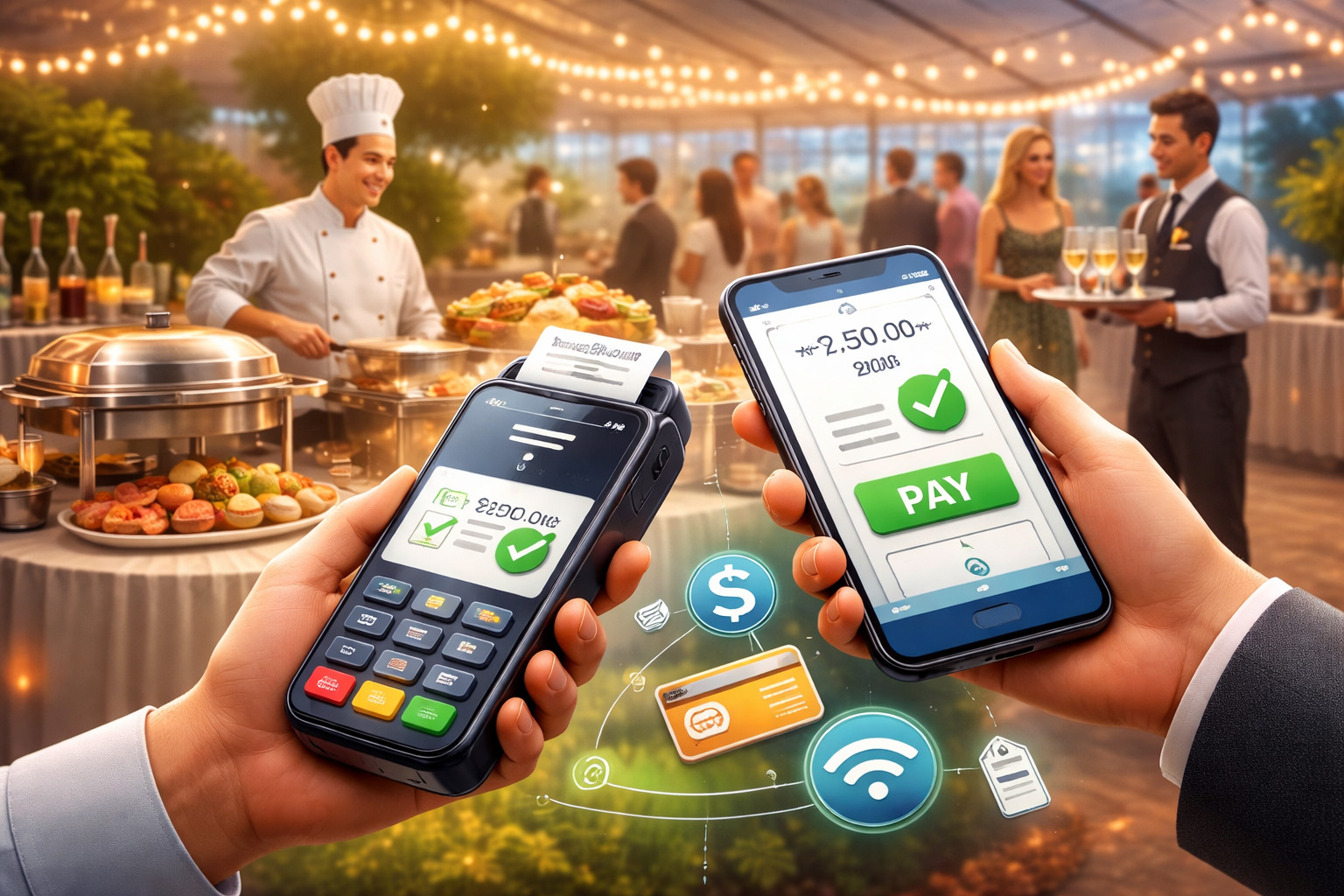
Mobile payments for on-site catering events have shifted from a “nice-to-have” add-on to a core part of how modern caterers close sales, prevent lines, manage tips, and protect cash flow.
In a parking lot pop-up, a wedding venue with patchy reception, a corporate lunch in a high-rise, or a festival booth with nonstop foot traffic, the payment moment is the final step in your service experience. If that step is slow, confusing, or unreliable, it can undo the great work your team did on food and hospitality.
What makes mobile payments for on-site catering events different from a typical retail checkout is the combination of mobility, unpredictability, and speed.
Your “store” can move from one room to another, your menu can change mid-event, your staff may rotate roles quickly, and the signal quality can fluctuate every few minutes. Add tipping, deposits, split checks, tax handling, receipts, refunds, and chargeback risk—and you need a setup that’s intentionally designed for event conditions.
This guide breaks down the practical systems, hardware choices, workflows, security requirements, and future-leaning trends that matter most for mobile payments for on-site catering events. The goal is simple: faster lines, fewer errors, higher average tickets, clearer reporting, and a smoother guest experience that feels effortless.
Why Mobile Payments Matter in Live Catering Environments
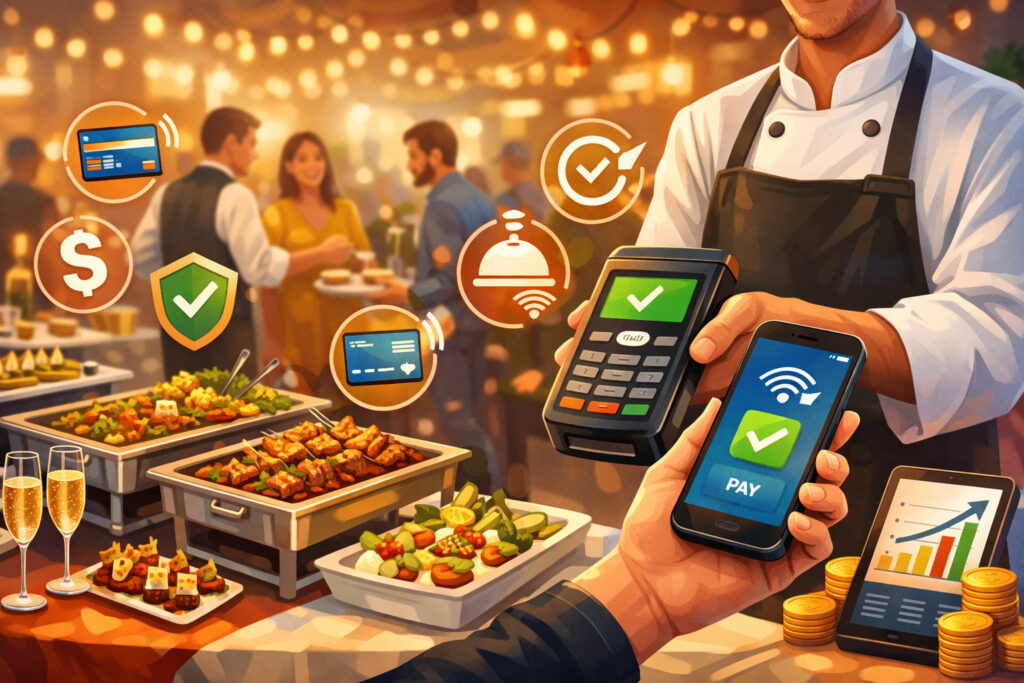
Mobile payments for on-site catering events are not only about convenience; they reshape the economics of events. Faster checkout means more throughput, which matters when you have a short service window (like a 60-minute corporate lunch rush) or a high-density environment (like a fairground).
When guests can tap, pay, and go, your team spends less time handling transactions and more time serving, upselling, restocking, and managing quality.
Mobile payments also reduce “lost sales” caused by friction. At events, guests rarely want to leave a line to find an ATM, hunt for exact cash, or wait while a card reader reconnects. Contactless and digital wallets have trained customers to expect a fast tap experience.
Industry research continues to show steady growth in digital wallet and contactless usage, reinforcing why tap acceptance should be a default, not a bonus.
Beyond speed, mobile payments for on-site catering events improve professionalism and trust. A clean checkout with instant receipts signals that your operation is legitimate and organized—even if you’re serving out of a temporary station.
That trust is crucial when you’re selling higher-ticket services (like add-on dessert stations, bar packages, or post-event meal kits) or collecting deposits for future events.
Finally, mobile payments create better data. When you know which items sell fastest, which stations produce the most revenue, and which staff members are best at upselling, you can optimize staffing, inventory, and menu design.
That operational feedback loop is harder to achieve when a large portion of revenue is untracked cash or loosely recorded manual transactions.
Choosing the Right Mobile Payment Setup for Catering: Options That Actually Work On-Site
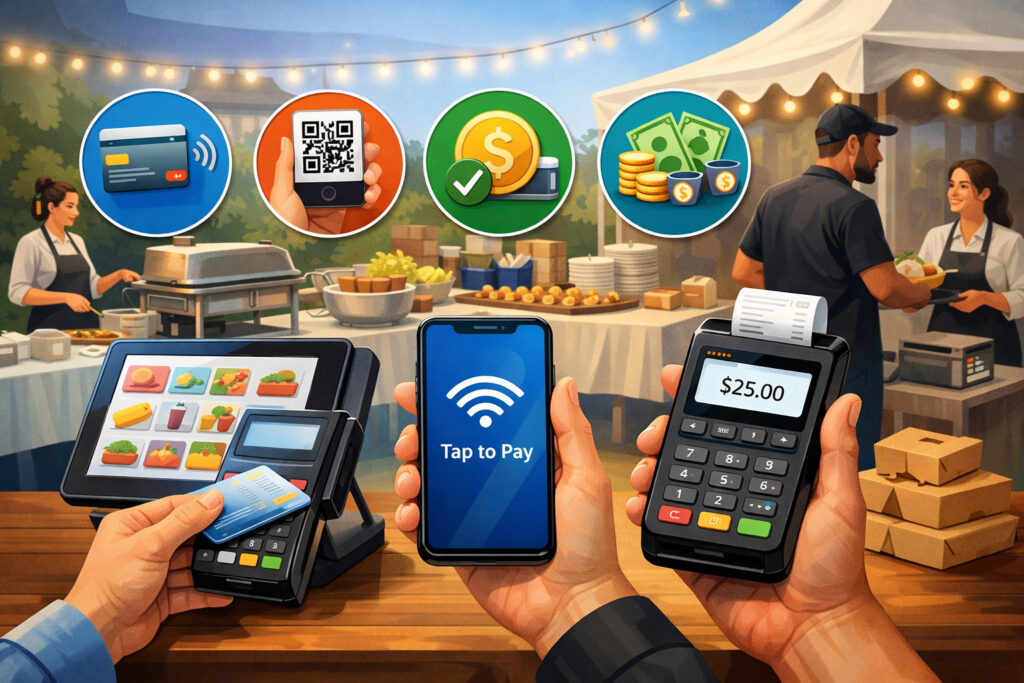
Mobile payments for on-site catering events can be delivered through several setups, and the “best” choice depends on your event style, ticket size, environment, and staffing. The key is to select a setup that stays reliable when conditions are messy: crowded networks, dim lighting, gloves, grease, fast staff handoffs, and constant movement.
1) Phone + Tap-to-Pay (no separate reader)
This approach turns a compatible smartphone into a contactless acceptance device. It’s attractive for small teams because it reduces hardware logistics—no extra reader to charge, pair, or lose.
Tap-to-pay style solutions are expanding through payment providers and platform ecosystems, and they’re increasingly positioned for in-person sellers who need mobility. Availability depends on device models, operating system features, and which payment providers support it in your region.
2) Phone/Tablet + Bluetooth reader
This is the “workhorse” configuration for many caterers. A reader supports tap, chip, and sometimes swipe, which increases acceptance coverage for guests who don’t use contactless. It can be more consistent in high-volume lines because the reader is purpose-built for payment acceptance and often has better ergonomics for repetitive checkout.
3) Tablet + stand (semi-mobile station)
For weddings, corporate events, or indoor venues where you want a polished “register” look, a tablet stand can speed up ordering and reduce mis-taps. This is useful when your menu has modifiers (like protein choices) or when you want to display tipping prompts cleanly.
4) Multi-device with shared catalog + synced reporting
If you run multiple stations—food, bar, dessert, merch, gift cards—you need device coordination. With mobile payments for on-site catering events, it’s common to underestimate the value of unified reporting and shared inventory. Without it, you can end up with inconsistent pricing, “sold out” items that keep selling, or end-of-night confusion.
A strong rule of thumb: choose the simplest setup that still covers your most common failure modes. If your events frequently have weak reception, prioritize offline capability and multi-network backup.
If tips are a major revenue component, prioritize a checkout flow with clear tipping prompts and staff controls. If you handle deposits, prioritize invoicing and pay-by-link options that integrate with your on-site checkout.
Building a Checkout Flow That Prevents Lines, Mistakes, and Awkward Guest Moments
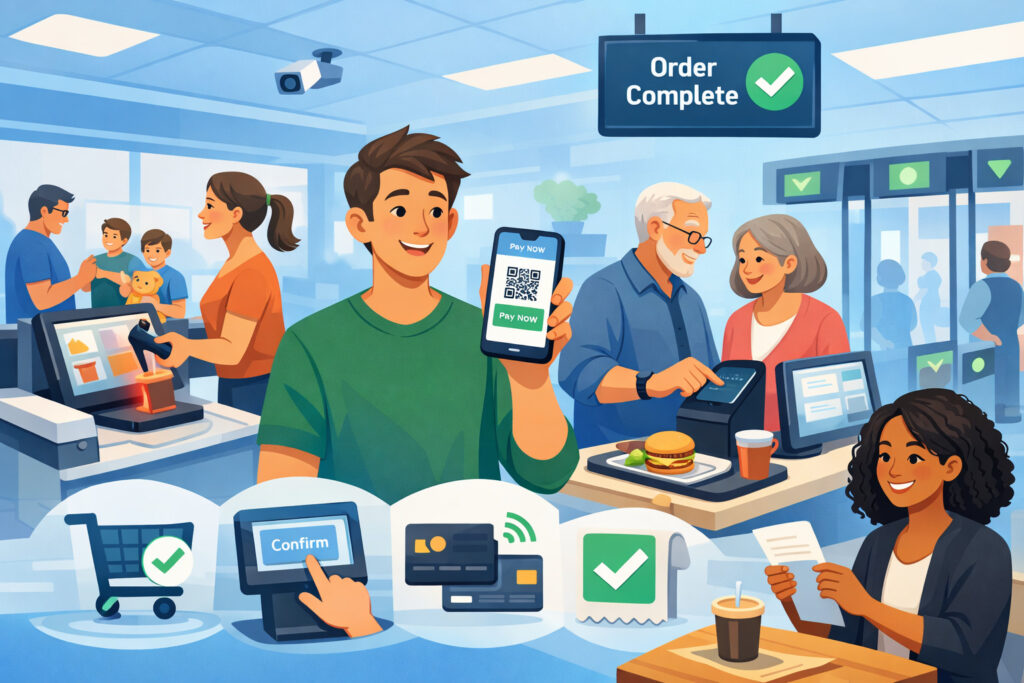
Mobile payments for on-site catering events succeed or fail at the workflow level. Even great hardware can’t save a confusing checkout experience. The best event operators design a “payment choreography” that’s easy for staff to repeat hundreds of times per hour and easy for guests to understand instantly.
Start with menu structure. Your on-device menu should match how guests think at the event. Group items by station and by common combinations. If you sell bundles (meal + drink), put them at the top. If you offer common upgrades (extra protein, premium sides), create one-tap add-ons. Every extra screen is a risk factor when the line is long.
Next, decide how you’ll handle ordering vs. payment roles. Some events run best with a “runner” model where one person takes orders and another handles payment, keeping the station moving.
Others do best with “one person, one transaction” to reduce handoffs. Test both. For high-volume environments, separating roles often reduces errors because the payment person can focus on the payment moment—tipping, tap prompts, receipts, and declines.
Then, tighten the tipping flow. Tipping prompts should feel natural, not aggressive. Use suggested tip percentages or amounts that match your service style.
Train staff on a consistent phrase like: “It’s going to ask you a quick tip question, then you can tap right here.” That tiny script reduces guest confusion and increases tip conversion without pressure.
Finally, build a plan for exceptions: declines, refunds, voids, and split payments. In event settings, these moments create the most line slowdowns.
Your workflow should include quick steps: move the guest to a side “help spot,” have a staff member ready with a second device, and keep the main line moving. The more you practice exception handling, the more your mobile payments for on-site catering events feel effortless to guests.
Connectivity and Offline Resilience: How to Keep Payments Running When Signal Fails
Connectivity is the silent killer of mobile payments for on-site catering events. Venues can look perfect and still have weak network performance due to concrete walls, network congestion, or carrier dead zones. The goal isn’t to hope the signal is good—it’s to build resilience so you can keep taking payments even when it isn’t.
1) Use multi-carrier backup
A practical approach is to have at least two different network options on-site. This can be as simple as using phones from different carriers across your team, or keeping a dedicated hotspot on an alternate carrier. At crowded events, one carrier can collapse while another remains usable.
2) Prioritize offline modes—carefully
Some payment solutions support offline transactions, storing the payment intent and processing later. This can keep lines moving, but it introduces risk: if a payment fails later, you’ve already delivered the product.
For mobile payments for on-site catering events, offline modes are usually best for lower ticket sizes or for trusted environments (like employee dining). If you rely on offline acceptance, set clear limits: maximum offline ticket size, maximum offline total, and a rule to switch back online as soon as possible.
3) Reduce bandwidth load on devices
Event devices should be “payment-first.” Disable unnecessary apps, background updates, auto-sync for nonessential services, and heavy media uploads during service. This helps stability and battery life.
4) Build a “signal map” during setup
Before guests arrive, test your payment flow at every station. Walk the space and note where the network drops. If one corner is unreliable, relocate the register a few feet or reorient stations. Minor moves can create major improvements.
As instant payment rails expand and become more integrated into business tools, you’ll also see more options for real-time settlement and faster movement of funds.
The domestic instant payments ecosystem continues to develop, with growing adoption and feature expansion through central-bank operated and private networks. That matters for caterers because faster settlement can improve cash flow between events, especially during peak season.
Security, Compliance, and Fraud Controls for Mobile Payments at Events
Mobile payments for on-site catering events involve handling sensitive payment data in environments that are inherently less controlled than a permanent storefront. The good news: modern mobile payment systems can be extremely secure when set up correctly. The bad news: rushed setups, shared logins, and poor staff controls can create real exposure.
A foundational requirement in card payments is adherence to current security standards. The latest major standard update (PCI DSS 4.x) introduced future-dated requirements that became mandatory after a defined deadline, pushing businesses toward stronger authentication, better access controls, and improved security processes.
For caterers, the practical takeaway is not “become a security expert,” but “use systems that reduce what you must secure.”
Here are the real-world controls that matter most:
1) Use tokenization and avoid storing card data: Your system should never require staff to write card numbers down or manually store them. If you collect deposits or recurring payments, use invoicing/pay-by-link tools that keep card handling within secure payment flows.
2) Role-based staff permissions: Set roles: cashier, supervisor, admin. Most staff should not be able to issue refunds, change prices, or view customer payment details. This reduces both fraud and accidental errors.
3) Device and login hygiene: Never share a single login across the team. Use passcodes, biometric locks, and short auto-lock timers. If a device is lost at a festival, you want to be able to revoke access instantly.
4) Chargeback reduction behaviors: Event businesses often face “friendly fraud” where a guest later disputes a charge they don’t recognize. Use recognizable descriptors, provide receipts by text/email when possible, and keep clear itemized order details. If you deliver catering services rather than immediate food, keep signed invoices or approval messages tied to the payment record.
5) Network safety basics: Avoid public Wi-Fi for payment acceptance unless you control it and secure it. A hotspot on a trusted device is often safer. Even when payment data is encrypted, you want to reduce attack surfaces in high-risk environments.
Security is also becoming more dynamic. Expect increased use of risk scoring, behavioral detection, and adaptive authentication in mobile payments for on-site catering events—especially as tap-to-pay phone acceptance becomes more widespread and more attractive to both legitimate micro-merchants and fraudsters.
Pricing, Fees, Tips, Taxes, and Reporting: The Money Side of Mobile Payments for Caterers
Mobile payments for on-site catering events aren’t “just a swipe fee.” The financial model includes processing rates, equipment costs, chargeback exposure, tip handling, tax configuration, and reconciliation time. The operators who win long-term treat payments as a profit lever, not a passive expense.
Processing costs and pricing strategy
Your pricing should assume a blended cost of acceptance across card-present transactions, digital wallets, and occasional keyed entries (which typically cost more and carry higher risk).
If your on-site model includes add-ons (like premium sides, dessert upgrades, bar service), a smooth tap-to-pay experience can raise average ticket size enough to offset fees—especially when upsells are designed into the checkout.
Tips: guest psychology and staff morale
Digital tipping can increase tip capture compared to cash-only environments, but only when it feels smooth. Ensure your tip prompts are visible, quick, and consistent. Also set clear policies for tip pooling, distribution timing, and reporting so staff trust the system.
Taxes and service charges
Events can involve mixed tax rules (prepared food, alcohol, service fees, delivery fees). Configure taxes and service charges in your catalog so staff don’t manually calculate under pressure. For catering invoices, clearly separate taxable items from non-taxable charges where applicable.
End-of-day reconciliation
Mobile payments for on-site catering events should generate clean reports: sales by station, by staff, by item, and by payment type. If you’re manually tallying tips and payments at midnight after a 12-hour wedding, you’re losing time and increasing the odds of mistakes.
Build a process: close out each device, confirm cash drawers if used, export reports, and store them in a consistent folder system.
Faster settlement trends
As instant payment networks expand and transaction limits increase, you may see more vendors offer faster payout options that reduce “waiting days” for funds. This is especially useful for caterers buying perishables right before events and paying staff quickly.
Future Trends and Predictions: Where Mobile Payments for On-Site Catering Events Are Headed Next
Mobile payments for on-site catering events are moving toward “invisible checkout”: fewer devices, fewer steps, more automation, and more integration with ordering and fulfillment. Several trends point to how the next few years are likely to evolve.
1) Phone-as-terminal adoption will rise
As tap-to-pay phone acceptance expands through payment providers, more caterers will reduce dependence on separate readers for certain event types. This trend is driven by ease of deployment, lower hardware overhead, and faster scaling for seasonal staff. Availability and provider support continue expanding in many regions.
2) Contactless becomes the default expectation
Consumers increasingly treat tap as normal, and more merchants are prioritizing contactless acceptance. Research and industry reporting continue to emphasize the ongoing shift toward digital wallets and contactless behaviors. Even when guests have physical cards, many will prefer tap because it’s faster and feels safer.
3) Smarter fraud controls in event environments
Event-based selling has unique risk signals: temporary locations, fluctuating volumes, and new staff. Expect payment platforms to get better at recognizing “healthy event patterns” and reducing false declines without increasing fraud. For caterers, this should translate into fewer awkward declines and less need for manual review.
4) More real-time business finance features
Instant payment rails and modern banking APIs are gradually enabling same-day or real-time movement of money. This can change how caterers manage deposits, refunds, staff payouts, and vendor payments—potentially reducing the need for short-term credit to bridge event cycles.
5) Unified guest experiences
Payments will merge more tightly with loyalty, QR ordering, subscriptions (meal plans), and post-event marketing.
For example, a guest who taps to pay at an event might automatically receive an offer for a future booking or a holiday catering package—without the staff doing anything extra. That’s where mobile payments for on-site catering events become a growth engine, not just a checkout tool.
FAQs
Q.1: How do I choose the best mobile payments option for a catering team with multiple stations?
Answer: For mobile payments for on-site catering events with multiple stations, the best option is usually the one that keeps menus, pricing, and reporting consistent across every device.
Start by thinking in “stations”: food line, bar, desserts, merch, or deposit bookings. Each station should have a device that can complete a full transaction without waiting for another team member. That alone prevents bottlenecks.
Next, prioritize a system that supports a shared catalog and role-based access. A shared catalog ensures the “chicken bowl” costs the same at every station and that sold-out items can be managed consistently.
Role-based access ensures new or temporary staff can’t accidentally discount items, issue refunds, or alter tax settings during a rush. Those controls matter more at events because pressure increases mistakes.
Finally, decide whether you need phone-as-terminal, a dedicated reader, or a tablet stand per station. If your stations move a lot, phone-based acceptance or compact readers work well. If your stations are stable and the menu is complex, tablets reduce order errors.
The best mobile payments for on-site catering events setup is the one your team can run fast with minimal training and minimal exception-handling when a device or network has a bad moment.
Q.2: Can I safely accept payments if the venue has weak reception or crowded networks?
Answer: Yes, but mobile payments for on-site catering events need a resilience plan. The simplest method is multi-network redundancy: have at least two different ways to connect on-site so you aren’t dependent on one carrier or one Wi-Fi network. Many teams do this by using devices on different carriers and keeping a dedicated hotspot as a backup.
Offline acceptance can be an option, but it should be treated like a controlled emergency mode, not a default. If you accept offline transactions and later the payment fails, you’ve already delivered the product.
That risk is usually acceptable only for smaller tickets or controlled environments. If your system supports offline mode, set boundaries—maximum ticket size, maximum total offline volume, and a clear rule for when to pause and re-establish connectivity.
Also, do a pre-event “signal walk.” Test transactions in every spot where you’ll take payments. Sometimes moving ten feet or turning a station changes performance dramatically. With that preparation, mobile payments for on-site catering events can stay reliable even in difficult venues.
Q.3: What security and compliance steps matter most for mobile payments at events?
Answer: For mobile payments for on-site catering events, the most important security steps are the ones that prevent human mistakes under pressure.
Use a payment system that keeps you from handling card data directly (tokenization and secure checkout flows) and avoid any workflow that involves writing down card numbers or storing them outside the payment platform.
Then lock down staff access. Use individual logins, short auto-lock timers, and role permissions. Most team members should not be able to issue refunds or change pricing. That reduces both fraud and accidental losses. Also secure devices physically—lanyards, belt clips, or a defined “register zone”—because event environments are high-traffic and chaotic.
On the compliance side, card security standards continue to evolve, including requirements that became mandatory after defined deadlines in the most recent major standard version.
You don’t need to memorize the standards, but you do need to choose providers and workflows that align with them—especially around authentication, access control, and secure handling of payment data.
Conclusion
Mobile payments for on-site catering events are no longer just a way to “take cards.” They are the operating system for modern event revenue: faster lines, higher throughput, more captured tips, cleaner reporting, and better guest satisfaction.
The strongest setups blend the right acceptance method (phone-as-terminal, reader, or tablet), a simple and repeatable checkout flow, resilient connectivity planning, and real-world security controls that hold up under event pressure.
If you focus on the fundamentals—fast contactless acceptance, tight device management, clear tipping, reliable backups, and clean reconciliation—you’ll reduce stress for staff and remove friction for guests.
And as contactless behavior, phone-based acceptance, and faster settlement options continue to expand, mobile payments for on-site catering events will increasingly become a competitive advantage rather than a back-office necessity.