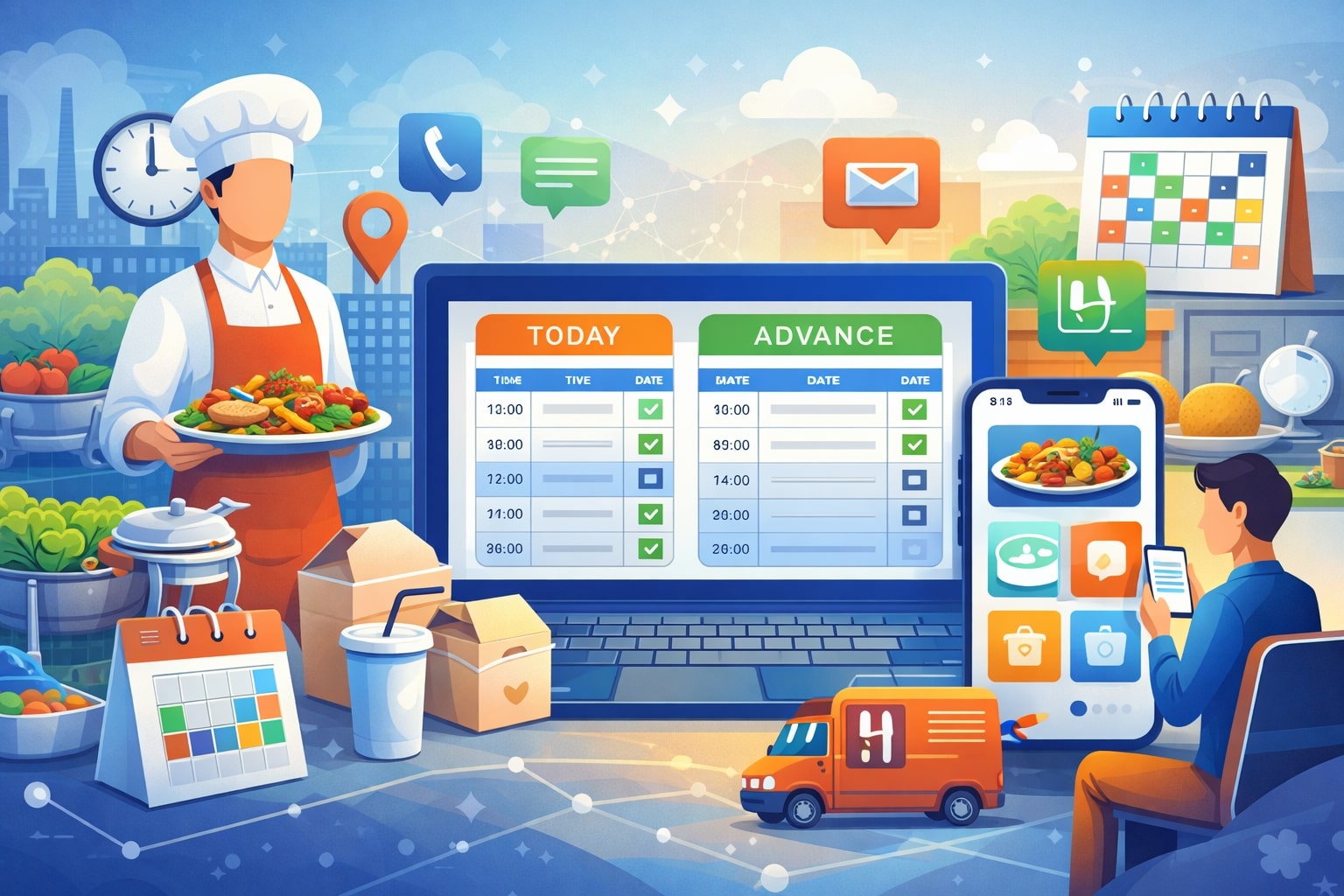
Catering can be the most profitable part of a food business—and also the easiest place to lose money if orders, staffing, and production get even slightly out of sync. Same-day catering bookings create pressure on prep, inventory, and delivery routes.
Advance bookings create pressure on proposals, deposits, menu changes, and event logistics. The common thread is coordination: you need one reliable system that turns an inquiry into a confirmed order, then into a production plan, and finally into an on-time delivery or flawless onsite service.
That’s exactly what catering software is built to do. Modern catering software combines online ordering, booking calendars, quoting, menu rules, payments, kitchen production sheets, delivery routing, staffing plans, and customer communication.
The best platforms also help you set realistic lead times and cutoff rules—so you can accept more same-day revenue without blowing up your kitchen. Tools like Toast’s catering features and BentoBox’s catering preorder controls highlight how critical it is to manage lead times and cutoff times at the system level, not through manual notes.
In this guide, you’ll learn how catering software supports both same-day and advance bookings, what features matter most, how to configure rules that protect your margins, and where the category is heading next—especially with automation and AI becoming a bigger part of catering operations.
Why Same-Day and Advance Bookings Need Different Workflows in Catering Software
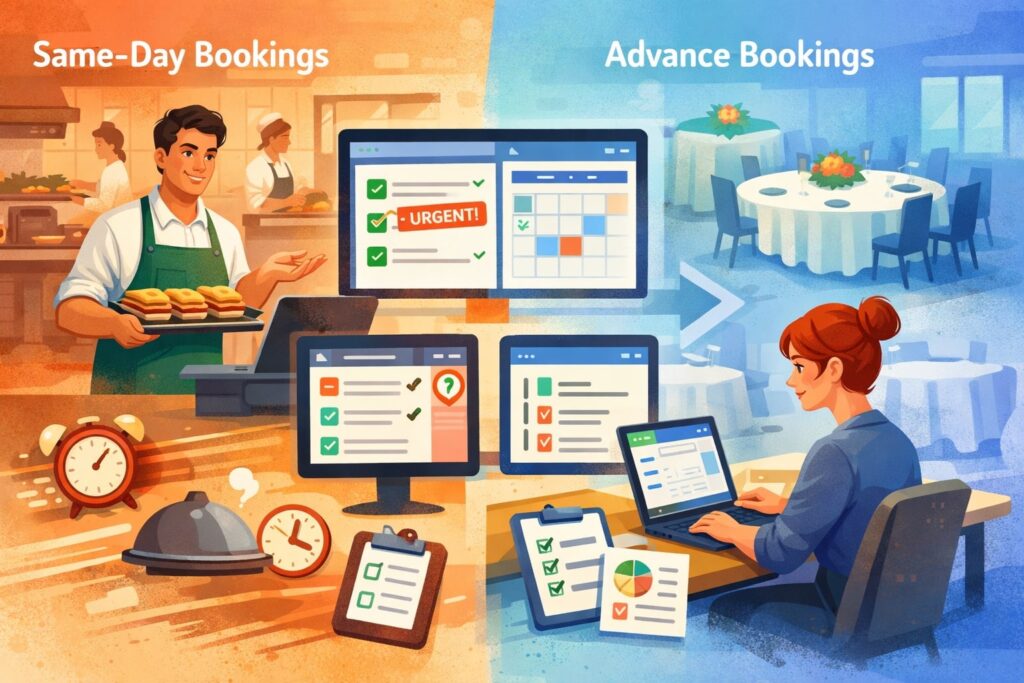
Same-day orders and advance bookings look similar to customers (“I need food for a meeting”), but operationally they are completely different. Same-day bookings are constrained by time, current inventory, staff already on shift, and delivery capacity.
Advance bookings are constrained by planning accuracy, event details, and change management. Great catering software treats these as two distinct workflows, even if they share the same menu.
For same-day catering, the system must answer one question instantly: Can we produce and deliver this on time without compromising quality? That requires real-time menu availability, prep-time logic, packaging rules, and delivery lead times.
This is where cutoff times become essential. Some platforms emphasize setting same-day cutoff times so you can accept last-minute orders only when the kitchen can support them, which improves efficiency and reduces errors.
For advance bookings, the system must answer a different question: Can we commit to this event profitably and execute it consistently?
That requires quoting, proposals, deposits, BEO-style event details, staffing assignments, rental tracking, and scheduled reminders. It also requires change control—because event clients often adjust headcounts, dietary requirements, delivery windows, or menus.
The best catering software supports both realities by letting you create booking types, lead-time rules, minimums, delivery zones, and production templates.
When this is done right, same-day catering becomes a repeatable product instead of a daily crisis, and advance catering becomes predictable revenue instead of a spreadsheet-heavy guessing game.
Core Benefits of Catering Software for High-Volume Booking Environments
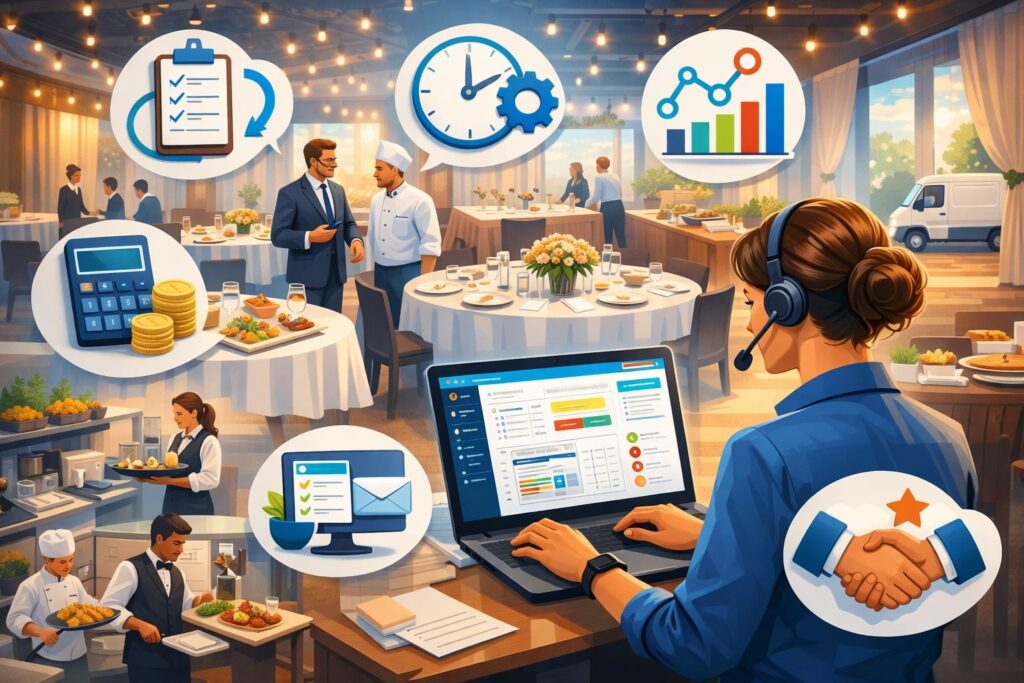
If you handle frequent catering requests—office lunches, school events, medical facilities, corporate meetings, celebrations—your business is essentially running two operations: daily service and event fulfillment. Catering software is what keeps those operations from colliding.
First, catering software reduces friction at the top of the funnel. Instead of phone calls, email chains, and “Can you send the menu again?”, your customers place orders or submit booking requests through an online portal with clear lead times, delivery fees, and menu rules. You get cleaner orders, fewer back-and-forth messages, and better conversion.
Second, catering software makes production repeatable. Kitchen prep sheets, aggregated item counts, packaging lists, and delivery manifests turn catering into an assembly process. Many solutions emphasize kitchen production reports and daily aggregation so teams can prep by item rather than by individual order.
Third, catering software protects your margins with consistent pricing, minimums, deposits, service fees, and cancellation policies. It also reduces costly mistakes: wrong delivery address, missing utensils, incorrect dietary labels, or under-produced quantities.
Finally, modern catering software supports growth. As the catering market continues to digitalize—with sustainability and technology reshaping operations—businesses that systemize quoting, production, and delivery are better positioned to scale.
When you add these benefits together, catering software isn’t just “nice to have.” It becomes the operational backbone that lets you confidently accept both same-day and advance bookings.
Must-Have Catering Software Features for Same-Day Booking Success
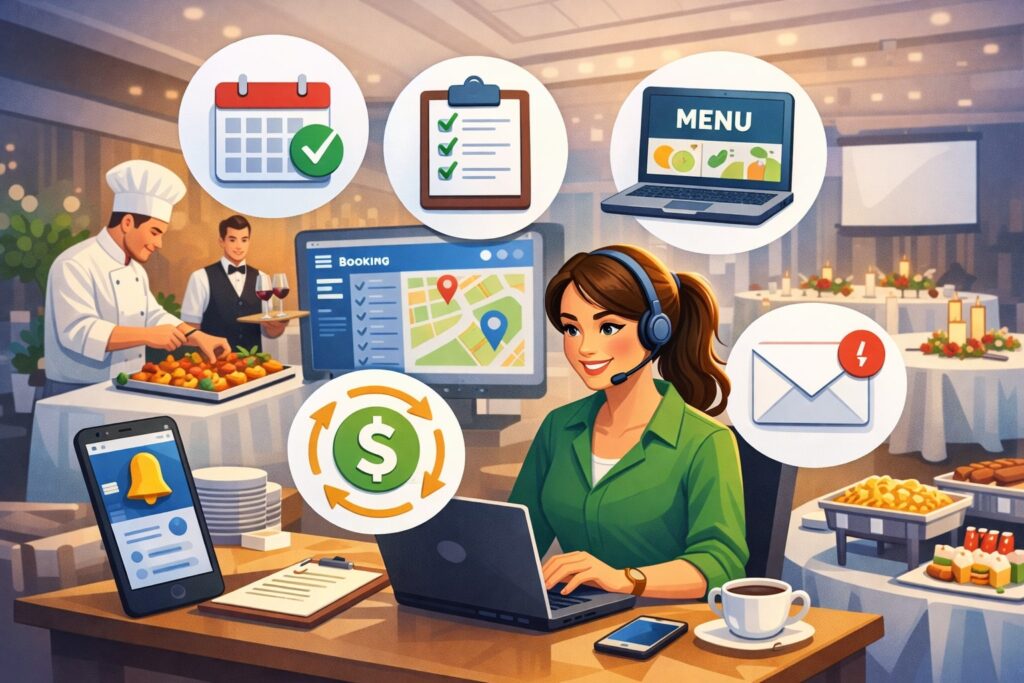
Same-day catering is where profit and panic often meet. To win at the same-day without burning out your team, your catering software needs features that enforce reality—automatically. Otherwise, staff will accept impossible orders and “figure it out later,” which is how margins disappear.
A strong same-day setup starts with lead-time logic. Your catering software should let you define prep time by category (boxed lunches vs. hot trays), by size (10 people vs. 100), and by fulfillment method (pickup vs. delivery).
It should also let you define cutoff times so online ordering shuts off automatically when production capacity is no longer safe. Some systems explicitly promote same-day cutoff controls as a key capability to keep catering workflows efficient.
Next is menu gating. Same-day menus should be simplified: fewer choices, fewer modifiers, and items designed for rapid assembly. Your catering software should support separate menus for same-day vs. advance orders, with automatic switching based on date/time.
You also need availability controls: maximum orders per time slot, throttling by delivery zone, and the ability to pause an item when inventory is low. If the system can’t control order flow, your kitchen becomes the control point—and that’s too late.
Finally, the software must generate instant production outputs: kitchen tickets, prep sheets, labels, and delivery manifests. Same-day success depends on speed, and speed depends on automation inside the catering software.
Must-Have Catering Software Features for Advance Bookings and Events
Advance catering bookings are where larger order values live: weddings, corporate events, fundraisers, conferences, and recurring contracts. But advance bookings come with complexity—quotes, approvals, client revisions, staffing, rentals, and timelines. Your catering software must be built for event-grade detail, not just “food preorder.”
A major requirement is proposal and quoting tools. Good catering software allows configurable packages, per-person pricing, add-ons, and service styles. It should also support branded proposals that can be approved online, converting into a confirmed order without retyping everything.
Next is deposit and payment handling. Advance bookings often require deposits, milestone payments, and final balances. Your catering software should support payment links, stored payment methods, automated reminders, and clear audit trails.
You also need event detail capture: contact roles, venue notes, load-in instructions, power access, floor plan notes, dietary requirements, and timing. Many teams still store these details in email threads. Great catering software stores them inside the event record so anyone can execute confidently.
Finally, advance bookings require change management. You want version history, approval steps for changes, and automatic updates to production sheets when headcounts shift. If your catering software can’t handle change control, you’ll end up back in spreadsheets—and that defeats the purpose.
Online Ordering, Booking Calendars, and Cutoff Rules That Prevent Chaos
The easiest way to lose control of catering is to let customers choose any time, any menu, and any quantity—while your kitchen is already slammed. Your catering software should act like a smart gatekeeper: welcoming customers while protecting your operation.
Start with an operator-friendly booking calendar. You want a visual schedule of deliveries and events, with capacity indicators. Some “best software” roundups highlight event scheduling and calendar management as essential because scheduling mistakes create real operational errors.
Next, configure cutoff times and lead times. Your system should support rules like:
- Same-day orders close at 10:00 a.m. for lunch delivery.
- Hot items require 6 hours lead time.
- Orders above $500 require 24 hours notice.
- Saturday deliveries require Friday cutoff.
This is not theoretical—platforms that focus on catering controls specifically call out lead times, daily hours, and cutoff management as core catering functions.
Then, add capacity throttling. Even if you have time, you may not have drivers. Catering software should cap deliveries per slot, or by zone, and prevent overbooking automatically.
Finally, implement confirmation and messaging.
Same-day customers need quick confirmations and clear arrival windows. Advance clients need scheduled reminders for headcount confirmation and final payment. The best catering software reduces inbound calls simply because the system communicates proactively.
Menu Engineering in Catering Software for Speed, Profit, and Consistency
Menus are not just food lists. In catering software, your menu is an operational blueprint. If your menu is designed for dine-in creativity instead of catering repeatability, your team will struggle no matter how good the software is.
For same-day catering, build a “fast menu” that favors items that hold well, pack well, and assemble quickly. Use category rules (boxed lunches, platters, trays) and limit modifiers. Your catering software should let you create separate menus by booking type, date range, or lead time—so customers automatically see the right options.
For advance bookings, you can offer deeper customization, but you still want guardrails. Use packages (bronze/silver/gold), add-on blocks, and per-person bundles. This keeps quotes consistent and speeds up approvals.
Pricing is just as important. Catering software should support:
- Tiered pricing by guest count
- Delivery fees by zone
- Service charges for staffing or setup
- Minimum order thresholds
- Rush fees for short lead times
If you’re doing menu costing, some tools and reviews highlight the value of menu costing and financial controls as differentiators.
The goal is simple: your menu inside catering software should protect quality and margin, while still feeling flexible to customers.
Production Management: Prep Sheets, Labels, Packaging, and Batch Cooking
Once an order is confirmed, the real work begins. This is where catering software either saves you hours or becomes just another data entry step. Production features must translate bookings into clear, kitchen-ready instructions.
The first production output is the prep sheet. For same-day, you want aggregated totals: “Turkey sandwich: 48,” not 12 separate orders. For advanced events, you want prep sheets by station, by course, or by timeline.
Many catering platforms emphasize kitchen production reports that can be generated by order or aggregated by day, which is exactly how a catering kitchen thinks.
Next are labels and allergen notes. The more catering you do for offices and institutions, the more dietary needs you’ll encounter. Your catering software should support label printing with item names, allergens, and client identifiers.
Packaging is another profit leak. If your team guesses packaging needs, you’ll overuse supplies or miss essentials. Strong catering software supports packaging checklists and “include with order” rules (utensils, plates, napkins, serving tongs, chafing kits).
Finally, batch cooking and staging require timelines. Advance bookings should generate a timeline that aligns prep, cooking, cooling, packing, and loading. When catering software creates a repeatable production rhythm, your team’s stress drops and your on-time rate rises.
Delivery, Dispatch, and Route Planning for Same-Day Catering
Same-day catering lives or dies on delivery execution. A perfect kitchen can still fail if orders are late, drivers are confused, or drop-offs aren’t documented. Your catering software needs delivery controls that match the reality of traffic, parking, and multi-stop routes.
Start with delivery zones and fees. Set zones by mileage or area, and attach delivery fees and minimums accordingly. Next, define delivery windows. Same-day customers often need “between 11:00 and 11:30,” not a vague “lunchtime.”
Then you need dispatch tools. The system should generate a driver manifest: addresses, contact numbers, delivery notes, gate codes, and parking instructions. For multi-stop runs, route sequencing matters.
Some industry discussions of AI and smarter catering operations highlight logistics optimization and routing as key areas where technology improves efficiency.
Proof of delivery is increasingly important, especially for corporate clients. Your catering software should support photo capture, signatures, or status updates (“delivered,” “left at reception,” “handed to organizer”).
Finally, same-day delivery needs exception handling. If an order is delayed, the system should trigger messaging templates so customers aren’t left guessing. The more your catering software manages delivery communication, the fewer frantic calls your team handles during peak hours.
CRM and Client Experience Tools That Drive Repeat Catering Orders
Catering is a relationship business—even when orders are placed online. The most profitable catering operations aren’t chasing one-off orders; they’re building repeat accounts: offices, hospitals, schools, property managers, and event planners. Your catering software should support that by functioning like a lightweight CRM.
At minimum, you want customer profiles with order history, favorite items, invoice preferences, tax exemption handling (when applicable), and delivery notes. For same-day corporate catering, saved favorites and reordering is huge—because admins don’t want to rebuild orders every week.
For advance bookings, CRM features help you track leads, proposals sent, proposals accepted, and follow-up tasks. Some lists of top catering tools emphasize features like event booking management, CRM, and operational workflows as key differentiators across platforms.
Client experience is also about transparency. Your catering software should show clear lead times, minimums, and delivery windows. It should send confirmation messages and reminders automatically.
And don’t ignore post-event follow-up. Automated “how did we do?” surveys, review requests, and loyalty offers can turn a one-time holiday party into a quarterly contract. When your catering software supports consistent client follow-up, growth becomes systematic.
Payments, Invoicing, and Accounting Integrations in Catering Software
Catering often involves higher ticket sizes, more payment complexity, and more opportunities for disputes than standard food orders. That’s why payments and invoicing are not “extra features”—they’re core.
Same-day catering usually benefits from full prepayment at checkout. It reduces cancellations and protects cash flow. Advance bookings often require deposits and final balances. Your catering software should support both workflows with configurable payment rules.
Invoicing matters for corporate clients. Many want invoices with PO numbers, net terms, and line-item clarity. Some catering management software comparisons highlight integrations with accounting systems like QuickBooks to simplify invoicing and reconciliation.
Also consider refunds and credits. Your catering software should make it easy to apply credits for late deliveries or missing items without creating accounting confusion.
If you run multiple locations, payment reporting becomes even more important. You want dashboards that show catering sales by location, by booking type, by customer segment, and by channel (phone vs online).
The practical goal: catering software should help you get paid faster, reduce invoice disputes, and produce clean financial data without double entry.
Staffing, Scheduling, and Resource Planning for Catering Teams
Catering is labor-heavy, and labor is expensive. Same-day catering increases the need for flexible staffing; advance bookings increase the need for scheduled staffing and event assignments. Your catering software should help you forecast labor needs based on confirmed bookings, not gut feelings.
Start with event staffing assignments: chefs, prep team, drivers, servers, bartenders, setup crew. Advance bookings especially require roles and shift timing. If your catering software can connect staffing to event timelines, you reduce last-minute scramble.
For same-day catering, forecasting is about volume patterns: recurring office orders, weekday lunch peaks, seasonal spikes. Some “best catering management software” lists even position team coordination and workforce tools as important, especially when businesses need to schedule staff and standardize tasks.
Resource planning matters too. Do you have enough hot boxes? Cambros? Chafing kits? Tables? Linens? Your catering software should track rentals and internal equipment availability so you don’t overbook physical assets.
Finally, standard operating procedures (SOPs) make staffing easier. If the system includes task lists and checklists by booking type, you can train faster and execute more consistently. Great catering software isn’t replacing people—it’s helping people perform reliably under pressure.
Data, Reporting, and KPIs to Track in Catering Software
You can’t improve what you don’t measure, and catering has many hidden costs. Catering software becomes especially powerful when it turns daily activity into decisions.
Start with revenue reporting by:
- Same-day vs advance bookings
- Delivery vs pickup
- Corporate vs private clients
- Menu category profitability
Then track operational KPIs:
- On-time delivery rate
- Order accuracy rate
- Average prep time by order size
- Driver utilization and stops per route
- Waste and last-minute item substitutions
If you’re running advance events, track conversion KPIs:
- Lead-to-proposal time
- Proposal acceptance rate
- Average days from inquiry to booking
- Deposit collection speed
Industry commentary on “smarter catering operations” increasingly points to data-driven planning—logistics, waste reduction, and operations optimization—as core benefits of modern technology adoption.
The best catering software doesn’t just store orders. It helps you spot what’s working (a popular lunch package in one business district), what’s risky (late deliveries in certain zones), and what’s expensive (items with high waste). When you review reporting weekly, you begin shaping the business instead of reacting to it.
Choosing the Right Catering Software for Your Business Type
Not all catering businesses operate the same way. A restaurant doing drop-off lunches needs different capabilities than a full-service event caterer managing rentals and staff. Choosing catering software starts with your booking profile.
If you focus on same-day corporate orders, prioritize:
- Online ordering with lead times and cutoff rules
- Delivery zone controls and driver manifests
- Fast production sheets and label printing
- Easy reorder workflows
If you focus on advance events, prioritize:
- Proposals, quoting, and package building
- Deposits and payment schedules
- Event detail capture and timelines
- Staffing and rental/equipment tracking
If you do both, look for platforms designed for mixed workflows—because you’ll need separate menus, separate rules, and separate outputs inside the same catering software environment.
Review lists can help you understand category options and typical feature sets (and they often highlight different “best for” use cases such as delivery management, event booking management, menu costing, and CRM).
The practical buying tip: request a demo using your real scenarios—“same-day 30 boxed lunches by 11:45” and “advance 200-person event with deposit and rentals.” If the catering software handles both cleanly, you’ve found a strong candidate.
Implementation and Migration: How to Roll Out Catering Software Without Losing Sales
Switching systems is risky because catering is time-sensitive. But staying on spreadsheets is riskier long term. A successful rollout of catering software is phased, realistic, and operationally focused.
Start by documenting your current workflows: how you take orders, confirm details, collect payment, generate prep lists, and dispatch deliveries. Then map those workflows into the catering software configuration—especially lead times, cutoff rules, zones, and minimums.
Menu setup is the biggest project. Build your same-day menu first, because it’s simpler. Then build advanced packages. Add modifiers carefully; too many modifiers create chaos and slow production.
Next, integrate payments and accounting workflows. If you invoice corporate clients, test invoice templates and ensure your team knows how to apply credits or partial payments.
Training must be role-based. Kitchen staff should learn prep sheets and labels. Dispatch should learn manifests and delivery notes. Sales should learn proposals and deposits.
Finally, run a short overlap period if possible: keep your old method as a fallback while you process a controlled number of orders through the new catering software. The win is not perfection on day one—it’s stable operations with continuous improvement.
Compliance, Security, and Reliability Considerations in Catering Software
Catering is operationally intense, but it’s also data-heavy. You’re storing customer contact information, addresses, payment records, event details, and sometimes sensitive instructions (like dietary or allergen notes). Your catering software should be reliable and security-minded.
Focus on access controls. Can you assign roles so drivers don’t see financial reports, and kitchen staff don’t edit pricing? Does the system provide audit trails for changes to orders and payments?
Reliability matters because catering has deadlines. Ask vendors about uptime, support responsiveness, and backup procedures. Some software roundups call out customer support quality as a differentiator, which matters when a high-value event is on the line.
Also consider integrations. If your catering channel depends on online ordering, you want stable connections to payment systems, accounting, and your website. If your online storefront goes down on a Monday morning, you lose same-day orders instantly.
Finally, think about scalability. As you add more bookings, you need a system that stays fast, supports multiple locations if needed, and can handle reporting without becoming sluggish. Strong catering software should feel like infrastructure—not a fragile app.
Future Predictions: Where Catering Software Is Headed Next
The next wave of catering software is about automation, prediction, and real-time decision-making. The industry is already moving in this direction, with growing focus on AI-driven operations: personalization, waste reduction, smarter logistics, and data-driven planning.
Here’s what is likely to become standard in catering software over the next few years:
AI-assisted forecasting and purchasing
Systems will forecast catering demand by day and time, then recommend prep quantities and purchasing. This reduces waste and prevents stockouts—especially for high-volume same-day catering.
Dynamic lead times based on capacity
Instead of fixed cutoff times, catering software will adjust availability based on real kitchen load, staffing, and current order complexity. If the kitchen is slammed, lead times extend automatically.
Smarter routing and delivery ETA accuracy
Routing will increasingly account for real-time conditions and multi-stop optimization, improving on-time performance. Tech discussions about catering logistics frequently point to efficiency gains in routing and operations.
Deeper client personalization
Corporate clients will get tailored menus, budget constraints, and dietary profiles by team—making repeat ordering easier and increasing average order value.
Sustainability reporting and packaging controls
As sustainability expectations grow, more catering software will track packaging usage, offer eco-preferred defaults, and produce sustainability-friendly reporting aligned with client expectations. Market commentary also highlights sustainability as an ongoing shaping force in catering operations.
The big takeaway: catering software is shifting from “order management” to “operations intelligence.”
FAQs
Q.1: What is catering software and how is it different from regular online ordering?
Answer: Catering software is designed for larger, more complex orders and events. Unlike basic ordering tools, catering software supports lead times, cutoff rules, event details, proposals, deposits, production sheets, and delivery manifests.
Many catering ordering solutions specifically emphasize controls like lead times and cutoff times because catering is operationally different from standard takeout.
Q.2: Can catering software really support same-day orders without causing kitchen problems?
Answer: Yes—if configured correctly. Same-day success depends on cutoff times, simplified menus, capacity throttling, and production automation. Systems that highlight cutoff time management show how critical it is to protect kitchen flow.
Q.3: What features matter most for advance event catering?
Answer: For advance bookings, prioritize proposals/quotes, deposits, event detail capture, staffing plans, rentals, and version control for changes. The best catering software makes revisions trackable and updates production outputs automatically.
Q.4: How do I set cutoff times for same-day catering?
Answer: Use your real production timeline. Measure how long it takes to assemble your standard same-day menu, then add a buffer for peak days.
Many operators set different cutoff times for pickup vs delivery, and different lead times for hot items vs cold items. Tools built for catering frequently promote cutoff settings as a core feature because it prevents overpromising.
Q.5: Is catering software worth it for a small operation?
Answer: Often, yes—especially if catering is growing. Even a small team benefits from online ordering, automated prep sheets, and payment controls. If you do recurring office catering, catering software can reduce admin time dramatically and increase repeat orders through easy reordering.
Q.6: What trends should I pay attention to when choosing catering software?
Answer: Look for platforms investing in automation, logistics optimization, data-driven reporting, and AI-assisted operations. Industry discussions increasingly frame AI as a major driver of smarter catering operations, from logistics to waste reduction.
Conclusion
Same-day catering is about speed with control. Advance catering is about planning with flexibility. Trying to run both with spreadsheets and manual processes eventually creates bottlenecks—missed details, inconsistent pricing, production confusion, and delivery failures.
The right catering software solves this by creating two clean workflows inside one system: same-day rules that protect the kitchen with cutoff times and simplified menus, and advance booking tools that support proposals, deposits, event details, staffing, and change management.
Solutions across the category increasingly emphasize core controls like lead times, cutoff times, production sheets, and calendar scheduling because those features prevent the most common operational breakdowns.
Just as importantly, modern catering software is evolving fast. The next generation will lean more heavily on automation, forecasting, and AI-driven optimization—helping operators reduce waste, improve logistics, and deliver more personalized client experiences.