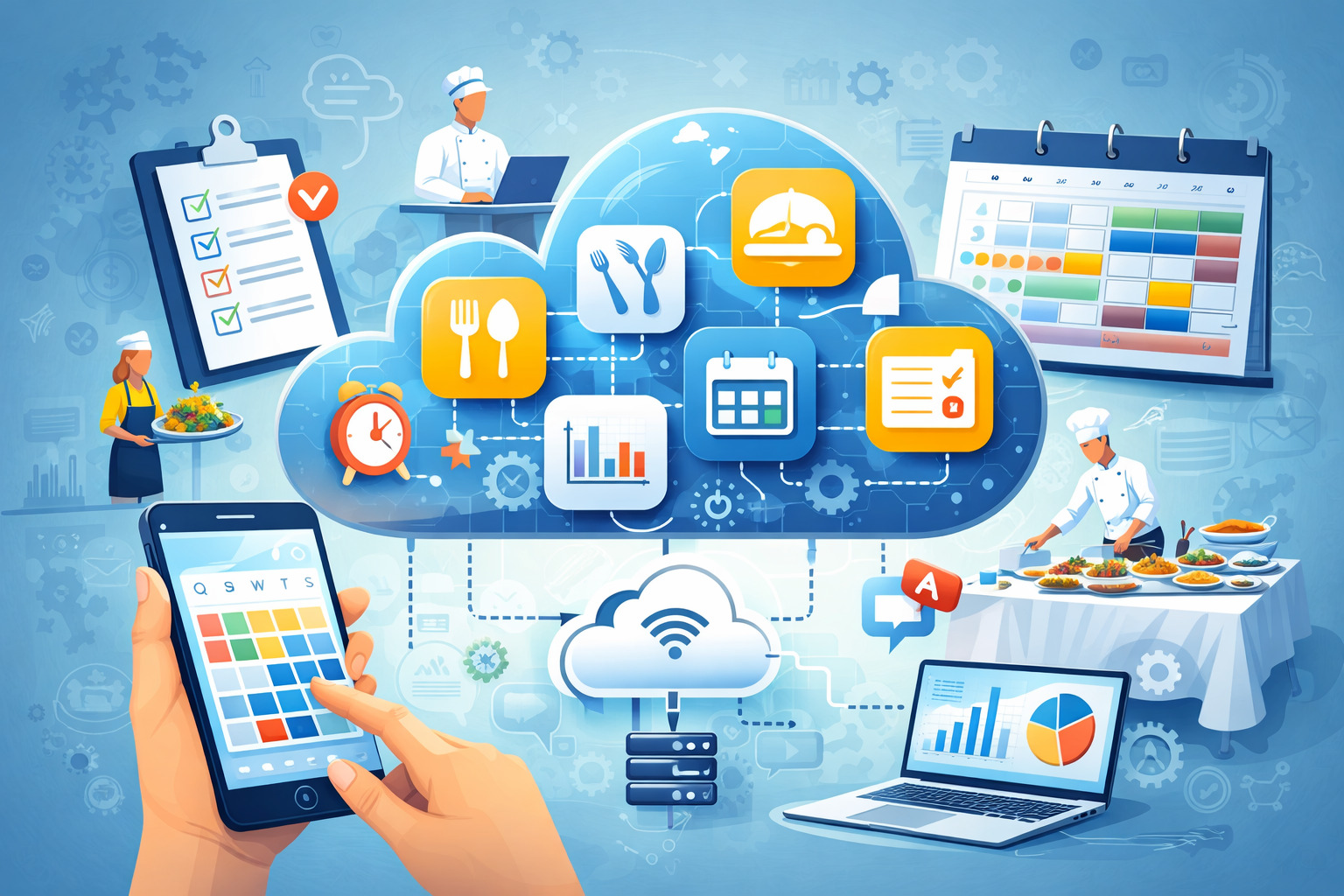
Scheduling chaos is one of the fastest ways to turn a profitable catering operation into a stressful, error-prone scramble. One late menu update can ripple into prep delays, missing rentals, understaffed events, and unhappy clients.
The good news is that cloud catering tools are built to stop those chain reactions by putting every schedule-dependent detail into one living system that updates in real time.
Modern catering runs on moving parts: inquiries, proposals, BEOs (banquet event orders), menus, dietary notes, vendor rentals, staffing assignments, commissary prep, delivery windows, venue rules, and payment milestones.
When any of those pieces live in separate spreadsheets, text messages, and paper binders, you’re not managing schedules—you’re chasing them. Cloud catering tools replace scattered communication with a single source of truth that teams can trust.
This guide explains how to use cloud catering tools to prevent double-bookings, reduce last-minute surprises, improve staffing accuracy, and tighten execution from sales to service.
It also covers workflow design, integrations, security, and practical future predictions so you can make decisions that still work next year. Throughout, you’ll see the recurring theme: scheduling gets easier when your data stays connected, visible, and standardized inside cloud catering tools.
The real causes of scheduling chaos in catering operations
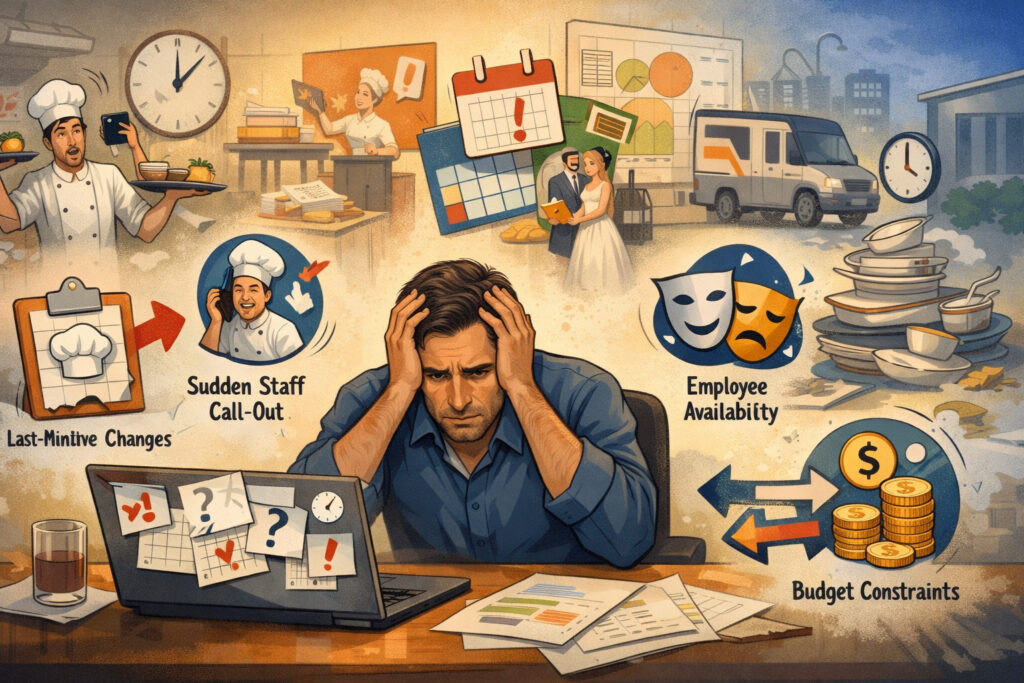
Scheduling problems rarely come from one big mistake. They usually come from small gaps that stack up. A salesperson confirms a date but forgets to notify operations. A chef changes the yield assumptions for a menu item, but the prep list doesn’t update.
A venue changes load-in rules, but the driver never sees the message. These breakdowns have one thing in common: information moved, but the schedule didn’t.
Cloud catering tools reduce chaos by connecting events to the details that drive labor and timing. Instead of a “date on a calendar,” an event becomes a complete operational record.
That record links the menu, guest count, rentals, staffing roles, delivery times, venue contacts, allergies, equipment needs, and notes. When any field changes, the system can push updates to the right places automatically.
Chaos also grows when teams rely on memory. If your best coordinator is the only one who knows which venues require a COI, which clients always add guests, or how long a plated dinner actually takes to fire, your schedule is fragile. Cloud catering tools help you document institutional knowledge as templates, checklists, time blocks, and rules.
Another hidden cause is “invisible work.” If setup takes 90 minutes but the schedule only shows service time, you’ll always feel behind. Cloud catering tools encourage schedule realism by making prep, staging, loading, travel, setup, service, breakdown, and return all visible time segments. When the whole timeline appears, you can staff accurately and protect margins.
What “cloud catering tools” actually change in day-to-day scheduling
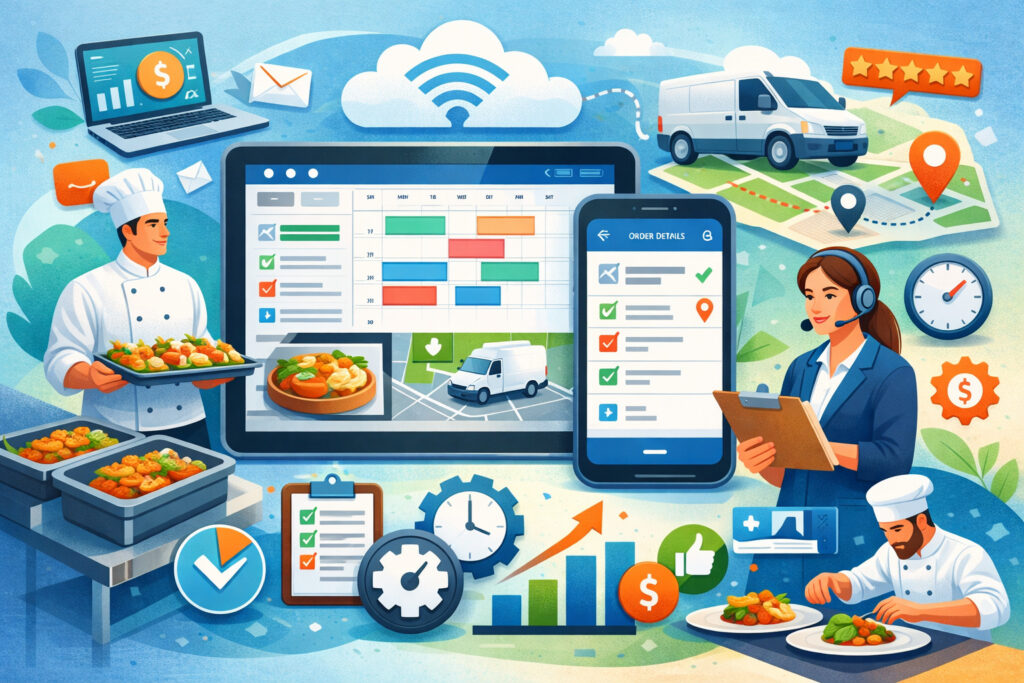
The biggest shift with cloud catering tools is that schedules become operational, not symbolic. Instead of a calendar entry that only shows “Smith Wedding – Saturday,” you get a timeline that drives tasks, staffing, kitchen production, delivery routing, and client communication. That changes how decisions get made because everyone sees the same current information.
A second shift is speed. When you change a guest count or swap a menu item, the right documents can update instantly: prep sheets, production lists, packing lists, staffing assignments, and event timelines.
This is where cloud catering tools beat manual systems. Manual systems may be flexible, but they’re not fast enough when you’re doing multiple events per day.
Third, cloud catering tools increase accountability without creating friction. You can track who updated an event, when it changed, and what the previous value was.
That audit trail reduces blame-based communication because you can solve problems with facts. It also helps with training: new team members learn faster when the system shows the full workflow.
Finally, cloud systems reduce “schedule drift,” where the plan slowly becomes outdated. Drift happens when notes live in email threads and changes get communicated verbally. Cloud catering tools centralize messages, attach files to events, store venue instructions, and preserve approvals. The schedule becomes a living record, not a guess.
The “single source of truth” principle
A single source of truth means there is one place where event details are considered official. This matters because catering schedules are only as reliable as the data behind them. If the client’s final headcount is in an email, the chef’s prep list is in a spreadsheet, and the coordinator’s staffing plan is in a group chat, the schedule is already broken.
Cloud catering tools enforce a single source of truth by connecting modules: lead management, proposals, contracts, menus, invoices, and operations. When built correctly, your team stops asking, “Which version is correct?” and starts asking, “What’s the current status?” That one mindset change reduces mistakes.
Single-source systems also enable permissions. Sales can update proposal items, but only operations can lock production schedules. Finance can manage payment terms while kitchen staff only sees what they need for prep. The schedule stays clean because edits happen in the right places.
Most importantly, a single source of truth prevents “shadow scheduling,” where individuals keep private calendars because they don’t trust the official one. Once you deploy cloud catering tools properly, the official schedule becomes the fastest, easiest way to get answers.
Real-time updates that prevent ripple-effect failures
Ripple effects are the silent killers: one change triggers five hidden consequences. For example, a guest count increase affects food quantities, rental counts, staffing levels, packing volume, truck space, and timeline. If that update doesn’t reach every affected area, something breaks at the event.
Cloud catering tools prevent ripple failures by linking dependent fields. A headcount update can trigger recalculated yields, updated purchase quantities, revised staffing suggestions, and new task checklists. Even if you still choose to override a recommendation, you’re making an informed decision instead of hoping it works out.
Real-time updates also reduce last-minute calls. Drivers can see updated delivery windows. Onsite captains can see updated floor plans. Kitchen leads can see revised prep priorities. This matters most during peak season, when multitasking reduces accuracy.
If you want scheduling claims, the goal is not “never change.” The goal is “change without chaos.” That’s what cloud catering tools are designed to deliver.
Core scheduling features that matter most in cloud catering tools
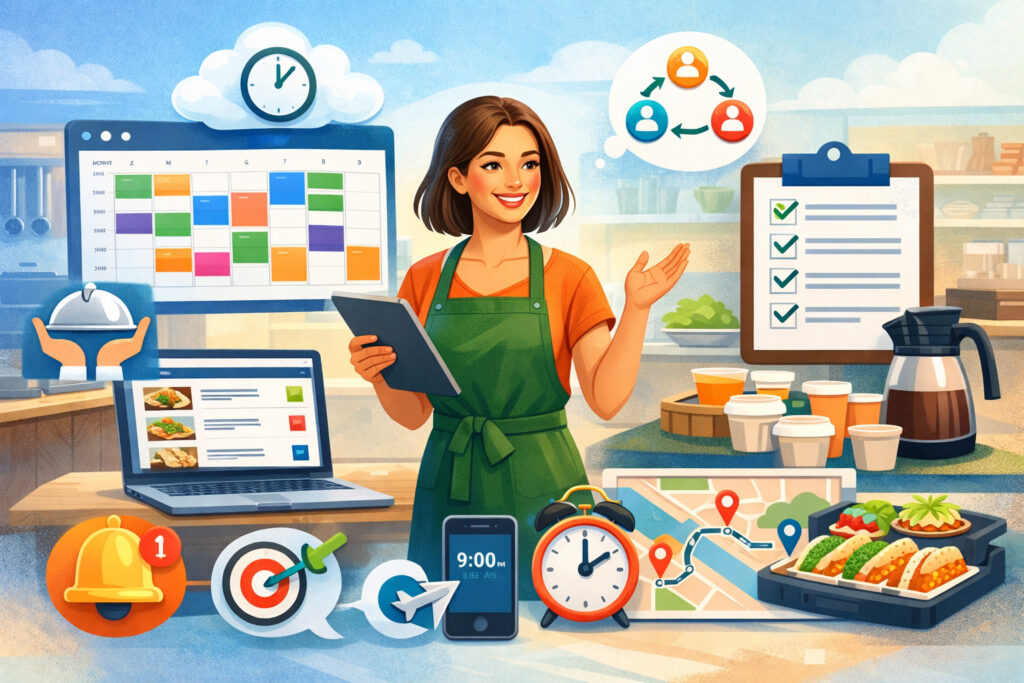
Not all software features reduce chaos. Some features look impressive but don’t protect the schedule. The most valuable cloud catering tools focus on operational clarity, automation, and constraints. In catering, constraints are reality: kitchen capacity, labor availability, venue rules, travel time, equipment limits, and prep windows.
Start with a robust event calendar that supports views by day, week, and month, plus filters by venue, service style, or team. Then add resource scheduling: trucks, hot boxes, cambros, tents, chafers, and even key staff. Scheduling chaos often comes from “resource collisions,” not just date collisions.
Next are templates. You need reusable event templates for common packages, staffing patterns, prep timelines, and packing lists. Templates let you standardize how long tasks really take. Without templates, each event becomes custom, and customization is where schedules break.
Finally, you need automation that doesn’t overreach. The best cloud catering tools automate repetitive steps (task creation, reminders, document generation) while still allowing human judgment for exceptions. You want guardrails, not handcuffs.
Automated staffing plans and labor forecasting
Staffing is where scheduling chaos gets expensive. Overstaffing crushes margins. Understaffing creates service failures. Cloud catering tools help by forecasting labor based on service style, headcount, menu complexity, and venue constraints.
A strong system lets you define staffing rules such as “1 server per 20 guests for buffet,” “1 bartender per 75 guests,” or “add 1 kitchen runner for stations over X items.” It should also support minimum staffing floors, because some events need baseline coverage regardless of guest count.
Labor forecasting becomes far more accurate when it’s linked to event timelines. If setup starts at 2:00 p.m. and service begins at 6:00 p.m., staffing should cover setup labor separately from service labor. Cloud catering tools can assign roles to time blocks, so you can see real labor hours and compare them to revenue.
Scheduling chaos often happens when staffing confirmations are late. Good systems include offer/accept workflows, shift reminders, and “who’s confirmed” visibility. When staffing lives inside cloud catering tools, you reduce no-shows and last-second replacements.
Production timelines, prep lists, and packing lists that stay aligned
Kitchen scheduling breaks when production is disconnected from sales. A menu change that doesn’t update prep lists will cause missing items, wasted prep, or frantic substitutions. Cloud catering tools keep production aligned by generating prep lists directly from the final menu, with yields tied to headcount.
A strong production module supports batch cooking. If you have three events requiring the same sauce, you should be able to consolidate prep. That reduces labor and makes timelines more predictable.
This is one of the most underrated benefits of cloud catering tools because it turns scheduling from “event-by-event” to “week-of-production.”
Packing lists are equally critical. If packing lists are manual, they become inconsistent, and drivers can’t trust them. Cloud catering tools can generate packing lists based on menu, rentals, and service style, then link those lists to check-out and check-in processes.
When prep lists, packing lists, and timelines match, your schedule becomes self-reinforcing. The team stops fighting surprises because the operational plan is visible, consistent, and connected.
Building a scheduling workflow that actually holds up under pressure
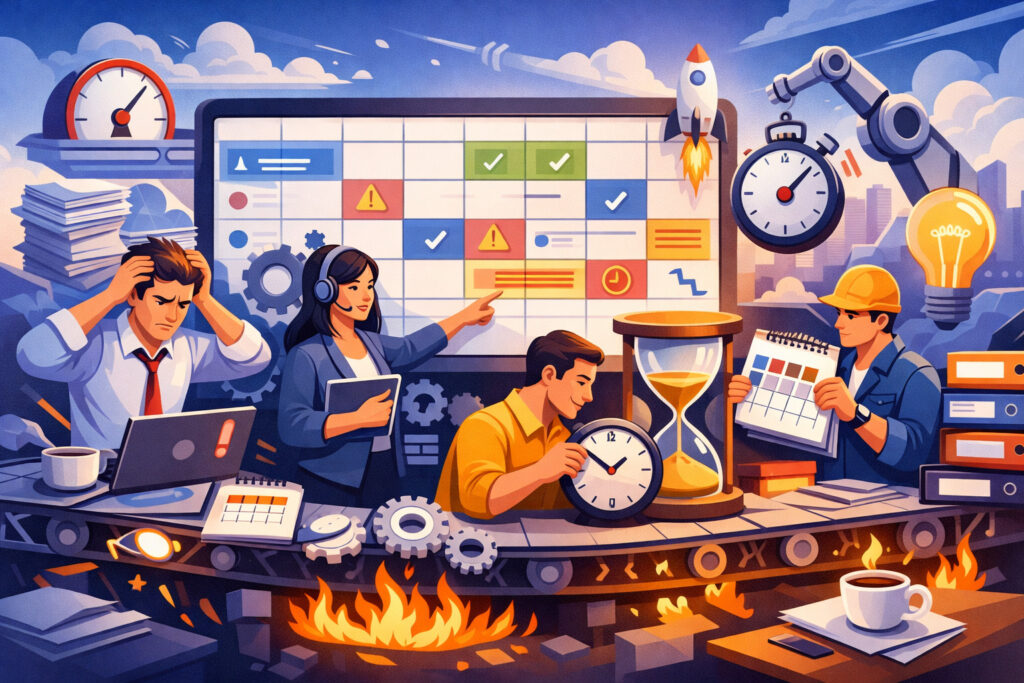
Implementing cloud catering tools without a workflow plan can make chaos worse. If your team isn’t sure when an event is “locked,” what counts as “final,” or who owns updates, the system becomes another channel for confusion. The fix is a workflow that defines stages, responsibilities, and freeze points.
Most catering operations need at least four event stages: inquiry, proposal, booked, and finalized. Inside those stages, define required fields and required approvals.
For example, no event moves to “booked” without a signed contract and deposit. No event moves to “finalized” without final headcount, final menu, venue rules confirmed, staffing assigned, and production scheduled.
Also define freeze windows. A common pattern is to freeze menu and headcount at a specific point, such as 7 days before the event, unless the contract allows changes. This is less about being rigid and more about protecting execution. Cloud catering tools make freeze windows practical because you can lock fields, track exceptions, and document approvals.
The workflow should also include an internal communication rhythm. For example, an operations review meeting that uses the system schedule as the agenda. When the meeting is driven by cloud catering tools, the team naturally keeps the data current.
Standardizing event data so schedules stop breaking
Scheduling chaos is usually data chaos. If event names vary, venues are entered differently, and timelines are written as free-form notes, reporting and automation fail. Standardization fixes this. Cloud catering tools work best when you use dropdowns, templates, and structured fields rather than relying on “notes” for everything.
Standardize service styles (buffet, plated, family style, stations), event types (wedding, corporate, private), and venue profiles. Venue profiles should include load-in instructions, elevator access, kitchen access, parking rules, noise restrictions, and preferred vendor requirements. When venue rules are standardized, you reduce last-minute timeline surprises.
Standardize menu item attributes too: allergens, dietary tags, hot/cold holding requirements, plating complexity, and equipment needs. This allows cloud catering tools to generate more accurate prep timing and packing lists.
The result is a schedule that is resilient. Even if the coordinator changes, the event still “makes sense” because the data structure holds the operational logic.
Using approvals, locks, and change logs to control last-minute changes
Last-minute changes are inevitable. The goal is to manage them without breaking the schedule. Cloud catering tools offer tools like approvals, locks, and change logs specifically for this.
Approvals allow you to formalize what used to be verbal. For example, a client approves the final menu, then the system marks it as approved. If the client wants to change it later, the system records that request and the new approval. That protects you and reduces internal confusion.
Locks prevent accidental edits. Once production begins, menu quantities should not be editable by anyone without permission. Locks don’t stop changes; they stop silent changes. Silent changes are the fastest way to create chaos because they bypass communication.
Change logs provide context. If a driver sees a delivery time moved, they can also see who moved it and why. That reduces back-and-forth calls and makes the schedule trustworthy. Trust is the hidden KPI of cloud catering tools—when people trust the schedule, they follow it.
Integrations that eliminate duplicate work and schedule conflicts
Scheduling chaos grows when you re-enter the same data in multiple systems. A client pays in one tool, the invoice lives in another, and the event record lives somewhere else. That increases errors and delays.
The right integrations make cloud catering tools more powerful because the schedule gets fed by accurate upstream data and produces useful downstream outputs.
Common integration categories include accounting, payment processing, CRM, email, form tools, digital signatures, and calendar sync. The value isn’t “having integrations.” The value is reducing the number of times a human must copy data.
For example, if deposits are tied to event stage changes, the schedule can update automatically when payment clears. If staffing confirmations are tied to text/email reminders, the schedule reflects real staffing readiness, not assumptions.
Integrations also help with customer experience. Automated confirmations, event reminders, and final detail forms reduce the manual follow-up load. When clients submit details through linked forms, cloud catering tools can update fields without coordinators retyping everything.
The end result is less administrative drag, which means more time for proactive scheduling. Proactive scheduling is how you avoid chaos.
Connecting sales, proposals, contracts, invoices, and payments
Sales systems often operate on speed, while operations systems operate on precision. Cloud catering tools bridge that gap by linking what was sold to what must be executed. This prevents the classic “sales promised it, ops didn’t know” problem.
The best setups connect proposals and contracts directly to the operational event record. Once the client signs and pays, the event moves stages automatically. That stage movement can trigger task creation: book rentals, assign captain, schedule production, confirm venue rules, and send final detail forms.
Payment milestones can also protect the schedule. If a final payment is due before production starts, cloud catering tools can alert the team and prevent an event from being marked “finalized” until payment is complete. This reduces financial risk and avoids awkward last-minute scrambles.
When sales-to-ops is connected, your schedule becomes more stable because it’s built on finalized commitments, not tentative promises.
Syncing with team calendars, notifications, and mobile access
A schedule that isn’t visible in the field isn’t a real schedule. Catering happens on the move: kitchens, trucks, venues, loading docks. Cloud catering tools need strong mobile access so captains, drivers, and leads can see updates immediately.
Calendar sync helps, but notifications are the bigger win. Staff should get reminders, shift details, venue addresses, contact numbers, and load-in instructions in one place. When people rely on scattered texts, updates get lost, and scheduling chaos returns.
Mobile access also supports checklists. A driver can confirm items loaded. A captain can confirm setup steps completed. That real-time confirmation gives managers better visibility into schedule risk. If loading is behind, the system shows it, and you can adjust.
If you’re serious about avoiding chaos, choose cloud catering tools that are designed for field execution, not just office workflows.
Security, reliability, and operational resilience in cloud catering tools
Scheduling is mission-critical. If your system goes down on a busy weekend, your team needs a fallback. That’s why security and reliability aren’t “IT topics.” They’re operational survival topics. Cloud catering tools should offer clear uptime expectations, secure access, backups, and role-based permissions.
Start with access control. Different roles need different data. Kitchen staff may not need full client payment details. Sales may not need internal labor cost notes. Role-based permissions keep data safe and reduce accidental edits that break schedules.
Next is data protection. You’ll store client addresses, phone numbers, dietary info, and sometimes event security details. Choose cloud catering tools that support encryption, secure logins, and audit logs. This protects you if a device is lost or a login is compromised.
Also consider resilience. Can you export event packets before the weekend? Can you print prep lists and packing lists? Can the mobile app cache key details if cell service is weak at a venue? These questions directly affect whether scheduling chaos stays contained during disruptions.
Finally, plan for vendor risk. Software providers change pricing, features, and roadmaps. Your business needs portability: exports, integrations, and documented workflows that aren’t trapped in one tool forever.
Protecting client data while keeping schedules accessible
Catering teams need fast access, but fast access can’t mean unsafe access. Cloud catering tools should allow secure sign-ins, multi-factor authentication, and device management practices. Even simple policies—like forcing strong passwords and limiting admin accounts—reduce risk.
Permissions matter for chaos control too. If too many people can edit critical schedule fields, your schedule will change unpredictably. The best practice is “edit rights follow responsibility.” Sales edits proposal fields. Operations edits timelines and staffing. Kitchen edits production notes, not client contract terms.
Audit logs create accountability without drama. If an event time changes, you can see who changed it and what it was before. That not only protects the schedule but also helps you train the team toward better habits.
Security isn’t about fear. It’s about stable operations. When your team trusts that cloud catering tools are safe and consistent, adoption rises, and chaos drops.
Continuity planning when the internet, devices, or vendors fail
Even with great software, the real world is messy. Internet outages happen. Phones die. Venues have dead zones. A continuity plan keeps a small disruption from becoming a full scheduling breakdown.
Use cloud catering tools to generate printable or downloadable event packets before peak days. Include timelines, menus, staffing lists, packing lists, venue contacts, and maps. Store those packets where captains and managers can access them offline.
Train the team on “weekend readiness” routines. For example: confirm all events are finalized, export packets, confirm staffing acceptance, and verify rental delivery windows. When these routines are baked into cloud catering tools as checklists, you reduce reliance on memory.
Also, plan for vendor changes. Keep documented templates and exports. If you ever need to switch tools, you want your operational logic to be portable. The best anti-chaos strategy is not being trapped.
Future predictions: where cloud catering tools are headed next
The next wave of cloud catering tools will focus less on “digitizing paperwork” and more on predictive operations. Scheduling is becoming data-driven. Systems are starting to learn from your history: how long setups really take at specific venues, which menus cause kitchen bottlenecks, and how guest count changes affect staffing needs.
One major trend is smarter capacity planning. Instead of asking, “Are we available?” future cloud catering tools will answer, “We can take this event if we adjust production on Thursday and assign a second prep lead.” This is scheduling with context, not just calendar space.
Another trend is automation around purchasing and inventory. When menus and headcounts finalize, purchasing lists will be generated with vendor lead times, price awareness, and substitution suggestions. That reduces last-minute sourcing chaos.
You’ll also see better field execution support: mobile-first checklists, photo confirmations, digital signatures for rentals, and route optimization that accounts for real loading time, not just travel time. This matters because delivery delays often come from loading delays.
Finally, AI-driven client communication will grow. Not in a spammy way, but as guided workflows: reminders for final details, automated confirmation questions, and smart follow-ups when clients haven’t approved changes. The practical benefit is fewer “waiting on the client” scheduling surprises.
Practical steps to future-proof your scheduling now
To benefit from future improvements, your data needs to be structured today. That means standardizing venues, service styles, menu tags, and staffing roles inside cloud catering tools. Predictive features only work when the system can compare similar events over time.
Build templates and track actuals. Compare scheduled labor hours to actual labor hours. Compare projected prep time to real prep time. The more you measure, the more future tools can help. Even without advanced features, this discipline reduces chaos immediately.
Choose tools with flexible integrations. If a platform plays well with accounting, payments, email, and forms, you can adapt as technology changes. Integrations are the safest way to evolve without ripping out your whole workflow.
Most importantly, train your team to treat the system as the schedule. If people still rely on side conversations, no future feature will save you. Adoption is the foundation that makes cloud catering tools worth the investment.
FAQs
Q.1: What are cloud catering tools, and how do they differ from a normal calendar?
Answer: Cloud catering tools are specialized platforms that manage catering operations end to end: leads, proposals, menus, contracts, staffing, production, packing, delivery, and event execution.
A normal calendar only tracks dates and times. The difference is that cloud catering tools connect the schedule to everything that makes the schedule real, including checklists, documents, resources, and updates.
Because catering schedules depend on many variables, a calendar alone can’t prevent collisions like overbooked equipment, understaffed events, or missing rentals. Cloud catering tools reduce those risks by linking details and automating updates across the workflow.
Q.2: How do cloud catering tools help prevent double-booking?
Answer: Double-booking is rarely just “two events on one day.” It can be a double-booked truck, a double-booked captain, or a kitchen schedule that can’t handle simultaneous production peaks. Cloud catering tools prevent these issues by adding resource scheduling, capacity views, and conflict alerts.
When your system tracks staff, equipment, and production windows, you can see conflicts early. That gives you time to adjust staffing, stagger prep, or decline events that don’t fit.
Q.3: Do cloud catering tools work for small catering businesses, or only large companies?
Answer: Cloud catering tools can help small teams even more because small teams feel chaos faster. When you have limited staff and equipment, one scheduling error can ruin a whole weekend. The key is to implement a workflow that matches your size.
Small businesses should focus on core features first: event stages, templates, staffing assignments, production lists, and mobile access. As you grow, you can add deeper automation and integrations without rebuilding your whole system.
Q.4: How do I improve adoption so my team actually uses cloud catering tools?
Answer: Adoption happens when cloud catering tools become the fastest way to get answers. Start by eliminating shadow systems. If staffing lives in texts, move staffing into the system. If prep lists live in spreadsheets, generate them from the system.
Train with real events, not theory. Assign clear ownership: who updates what, and when. Use the schedule in meetings so the team sees it as the operational truth. Also keep the system clean—too many custom fields and messy data will push people away.
Q.5: What’s the biggest mistake teams make when implementing cloud catering tools?
Answer: The biggest mistake is digitizing chaos instead of designing a workflow. If you copy your messy spreadsheet habits into cloud catering tools, you’ll still have chaos—just with logins. Define stages, approvals, freeze windows, and responsibilities first. Then configure the tool to support that workflow.
The second biggest mistake is leaving critical details in notes. Use structured fields and templates so the system can automate and predict. Structure is what turns cloud catering tools into true schedule protection.
Conclusion
Scheduling chaos doesn’t come from being busy. It comes from being busy with disconnected information. When details live in too many places, every change becomes risky, and every weekend feels like a gamble.
Cloud catering tools solve that by turning schedules into connected operational plans that update in real time, create accountability, and make hidden work visible.
If you want a calmer, more profitable operation, focus on the fundamentals: a single source of truth, standardized data, templates, staffing forecasts, production alignment, and mobile execution. Use approvals and locks to control last-minute changes. Integrate sales, payments, and communication so information stops getting retyped and lost.
The future is moving toward predictive scheduling, smarter capacity planning, and automation that reduces human error. But those gains only come if you build solid foundations now.
When implemented with a clear workflow, cloud catering tools don’t just “organize” your business. They protect your time, your team, your margins, and your reputation—event after event, season after season.