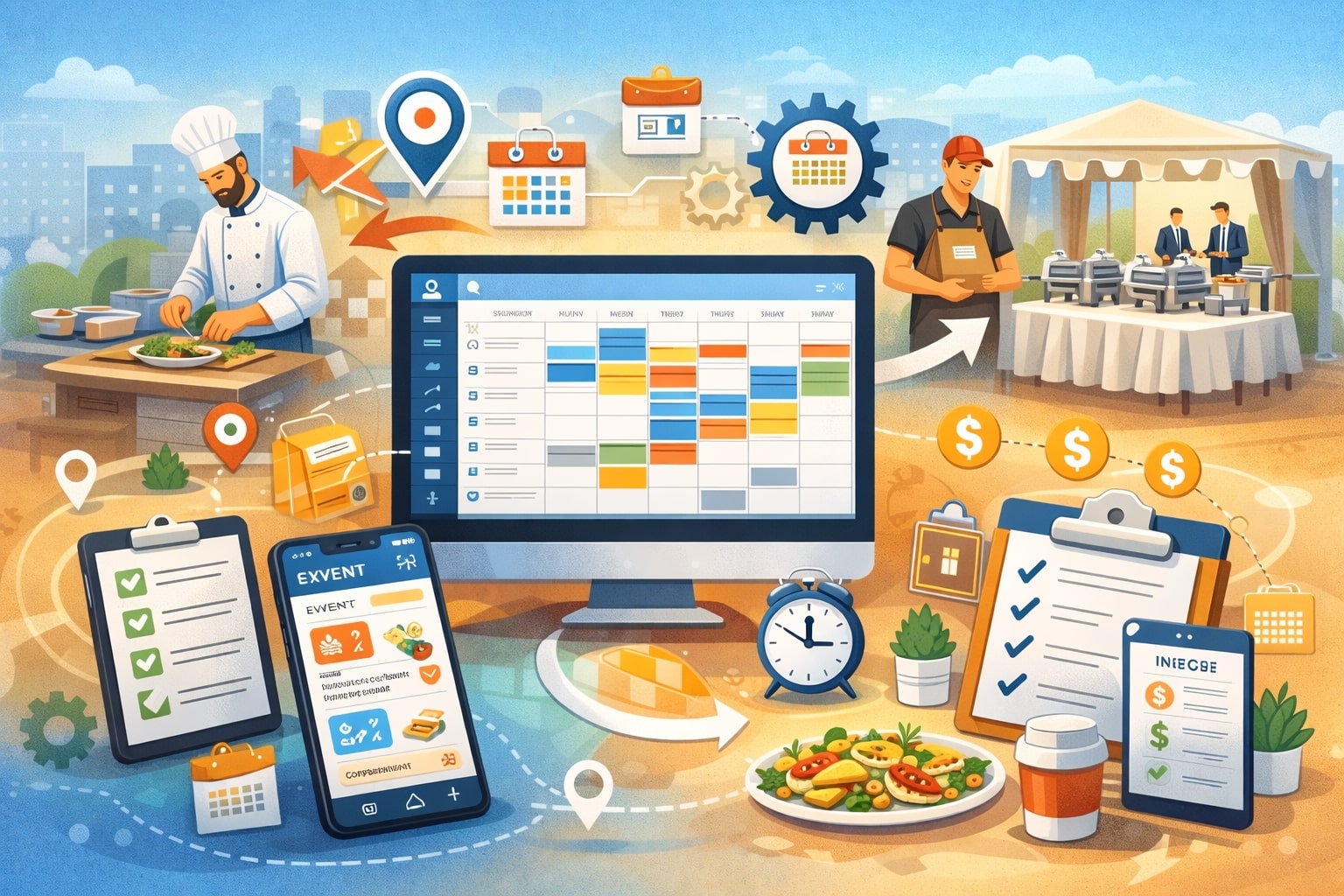
Event catering businesses don’t just “prepare food” and show up. They coordinate people, prep timelines, rentals, vendor pickups, driving routes, loading sequences, venue rules, staffing roles, and client changes that can happen minutes before service.
That complexity is exactly why scheduling tools for event catering businesses have shifted from a “nice-to-have” to a core operating system.
A modern catering schedule must cover multiple layers at once: event dates and times, prep blocks, kitchen production, packing, transport, setup, service, breakdown, and return-to-base.
On top of that, you’re scheduling teams—captains, servers, bartenders, chefs, dish staff, drivers—often a mix of full-time, part-time, and on-call workers. Without a reliable scheduling system, it becomes easy to overstaff slow events, understaff busy ones, miss prep deadlines, or accidentally double-book key staff.
The stakes are high because catering is reputation-driven. When staffing falls apart, quality drops fast: late setup, cold food, rushed service, missing rentals, and stressed teams.
Strong scheduling tools for event catering businesses reduce chaos by making schedules visible, shareable, mobile-friendly, and tied to real event workflows. They also help you protect margins by aligning labor to demand and preventing overtime surprises.
As competition increases and client expectations rise, scheduling becomes a differentiator—not just an internal task, but a direct driver of customer experience.
What “Scheduling” Really Means in Event Catering
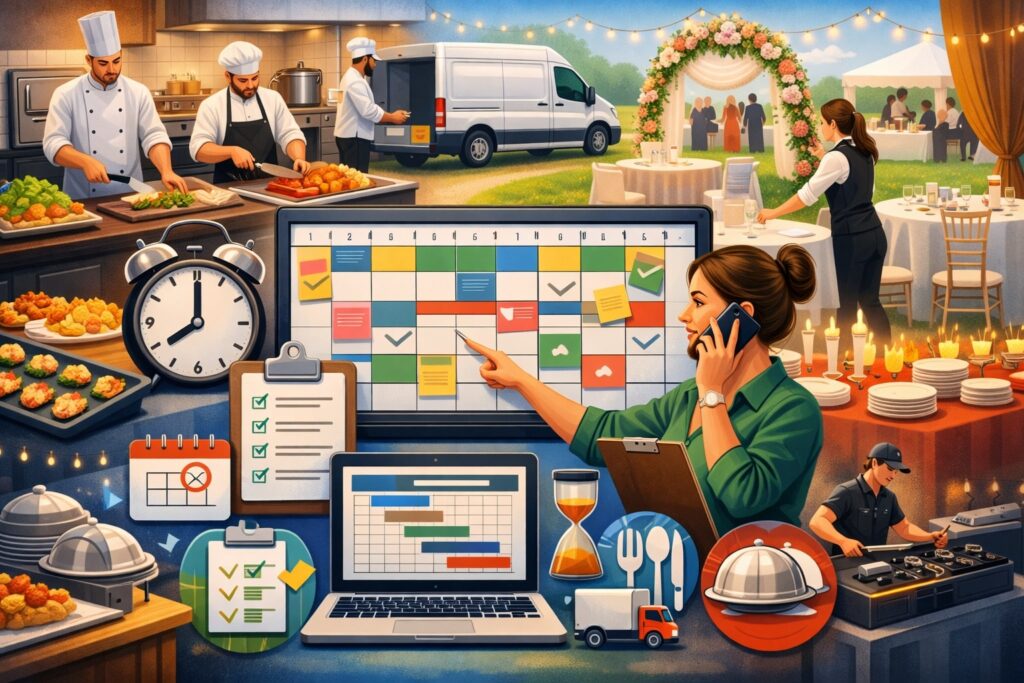
Scheduling in catering is not one calendar entry per event. It’s an interconnected chain of commitments and dependencies. The best scheduling tools for event catering businesses treat scheduling as an end-to-end process—starting at booking and ending after cleanup and returns.
First, there is sales scheduling: site visits, tastings, proposal deadlines, client calls, and vendor coordination. Next is production scheduling: prep lists, kitchen blocks, batch cooking, labeling, and cold storage timing.
Then comes event execution scheduling: loading times, departure windows, setup sequences, staff arrival times, service cues, and breakdown tasks. Finally, there is post-event scheduling: inventory checks, rental returns, linen counts, vehicle cleaning, and next-day prep for upcoming events.
In real life, these layers overlap across multiple events, often on weekends or peak seasons. A Friday wedding might share staff with a Saturday corporate event, while the kitchen is also preparing boxed lunches for a weekday drop-off order.
That is why scheduling tools for event catering businesses must handle multi-event views, role-based staffing, location-aware details, and last-minute edits.
The most useful scheduling systems also connect scheduling to accountability: who accepted the shift, who checked in, who completed tasks, and what changes were made. That kind of visibility protects both service quality and profitability—especially when you run multiple crews in different venues at the same time.
Benefits of Scheduling Tools for Event Catering Businesses
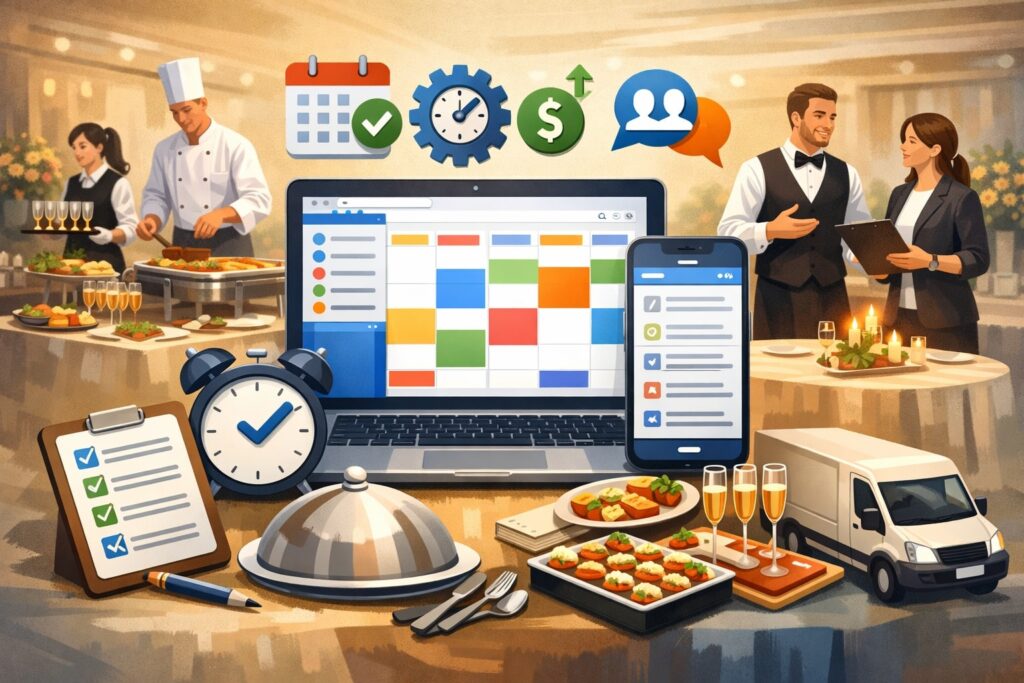
The most obvious benefit of scheduling tools for event catering businesses is fewer mistakes—no more missed shifts, confusion over start times, or scattered updates across texts and phone calls. But the deeper benefits go further than “organization.”
A strong scheduling platform reduces labor waste. When you schedule by role, forecast labor needs by guest count, and reuse templates for common event types, you stop guessing.
That creates more consistent staffing levels, fewer panic hires, and fewer “extra hands” standing around on the clock. It also improves team morale, because workers prefer clear expectations: where to arrive, what to wear, who they report to, and what success looks like.
Scheduling software also improves communication speed. Many platforms push mobile notifications, shift confirmations, reminders, and updates when event details change. That matters when a venue updates the load-in door, the planner changes the ceremony time, or weather triggers a tent adjustment.
Another big advantage is documentation. When schedules, time logs, and changes are tracked in one system, you have evidence for payroll, client disputes, and performance reviews.
Some event staffing tools also support shift swaps and open-shift bidding, which can reduce manager workload while keeping coverage strong. When implemented correctly, scheduling tools for event catering businesses don’t just manage time—they create operational consistency that helps you scale without losing quality.
Key Features to Look for in Scheduling Tools

Not all scheduling platforms are built for the realities of event work. Many general scheduling apps handle weekly shifts well, but catering needs event-based scheduling with changing locations, roles, and timelines. The best scheduling tools for event catering businesses typically include a few must-have feature categories.
You’ll want event-centric scheduling that connects each shift to an event record (client, venue, date, service style, guest count). Look for role templates so you can quickly schedule “wedding buffet for 150” or “corporate plated dinner for 80” with prebuilt staffing patterns.
Mobile functionality is essential. Staff should be able to view assignments, confirm availability, request time off, swap shifts, and receive updates without calling a manager.
Some platforms focus heavily on event staffing workflows—for example, When I Work positions its offering for event and catering staff scheduling with shift confirmations and tools like shift swapping.
Also prioritize communication tools: group messaging, event notes, and checklists. Catering is too dynamic for a schedule that just lists a time and a name. If the system supports attachments (floor plans, timelines, menus, parking details), that can prevent a lot of day-of confusion.
Finally, consider integrations: payroll export, time tracking, POS, CRM, proposal software, and accounting. Scheduling becomes far more powerful when it connects to the rest of your operations instead of living on an island.
Scheduling Templates, Cloning, and Repeatable Event Playbooks
Templates are one of the fastest ways to improve consistency. With templates, your best events become your standard operating procedure. The right scheduling tools for event catering businesses let you clone events, duplicate staffing roles, and reuse checklists.
For example, you can create playbooks for common formats: “Backyard wedding buffet,” “Hotel ballroom plated dinner,” “Drop-off lunch with setup,” or “Cocktail reception with passed apps.”
Each template can include role counts (captain, servers, bartender, cook, dishwasher, driver), arrival times, and task sequences. Then, when a new event is booked, you copy the playbook and adjust guest count, venue, and timing.
This doesn’t just save admin time—it reduces errors. When a manager is rushed, templates prevent missed roles (like forgetting a barback) and ensure standard tasks (like rental counts and signage) are included. Templates also help training, because new managers learn the “default” way your company runs events.
If your business handles many similar events, templates can become your competitive edge. You can schedule faster, staff smarter, and deliver more consistent service. In other words, templates turn scheduling tools for event catering businesses into a system that captures operational know-how—not just a digital calendar.
Multi-Location, Multi-Crew, and Conflict Detection
Catering companies often run multiple crews at the same time across different venues. That creates conflict risk: the same lead bartender gets assigned to two events, the only box truck is scheduled in two places, or the kitchen prep plan collides with delivery windows. Advanced scheduling tools for event catering businesses include conflict detection that flags overlaps.
Look for multi-location views: a calendar that shows events by venue, region, or team. If you run a central kitchen plus satellite staging points, the ability to filter schedules by location can prevent bottlenecks. You also want equipment awareness—at least at a basic level—so you don’t overcommit key assets like hot boxes, cambros, portable bars, or vehicles.
Even if your tool doesn’t track equipment, you can mimic that structure by creating “resource shifts” (like assigning a vehicle as if it were a staff member). It’s not perfect, but it helps your team see availability conflicts.
Conflict detection is not just about avoiding mistakes. It helps you make smarter decisions when you’re near capacity. When your calendar is full, scheduling tools for event catering businesses should help you quickly determine whether you truly have room to accept another booking—or whether it would force overtime, rushed prep, or lower quality.
Categories of Scheduling Tools for Event Catering Businesses
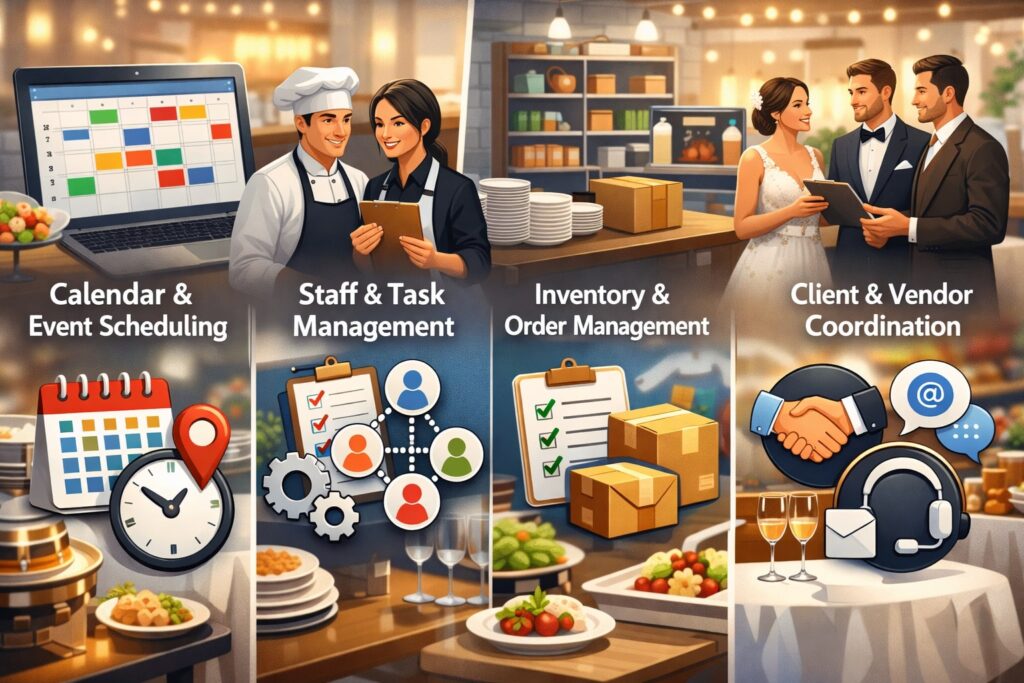
There are several types of software that can serve as scheduling tools for event catering businesses, and many catering companies use a combination rather than one single system.
One category is catering and event management software, which often includes booking workflows, proposals, BEO-style event details, menus, and event calendars. Caterease, for example, markets itself as catering and event management software with customizable tools for event operations.
These platforms tend to be strong when you want scheduling tied directly to menus, invoices, and event documents.
Another category is workforce scheduling software, built to schedule staff efficiently with shift confirmations, time tracking, communications, and swap workflows.
When I Work specifically highlights event and catering scheduling use cases, including staff confirmation and quick changes. Tools like these are often easier to adopt for staffing and day-to-day shift management.
A third category is restaurant labor and scheduling platforms, some of which position themselves for catering teams as well—like 7shifts, which promotes scheduling and labor tools for caterers. These systems can be useful if catering is closely tied to restaurant operations or if you need stronger labor cost controls.
Finally, you have booking and appointment scheduling tools (for tastings and consultations) and calendar platforms (for internal coordination). These can play supporting roles, especially for smaller teams.
The best setup depends on whether your biggest pain is staffing, event details, labor cost, or client scheduling—and the right scheduling tools for event catering businesses should match your primary operational bottleneck.
How to Choose the Right Scheduling Tools for Your Catering Business
Choosing scheduling tools for event catering businesses is less about picking “the most popular software” and more about matching the tool to your operating model.
A high-volume drop-off caterer has different scheduling needs than a luxury full-service wedding caterer. A company with 10 staff has different needs than a company managing 200+ on-call workers.
Start by mapping your workflows. How do you go from lead → booking → planning → staffing → production → execution → payroll? Identify where breakdowns happen. If the breakdown is “we can’t keep staff organized,” prioritize workforce scheduling with mobile confirmations and communication.
If the breakdown is “event details get lost,” prioritize catering event management software where schedules attach to menus, BEOs, and timelines.
Also evaluate adoption. A system is only as good as its daily use. A complex platform with powerful features can fail if managers don’t use it consistently or if staff can’t navigate it. In practice, the best scheduling tools for event catering businesses have clean mobile UX, simple shift acceptance, and clear notifications.
Then consider integration. If you already have payroll, accounting, or CRM tools, choose scheduling software that exports clean reports or integrates directly. Finally, consider scalability: can it handle more crews, more locations, and more events without becoming slow or messy?
The “right tool” is the one your team will actually use—every day—without friction, while giving owners the visibility needed to control quality and labor costs.
A Practical Scorecard for Comparing Tools
A scorecard prevents you from choosing software based on marketing instead of fit. Rate each option across categories: event detail depth, staffing workflows, mobile experience, communication, time tracking, reporting, integrations, and support.
If you run full-service events, weigh event detail depth heavily. If your biggest cost is labor, weigh reporting and labor controls heavily. If you struggle with no-shows, weigh confirmations and reminders heavily.
It can also help to run a “stress test.” Take a real peak weekend and model it inside the software. Schedule three events, assign staff, push updates, and see whether the tool feels smooth or frustrating.
Ask whether it supports your real-world terms: captains, bartenders, runners, drivers, prep, load-in, breakdown. If everything must be hacked, it may not be the best long-term fit.
Even review sites that compare catering platforms can reveal feature differences and typical pricing tiers—for example, listing starting prices and review counts for catering tools like Caterease and Total Party Planner.
The key is not “which tool has the most features,” but which tool supports your exact workflow with the least operational friction—because the best scheduling tools for event catering businesses feel invisible when they’re working well.
Implementing Scheduling Tools Without Disrupting Operations
Implementation is where many scheduling projects fail. The biggest mistake is trying to configure everything at once. A smoother approach is phased rollout: start with core scheduling, then add templates, then add time tracking, then add reporting and integrations.
Begin by standardizing roles and shift naming conventions. Your schedule should use consistent language so staff can understand it instantly.
For example: “Server – Setup/Service/Breakdown,” “Bartender – Cocktail Hour,” “Driver – Load/Delivery,” “Captain – Event Lead.” The more consistent you are, the more your scheduling tools for event catering businesses become self-explanatory.
Next, build one or two event templates for your most common formats. Don’t try to template everything—just the events you repeat the most. Then train managers and captains first, because they will be the ones making day-of changes.
After that, onboard staff with a simple checklist: download app, set availability, accept shifts, view event notes, message team. Keep training short and practical. Finally, set expectations: schedules must be confirmed by a certain time, changes happen inside the app, and day-of updates must be acknowledged.
A good rollout turns scheduling into a habit, not a “new system.” When that happens, scheduling tools for event catering businesses become a daily operational advantage instead of an admin burden.
Scheduling for Compliance, Payroll, and Labor Cost Control
Catering scheduling is tied closely to payroll and labor rules, especially when you have overtime risk during peak seasons. The best scheduling tools for event catering businesses support time tracking, break documentation, and reporting so you can catch problems early.
If you pay hourly workers, you need accurate time records: when staff started, when they ended, whether breaks were taken, and whether travel time is compensated based on your policies. Some scheduling systems include built-in time clocks, geo-fencing, and digital timesheets, which reduce disputes and manual corrections.
Labor cost control is not just “keep hours low.” It’s about aligning labor to event demand. Scheduling platforms that help you compare planned labor vs actual labor are extremely valuable. If you consistently plan 10 staff but only need 8 for a certain type of event, you can adjust templates and protect margins.
Also watch last-minute changes. Catering often adds “just one more thing” (extra bartender, late-night station, extended service). Those changes should be reflected in the schedule and captured in payroll. When the schedule becomes the source of truth, managers can make smarter decisions in real time.
Over time, scheduling tools for event catering businesses help you build a data-driven staffing model: guest count per server, bar volume per bartender, prep hours per menu complexity, and cleanup time per venue type. That’s how scheduling becomes a profit system—not just a calendar.
Integrations That Make Scheduling More Powerful
Scheduling is strongest when connected to the rest of your tech stack. Many catering companies use separate systems for leads, proposals, payments, payroll, and communication. The right scheduling tools for event catering businesses reduce duplication by integrating key data flows.
If you use catering event management software, you may want scheduling tied to event details like menus, guest counts, and timelines. Caterease emphasizes customizable catering and event tools and feature sets designed for planning and coordination. In that model, your event record becomes the hub.
If you use workforce scheduling software, you may prioritize payroll integration and time tracking exports. If you use restaurant scheduling platforms, you might want labor forecasting and reporting tied to staffing levels—7shifts, for example, focuses on scheduling, communication, and reporting for teams, including catering contexts.
Other useful integrations include messaging (so staff updates are instant), map/location tools (for venue directions and arrival plans), and file storage (for floor plans and run-of-show documents). Even small upgrades—like auto-adding scheduled shifts to personal calendars—can reduce confusion and no-shows.
The long-term goal is one flow of truth: bookings become events, events become schedules, schedules become time logs, and time logs become payroll. That is where scheduling tools for event catering businesses create real operational leverage.
Using Scheduling Data to Forecast Demand and Staffing
Once your scheduling system is stable, the next step is smarter forecasting. Catering demand is seasonal and event-driven. You’ll often see spikes around holidays, graduation season, and prime wedding months.
Scheduling tools for event catering businesses can help you forecast if they provide reporting by day, week, event type, and venue.
Start by tracking a few core metrics: total events per week, total labor hours per event type, no-show rates, late shift replacements, and overtime frequency. With that data, you can forecast staffing needs and recruit ahead of peaks rather than scrambling last minute.
You can also forecast equipment usage and prep load. If your system tracks event types and guest counts, you can estimate production hours and identify when kitchen capacity becomes a bottleneck.
That can influence booking decisions: you might accept a high-margin event that fits your production profile while declining a lower-margin event that would overload the kitchen.
Forecasting also helps with vendor scheduling. If you know you’ll need extra rental deliveries or subcontracted bartenders during a specific weekend, you can lock them in early.
As AI features expand, forecasting is becoming more automated in workforce management tools. Industry coverage in 2025 highlights growing AI-driven workforce tooling and analytics as part of modern scheduling and operations.
That trend is pushing scheduling tools for event catering businesses toward proactive recommendations rather than just reactive calendars.
Future Trends and Predictions for Catering Scheduling
The future of scheduling tools for event catering businesses is moving toward automation, predictive staffing, and “agent-like” assistants that coordinate tasks across systems. The next evolution is not just making schedules faster—it’s making scheduling smarter.
We’re already seeing scheduling products emphasize intelligent recommendations: suggested staffing based on historical events, automatic conflict detection, and automated notifications when key details change.
Over the next few years, expect scheduling systems to behave more like operations copilots: flagging risk (“you’re short two servers for this guest count”), prompting actions (“confirm rentals by Thursday”), and generating schedules that adapt in real time.
Another trend is the rise of AI agents and “digital workers” that can interact with software systems on behalf of teams. Coverage of new AI agent management tools suggests companies are preparing to oversee many AI agents working across business apps, though risks and errors still exist.
Applied to catering, this could mean agents that automatically update staff, draft event briefs, reorder recurring supplies, and reconcile time logs—reducing manager workload.
At the same time, buyers will demand tighter security and clearer audit trails. Scheduling touches personal data, pay information, and location data, so trust and compliance will matter more.
The winners in scheduling tools for event catering businesses will be platforms that combine automation with reliability, transparent change logs, and easy human oversight.
Best Practices to Get the Most from Scheduling Tools
The best tool won’t fix broken habits. To truly benefit from scheduling tools for event catering businesses, you need a few operating rules that keep schedules accurate and trusted.
First, make the schedule the single source of truth. If changes are happening in texts, calls, and side messages, the schedule becomes unreliable. Set a policy: every change must be logged in the tool.
Second, schedule earlier than you think. Publish a draft schedule, request confirmations, then lock the schedule by a set deadline (while still allowing emergency changes). This reduces last-minute gaps.
Third, standardize event briefs. Every event should have consistent notes: dress code, arrival instructions, parking, contact person, timeline highlights, menu/service style, and special rules. If your tool supports attachments, attach the run-of-show and venue map.
Fourth, use post-event feedback. After each event, note staffing issues: too many staff, too few, role mismatch, or timing problems. Update your templates so your system improves each month. This is where scheduling tools for event catering businesses become a learning engine.
Finally, protect manager time. Use automation where possible: reminders, confirmations, and open-shift publishing. The goal is fewer phone calls and fewer emergencies—because in catering, calm operations usually mean better service.
FAQs
Q.1: What are the best scheduling tools for event catering businesses for a small team?
Answer: For a small team, the best scheduling tools for event catering businesses are usually the ones that are easy to adopt and mobile-friendly. Look for simple shift scheduling, confirmations, group messaging, and basic time tracking.
Many small catering businesses start with workforce scheduling apps because they reduce no-shows and confusion quickly. If your biggest pain is keeping staff aligned, you’ll benefit from tools that emphasize shift acceptance and fast schedule updates—features commonly highlighted by event scheduling platforms built for staff coordination.
Q.2: Do I need catering-specific software, or is general scheduling software enough?
Answer: General scheduling can work if your events are simple and your team is stable. But catering-specific tools can become valuable when you need schedules tied to event details like menus, BEO-style documents, rentals, and timelines.
Catering and event management platforms often emphasize customizable event workflows, which can reduce errors when events are complex. For many teams, a hybrid approach works: event management software for event details plus a workforce tool for staffing.
Q.3: How do scheduling tools help reduce labor costs?
Answer: Scheduling tools for event catering businesses reduce labor costs by improving planning accuracy and reducing overstaffing. With templates and historical data, you can schedule closer to true need rather than guessing.
Time tracking and reporting also help you compare planned vs actual labor and catch patterns like consistently over-scheduling certain event types. Over time, you can refine staffing ratios, reduce overtime risk, and protect margins.
Q.4: Can scheduling tools handle last-minute changes and callouts?
Answer: Yes—this is one of the strongest reasons to adopt scheduling tools for event catering businesses. Tools that support notifications, open shifts, shift swapping, and fast edits help managers fill gaps quickly.
Event-focused staff scheduling platforms highlight quick changes and staff confirmations as core features for catering and events. The key is setting a policy that all changes happen inside the tool so everyone sees the latest version.
Q.5: What future features should catering businesses expect from scheduling software?
Answer: Expect more predictive scheduling, automated recommendations, and AI-driven operational assistants. Workforce tooling is trending toward deeper analytics and AI-based demand planning.
Broader “AI agent” trends suggest more automation across business apps, including scheduling-related coordination—though human oversight and security will remain critical.
Conclusion
In catering, scheduling is not an admin task—it’s operational leadership. The right scheduling tools for event catering businesses help you deliver consistent service, control labor costs, reduce last-minute chaos, and scale without losing quality. They turn scattered texts, spreadsheets, and memory-based planning into a repeatable system.
When you choose a tool aligned to your workflow—and implement it in phases with templates, standards, and clear rules—you get more than a calendar. You get visibility into staffing, capacity, execution readiness, and profitability. You also get a more confident team: staff know where to be, what to do, and how to communicate.
Looking ahead, scheduling will become more predictive and automated. Teams that adopt modern scheduling tools for event catering businesses now will be positioned to take advantage of smarter forecasting, AI-powered recommendations, and integrated operations.
In a market where clients expect flawless execution and fast communication, scheduling excellence becomes a real brand advantage—one that protects margins while improving the experience for both clients and staff.