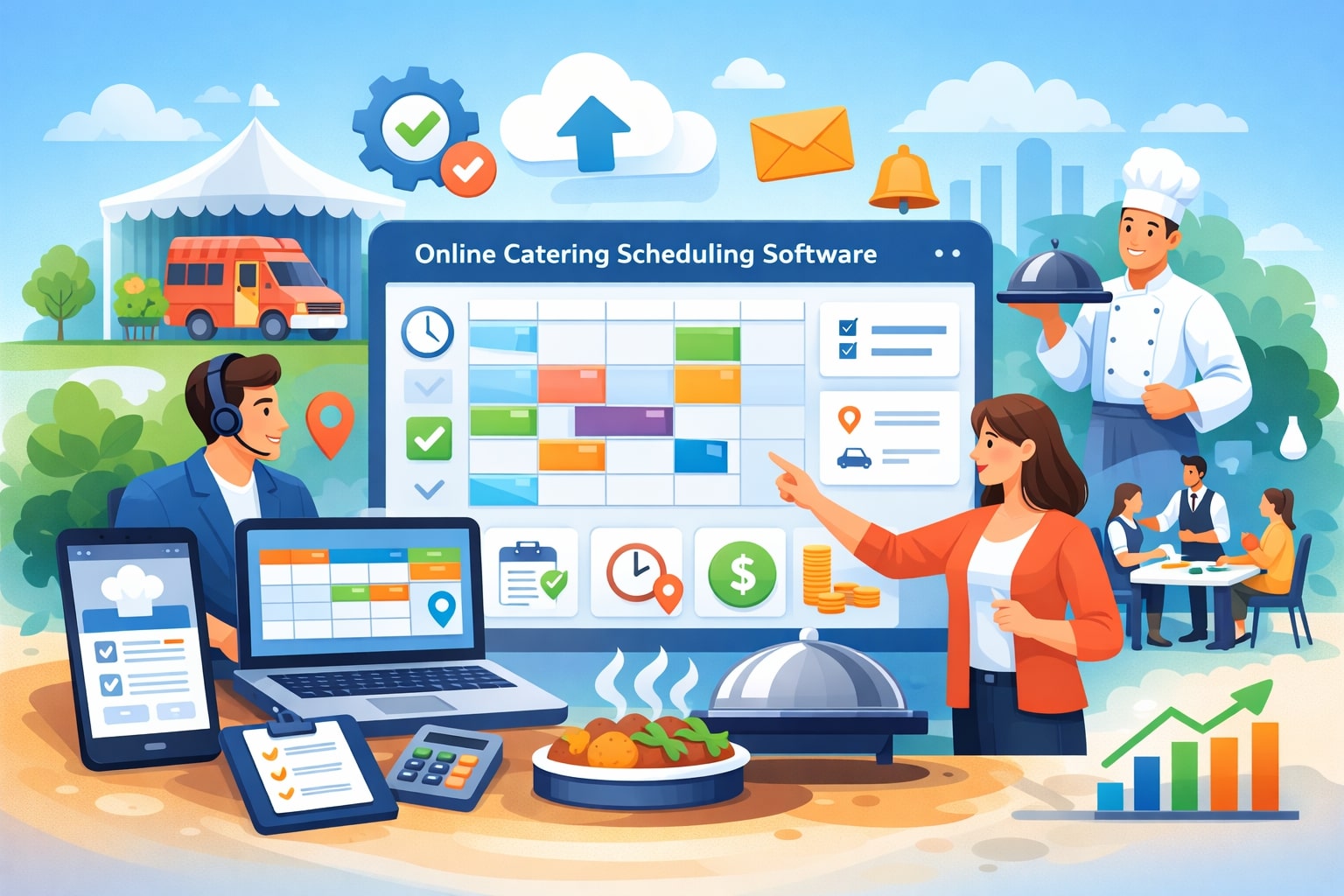
Online catering scheduling software is a specialized system that helps catering teams manage events from the first inquiry to the final invoice—using one shared calendar, automated workflows, and real-time collaboration.
Instead of juggling spreadsheets, paper binders, and scattered emails, online catering scheduling software centralizes your bookings, menus, staffing, production timelines, deliveries, and customer communication in one place.
In practical terms, online catering scheduling software acts like an “event operating system.” It tracks every event date and time, prevents double-booking, stores client preferences, generates proposals, and triggers tasks (like kitchen prep sheets, rental checklists, or driver dispatch).
Many platforms also connect with accounting tools, payment processors, and messaging systems so you can confirm deposits, send reminders, and update schedules without manual follow-ups.
The biggest advantage of online catering scheduling software is that it reduces the hidden “coordination tax” that grows as you get busier—missed details, version confusion, last-minute staffing gaps, and rushed kitchen changes.
When you run multiple jobs per day across multiple locations, scheduling becomes a high-stakes, minute-by-minute operation. That’s why modern online catering scheduling software focuses on automation, audit trails, mobile access, and integrations that keep your entire team aligned—even when everyone is on the move.
What Online Catering Scheduling Software Actually Does
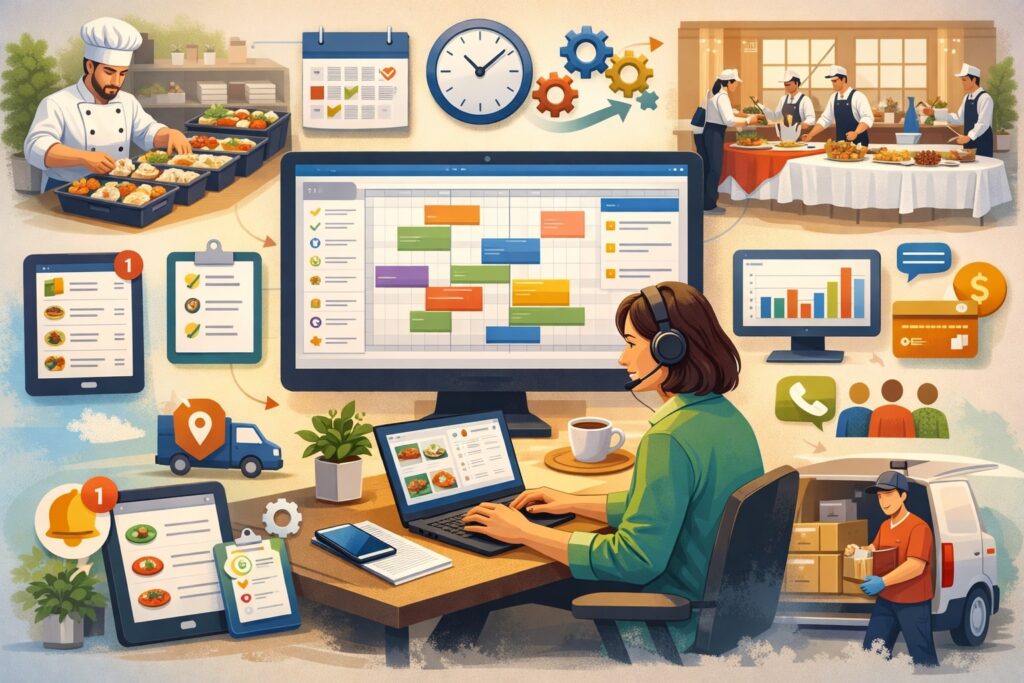
Online catering scheduling software goes beyond a basic appointment calendar. It’s designed for the complexity of catering: variable guest counts, menu customizations, equipment rentals, dietary restrictions, venue logistics, staffing, travel time, and production batching.
A true online catering scheduling software platform ties those moving parts together so every event stays accurate as changes happen.
At the center is the event record: a structured profile that includes client details, venue, timing, headcount ranges, menus, service style, equipment, staffing roles, delivery windows, and payment milestones.
Online catering scheduling software typically turns that single record into multiple outputs: proposals, contracts, kitchen prep sheets, packing lists, driver routes, staffing schedules, and invoices. Instead of retyping data in multiple places, you update once, and everything downstream updates automatically.
Most online catering scheduling software also supports “pipeline” tracking—so leads don’t vanish after an inquiry. It can assign follow-ups, send templated replies, and log communications.
Many systems include a master event calendar that prevents conflicts, highlights capacity constraints, and shows workloads by day, kitchen station, or team.
In other words, online catering scheduling software isn’t just scheduling; it’s operational control. That’s why many popular catering/event platforms emphasize features like event calendars, scheduling tools, and workflow automation.
Why Catering Teams Are Switching to Online Scheduling Now
The demand for faster quotes, clearer communication, and real-time updates has made manual processes increasingly risky. Today, customers expect quick responses, easy confirmations, and professional documentation—often within hours, not days.
Online catering scheduling software helps you answer that expectation by automating follow-ups, generating polished proposals, and keeping your calendar instantly up to date.
Another major driver is operational complexity. Catering teams are dealing with more delivery-based events, shorter booking windows, and frequent last-minute changes. That environment punishes “tribal knowledge” and paper checklists.
Online catering scheduling software creates standardized workflows that don’t rely on one person remembering everything. When a salesperson, kitchen lead, and driver all see the same event updates, mistakes drop fast.
Technology expectations have also evolved. Scheduling software in general is moving toward automation, AI-assisted planning, and real-time booking experiences, which influences what catering clients and staff consider “normal.”
The result is a competitive shift: if your competitor can confirm a date, collect a deposit, and send a clean event summary in minutes, your manual process starts to feel slow.
Finally, compliance and risk management matter more than ever. Digital task tracking, temperature logging, and inspection-ready records are increasingly common in food operations, and many catering businesses want systems that support stronger controls and documentation. Online catering scheduling software becomes the backbone that ties those records to each event.
Core Features of Modern Online Catering Scheduling Software
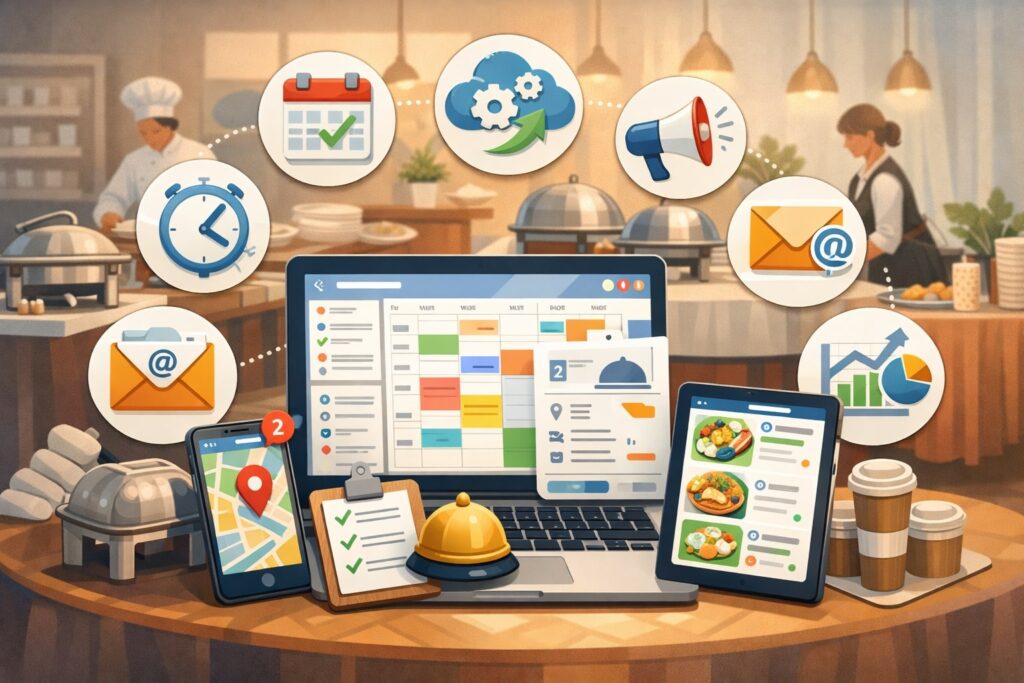
Online catering scheduling software is most valuable when it covers the full lifecycle—sales, planning, production, staffing, delivery, and billing—without forcing you into messy workarounds. Below are the feature groups that matter most if you want online catering scheduling software to actually reduce workload (not just move it around).
Event Calendar, Availability Controls, and Conflict Prevention
A real catering calendar must do more than show dates. Online catering scheduling software should prevent double-bookings across venues, rooms, kitchens, trucks, and staff.
The best systems support multiple “resources” so you can see when your team or equipment is at capacity. That matters because catering conflicts aren’t only time-based; they’re production- and logistics-based. Two events might not overlap in time, but they can still overload your kitchen at the same prep window.
Strong online catering scheduling software also supports visual planning: color-coded statuses, filters by event type, and quick views for daily production. Many platforms emphasize an event calendar and scheduling visibility as a primary value driver for hospitality teams managing high booking volume.
When evaluating online catering scheduling software, look for “hold” statuses (tentative bookings), expiration rules, and internal notes that don’t appear on customer-facing documents. Those controls stop accidental overpromising while keeping sales moving.
Inquiry-to-Proposal Automation and Client Communication
Online catering scheduling software should help you respond instantly without sounding robotic. That means templates, form-to-CRM capture, automated follow-ups, and fast proposal generation.
In many operations, speed wins: the team that replies first often books first—especially for corporate lunches, holiday parties, and venue-preferred lists.
The strongest online catering scheduling software keeps all communication attached to the event record, so anyone can see what was promised.
That reduces “he said/she said” moments and prevents errors like outdated menus or incorrect guest counts. It also supports consistent professionalism—every quote and confirmation looks polished and on-brand.
This is where workflow matters: online catering scheduling software should move leads through stages (inquiry → quote sent → revision → booked → deposit received → confirmed). Event platforms built for hospitality often highlight all-in-one workflows that reduce switching between tools.
Menu Management, Production Planning, and Prep Sheets
Catering scheduling isn’t real scheduling until the kitchen wins. Online catering scheduling software should translate event menus into production quantities, prep tasks, and station-based planning.
The moment you lock headcount, the system should recalculate ingredient totals, batch cooking needs, and packing lists. Otherwise, you’re still stuck doing manual math.
Look for recipe scaling, allergen tagging, dietary flags, and the ability to create menu packages that can be quickly customized. Online catering scheduling software is also far more useful when it produces clean outputs: kitchen sheets, plating guides, labels, and prep timelines.
Some catering-focused tools position menu planning and event execution outputs as core “operational” features—not optional add-ons—because that’s where time savings and error reduction become real.
Staffing, Driver Dispatch, and On-Site Execution Tools
Catering lives and dies on staffing. Online catering scheduling software should let you assign roles (captain, servers, bartender, driver, setup crew), attach call times, and generate schedules. For delivery-heavy businesses, dispatch tools matter: route planning, delivery windows, proof-of-delivery, and driver notes.
The best online catering scheduling software also supports mobile execution: staff can view event details, update statuses, and report issues without calling the office. That creates a feedback loop—your system reflects reality, not yesterday’s plan.
As catering and events operations scale, teams increasingly rely on scheduling visibility and centralized event records to prevent missed tasks and reduce last-minute chaos.
How Online Catering Scheduling Software Supports the Full Workflow
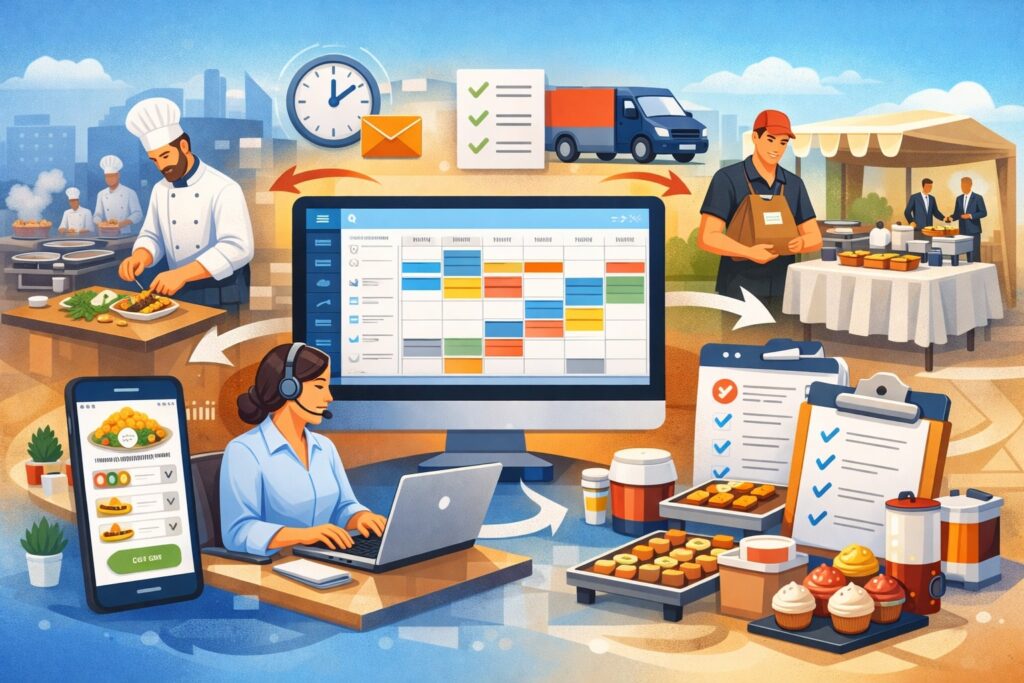
Online catering scheduling software is most effective when it maps to how catering actually works—fast sales cycles, frequent changes, strict timelines, and many handoffs. Here’s what an end-to-end workflow typically looks like when online catering scheduling software is set up correctly.
Step 1: Capture Leads and Standardize Inquiries
A strong system starts with structured intake: web forms, email parsing, or manual entry that feeds your pipeline. Online catering scheduling software should capture essentials (date, guest count range, venue, service style, dietary needs) so quotes don’t require back-and-forth for basic information.
The key is consistency. If every inquiry enters your online catering scheduling software the same way, your team can respond faster, and your reporting becomes accurate. You can also build rules: auto-assign corporate leads to one rep, weddings to another, or rush orders to a manager.
This is where online catering scheduling software creates measurable value: your response time improves, lead leakage drops, and forecasting becomes possible. Systems designed for event-heavy hospitality commonly emphasize capturing and organizing event info in one place to keep teams aligned.
Step 2: Build Proposals, Collect Deposits, and Confirm Bookings
Once the event record exists, online catering scheduling software should generate proposals quickly—using templates, pricing logic, and optional add-ons. The best setups allow versioning so revisions don’t cause confusion.
Deposits and confirmations are the next critical step. Online catering scheduling software should support payment links or integrated invoicing so clients can pay without phone calls. Every payment milestone should update the event status automatically (deposit received → confirmed). That reduces the risk of “phantom holds” blocking your calendar.
If your online catering scheduling software also tracks signed agreements, insurance certificates, or venue documents, your admin load shrinks even more. This is where a system becomes a real operations hub instead of a calendar.
Step 3: Turn Sales Into Production Plans Automatically
The handoff from sales to kitchen is where many operations break. Online catering scheduling software should convert the booked proposal into production outputs: prep sheets, packing lists, shopping lists, and staffing requirements—without re-entry.
This is why catering-focused platforms often highlight operational features like scheduling, menu planning, and event execution tools. When your online catering scheduling software generates standardized documents, kitchen performance improves, training becomes easier, and errors decrease.
Step 4: Execute, Deliver, and Close Out Cleanly
On event day, online catering scheduling software should provide a single source of truth: address, contacts, timing, loading instructions, dietary notes, and last-minute changes. Mobile access matters here—your driver shouldn’t be calling for details that are already in the system.
After delivery/service, close-out is often overlooked. Online catering scheduling software should handle final invoices, gratuities, damage charges, and feedback requests. That creates a clean loop: every event produces data you can use to improve margins, staffing, and menus.
Integrations That Make Online Catering Scheduling Software Even Stronger
Online catering scheduling software becomes dramatically more powerful when it connects to the tools you already rely on—payments, accounting, messaging, marketing, and food safety. The goal is simple: one event record, many connected systems, fewer manual steps.
Payments, Invoicing, and Card Security Expectations
If your online catering scheduling software accepts card payments (directly or through integrations), security and compliance should be a decision factor—not an afterthought.
PCI DSS v4.0 introduced future-dated requirements that became mandatory after March 31, 2025, and many organizations treated April 1, 2025 as a major “now it’s real” compliance milestone.
You don’t need to become a compliance expert, but your online catering scheduling software vendor should clearly explain how they handle payment data (tokenization, hosted payment pages, or processor-managed flows).
The safest path is usually to ensure your online catering scheduling software never stores raw card data and instead uses a reputable processor’s secure checkout.
This matters operationally, too: integrated deposits reduce delays, improve cash flow, and lower the time your team spends chasing payments.
Food Safety Logs, Task Tracking, and Inspection Readiness
Many catering businesses are adopting digital food safety tools—temperature logs, labeling, checklists, and monitoring—because they’re faster and easier to audit than paper. Platforms like Jolt emphasize digital logs and inspection readiness as a core benefit.
IoT-based monitoring providers also promote continuous temperature recording and automation to strengthen HACCP-style controls.
The FDA Food Code is a model adopted and adapted by state and local jurisdictions, and it reflects best-practice expectations for safe food handling in retail/food service environments.
While your local rules vary, online catering scheduling software can support compliance by tying safety tasks and logs to specific events, prep days, and storage locations.
When evaluating online catering scheduling software, ask whether it integrates with digital checklists, temperature systems, or labeling tools—or at least supports attachments and standardized task lists.
CRM, Email Marketing, and Automated Reminders
Catering wins repeat business through relationships and responsiveness. Online catering scheduling software that integrates with email marketing, texting, or CRM systems helps you stay top-of-mind without manual effort.
Automated reminders are especially useful for pickup orders, tastings, and client walkthroughs. Scheduling platforms increasingly highlight automated reminders as a tool to reduce no-shows and keep schedules accurate.
For catering, reminders can also reduce last-minute confusion: “final headcount due tomorrow,” “balance due today,” or “venue access time confirmed.”
The big idea: online catering scheduling software should not just store data; it should trigger action at the right time.
Security, Permissions, and Trust: A Practical Checklist
Because online catering scheduling software stores sensitive information—client addresses, event details, invoices, and sometimes payment-related data—security is a core business decision. If your platform gets compromised, the damage is not just technical; it’s reputational and operational.
Start with access control. Online catering scheduling software should support role-based permissions: sales can edit proposals but not payroll; kitchen can view menus but not financial reports. Audit trails matter too. If a headcount changes, you want to know who changed it and when.
Next is vendor assurance. Many buyers look for SOC 2 reports because they evaluate controls around security, availability, and confidentiality. SOC 2 is designed to help assess how service providers handle customer data and the effectiveness of internal controls. If a vendor can’t discuss their security posture clearly, that’s a risk signal.
Finally, treat payments with extra caution. PCI DSS requirements have tightened under v4.0, with key future-dated requirements becoming mandatory after March 31, 2025. If your online catering scheduling software touches payments, insist on tokenized flows and processor-managed vaulting.
A good rule: choose online catering scheduling software that minimizes what you must secure yourself. Let specialists handle payments and infrastructure security, while you focus on operations.
How to Choose the Right Online Catering Scheduling Software
Picking online catering scheduling software isn’t about finding the tool with the most features. It’s about finding the tool that fits your sales cycle, event volume, staffing model, and menu complexity—without forcing your team into constant workarounds.
Define Your Real Requirements (Not Wishlist Features)
Begin with the problems that cost you money: double-bookings, missed dietary notes, slow quotes, labor inefficiency, equipment losses, or invoice delays. Then map those problems to workflows your online catering scheduling software must support.
For example, a delivery-heavy catering company may need dispatch tools and delivery windows more than floorplan diagrams. A venue-based catering team may prioritize room calendars, event holds, and BEO-style outputs. Online catering scheduling software should match your business model, not fight it.
Also consider your future. If you plan to expand into multiple kitchens or add corporate contracts, your online catering scheduling software should support multi-location calendars, reporting, and standardized templates.
Evaluate Usability Across Roles (Sales, Kitchen, Ops)
One of the most common failures is choosing online catering scheduling software that sales loves but the kitchen hates—or vice versa. During demos, test real scenarios: a last-minute headcount increase, a menu substitution due to supplier issues, or a venue access time change. Watch how many clicks it takes and whether downstream documents update automatically.
Event management platforms built for hospitality often emphasize that teams need one place for event information and scheduling to reduce stress and improve coordination. Your online catering scheduling software must work for the people doing the daily work, not only for managers reviewing reports.
Ask the “Implementation Reality” Questions
Online catering scheduling software success depends on setup: templates, menus, pricing rules, workflows, permissions, and training. Ask vendors how long onboarding typically takes, what data migration looks like, and what support you get post-launch. Also ask about integrations you need now vs. later.
The right online catering scheduling software should feel like a system you can grow into—without a painful rebuild every year.
Pricing Models, Cost Drivers, and Real ROI
Online catering scheduling software pricing varies widely, but most models fall into a few predictable categories: per-user subscriptions, tiered feature plans, event-volume pricing, or custom enterprise pricing.
The “best price” is rarely the lowest number; it’s the option that reduces labor hours and errors enough to pay for itself.
Start by identifying your cost drivers. Online catering scheduling software delivers ROI in three main ways: faster sales conversion (more booked events), reduced admin workload (fewer manual tasks), and fewer costly mistakes (wrong quantities, missed staffing, forgotten equipment). Even small process improvements can matter when your calendar is full.
Next, quantify your time. If your team spends 8 hours per week building proposals, 6 hours scheduling staff, and 5 hours reformatting kitchen sheets, that’s 19 hours weekly.
If online catering scheduling software cuts that in half, you’ve reclaimed roughly 9–10 hours weekly—every week. That time can become more sales activity, better execution, or fewer overtime hours.
Also factor in cash flow. When online catering scheduling software makes it easier to collect deposits and final payments, you reduce late receivables and improve planning confidence. And when your system prevents double-booking or last-minute scrambling, you protect reputation—which is the most valuable “hidden” ROI.
The final step is to watch for hidden costs: training time, template setup, add-on SMS fees, premium support, or integration charges. The right online catering scheduling software makes pricing predictable and value obvious.
Best Practices to Get the Most From Online Catering Scheduling Software
Online catering scheduling software is not a magic button. It becomes powerful when you pair it with clear standards, strong templates, and a team culture that treats the system as the single source of truth.
Standardize Templates and Lock Your “Non-Negotiables”
Build proposal templates, menu packages, staffing roles, and event checklists that reflect how you want to operate. Online catering scheduling software thrives on consistency. If every salesperson formats quotes differently, your kitchen will always struggle. If every event checklist varies, tasks will be missed.
Create required fields: guest count range, venue contact, access times, dietary notes, and service style. Your online catering scheduling software should enforce those fields so events can’t move to “confirmed” without essentials.
Train by Role and Use Real Scenarios
Avoid generic training. Teach sales how to move leads through pipeline stages. Teach kitchen leads how to read prep sheets and update quantities. Teach drivers how to access routes and confirm delivery status.
Use scenario drills: “Client increased headcount by 25 the day before,” “Venue changed load-in time,” “Out of stock ingredient substitution.” If your team can execute those scenarios in online catering scheduling software, they’ll trust it under pressure.
Measure What Matters and Iterate Monthly
Online catering scheduling software gives you data—use it. Track quote-to-book rate, average response time, labor hours per event type, and most common change requests. Over time, you’ll refine your packages, pricing, and staffing models.
The payoff is compounding: every month of improvements makes the next month smoother.
Future Predictions: Where Online Catering Scheduling Software Is Heading
The next wave of online catering scheduling software will be shaped by automation, AI-assisted planning, and deeper operational intelligence. Catering operators want fewer manual steps, faster decisions, and better forecasting—especially during peak seasons.
AI-Assisted Scheduling, Forecasting, and Operational Decisions
AI is already influencing food operations through predictive insights, routing improvements, and reporting automation. Catering-focused commentary on 2025 trends highlights AI’s growing role in planning efficiency and data-driven operations. The realistic near-term impact inside online catering scheduling software will be:
- Smarter lead scoring (which inquiries are most likely to book)
- Automated staffing suggestions based on event type and guest count
- Prep forecasting based on historical production patterns
- Better delivery timing estimates using traffic and route learning
These features won’t replace managers—but they will reduce repetitive planning and help teams avoid predictable mistakes.
Real-Time Execution: Mobile, Messaging, and Proof-of-Work
Online catering scheduling software will increasingly behave like a live operations dashboard: staff check in, tasks complete, deliveries confirm, and issues escalate in real time. Instead of post-event reports, you’ll see event health “as it happens.”
We’ll also see more automation around customer communication: intelligent reminders, self-serve updates, and faster changes without phone calls.
Scheduling platforms already emphasize automated reminders and AI timing optimization as a trend direction. Catering will adopt similar patterns for headcount deadlines, payment milestones, and access-time confirmations.
Compliance and Trust Signals Will Become Standard
As buyers grow more cautious about vendor risk, security proofs (like SOC 2 reporting) will become more common expectations for online catering scheduling software that stores customer data.
Payment and security compliance will remain a major selection factor, especially with PCI DSS v4.0 requirements becoming mandatory after March 31, 2025.
The future of online catering scheduling software is not just “more features.” It’s fewer manual steps, tighter execution, and higher trust.
FAQs
Q.1: What’s the difference between online catering scheduling software and a basic booking calendar?
Answer: A basic booking calendar is designed to reserve time slots. Online catering scheduling software is designed to run events. That difference matters because catering involves far more than time management.
You’re coordinating menus, quantities, dietary restrictions, staffing roles, equipment, delivery timing, and payments—often across multiple locations in the same day.
Online catering scheduling software connects the event calendar to operational outputs. When an event is booked, the system can generate proposals, contracts, prep sheets, packing lists, staffing schedules, and invoices.
When the headcount changes, it can recalculate quantities and update those outputs. A basic calendar can’t do that without manual rework.
The other big difference is collaboration. Online catering scheduling software keeps everyone on the same event record—sales, kitchen, drivers, managers—so updates don’t get lost in texts or email threads.
It also supports reporting, pipeline tracking, and standardized workflows, which helps you improve margins and performance over time.
If you only need to avoid double-booking, a calendar might work. If you need to operate reliably at scale, online catering scheduling software is the better tool.
Q.2: How does online catering scheduling software help prevent costly mistakes?
Answer: Most catering mistakes come from broken handoffs: sales promised something the kitchen didn’t see, the driver got the wrong address, or staffing didn’t reflect new timing. Online catering scheduling software reduces those errors by creating one structured event record that updates everywhere.
It also prevents common scheduling failures. The master calendar helps prevent double-booking, while resource views can show capacity constraints (kitchen load, trucks, key staff). Automated checklists reduce missed tasks, and standardized outputs reduce “format confusion” that causes packing mistakes.
Online catering scheduling software also creates audit trails. If an event detail changes, you can see what changed and when. That helps teams avoid “old version” problems. Many event platforms emphasize centralized event information and scheduling tools because it improves coordination and reduces stress in high-volume environments.
Over time, fewer mistakes means fewer refunds, fewer remakes, less overtime, and better reviews—making online catering scheduling software a profit-protection tool, not just a convenience.
Q.3: Is online catering scheduling software safe for payments and customer data?
Answer: It can be safe—but only if the vendor uses modern security practices and your setup avoids risky workflows. If your online catering scheduling software processes payments, the safest approach is typically tokenized payments or hosted checkout handled by a reputable processor, so your system never stores raw card data.
This matters because PCI DSS v4.0 tightened expectations, and future-dated requirements became mandatory after March 31, 2025 (often treated as an April 1, 2025 compliance milestone).
If your workflow involves card data, ask your vendor exactly how they address PCI scope, storage, and transmission risk.
For broader customer data (event addresses, contacts, invoices), look for role-based permissions, audit logs, encryption, and security assurances. Many organizations also look for SOC 2 reporting as evidence a vendor has controls around security and data handling.
Online catering scheduling software is only as safe as the vendor and your internal access controls. Choose wisely and enforce strong permissions.
Q.4: What should I prioritize if I’m switching from spreadsheets to online catering scheduling software?
Answer: If you’re moving from spreadsheets, your biggest win will come from standardization—not fancy features. First, define your event intake fields and required information.
Then build templates: proposals, menus, staffing roles, prep sheets, and packing lists. Online catering scheduling software delivers value when your process becomes repeatable.
Next, focus on the calendar and workflow stages. You want a pipeline that reflects reality: inquiry → quote → revision → booked → confirmed → executed → closed. That structure alone helps eliminate lead leakage and status confusion.
After that, prioritize outputs for the kitchen and operations. Your team will trust online catering scheduling software when it reduces their workload: fewer manual prep sheets, fewer last-minute calls, clearer checklists.
Finally, plan training by role and run real scenarios. Don’t try to implement everything at once. Launch the core workflow, stabilize it, then add integrations (accounting, messaging, food safety tools) once the team is consistent.
The best online catering scheduling software migration is the one that keeps operations steady while improving standards week by week.
Conclusion
Online catering scheduling software has evolved into a must-have operational system for modern catering teams. It’s no longer just about putting events on a calendar.
The best online catering scheduling software centralizes event data, automates proposals and follow-ups, converts bookings into production plans, coordinates staffing and delivery, and closes events with clean invoicing and reporting.
If you’re growing—or simply trying to reduce mistakes and stress—online catering scheduling software gives you leverage. It replaces fragmented tools with a single source of truth that your entire team can trust.
It also supports the realities of today’s catering market: faster response expectations, more last-minute changes, and greater need for documentation, security, and efficiency.
Looking ahead, online catering scheduling software will continue moving toward AI-assisted planning, real-time execution dashboards, smarter reminders, and stronger trust signals around security and compliance.
The businesses that adopt strong systems early will find it easier to scale, protect margins, and deliver consistent experiences—even during peak seasons.